PDF or DOCX · up to 2MB
Learn how to write a CV or resume that gets interviews. Step-by-step guide with expert tips for ATS optimisation, professional formatting, and standing out in seconds.
Whether to put a photo on your CV depends on the country. Where it is expected, where to leave it off, the usual sizes, and what makes a good one.

Your LinkedIn About holds 2,600 characters, but desktop shows about four lines before "see more". Where LinkedIn folds each section, and what to put first.
How to take a professional headshot at home with your phone: the lens, the light, the distance and the crop, plus when an AI headshot does a better job.
Here's what happens when a recruiter opens your CV: they scan it for about 7 seconds before deciding whether to read further or move on.
That's not hyperbole. Eye-tracking studies consistently show initial CV screening happens in 7 to 11 seconds.
You will also have read that 75% of CVs are auto-rejected by an Applicant Tracking System before a human sees them. That figure is not real. It traces back to a 2012 sales pitch from a company called Preptel, which was selling ATS optimisation and went out of business the following year; no study was ever published behind it. This guide used to repeat it, and we have taken it out.
What an ATS actually does is parse and rank. It turns your file into structured fields, and it fails at that job when the layout fights it: text in a graphic, a two-column reading order, a header table, a scanned image. A CV that parses badly arrives incomplete on a recruiter's screen, and that is the real cost. You can see exactly what gets lost by running any CV through our free ATS checker, and the scoring methodology sets out what it measures and how.
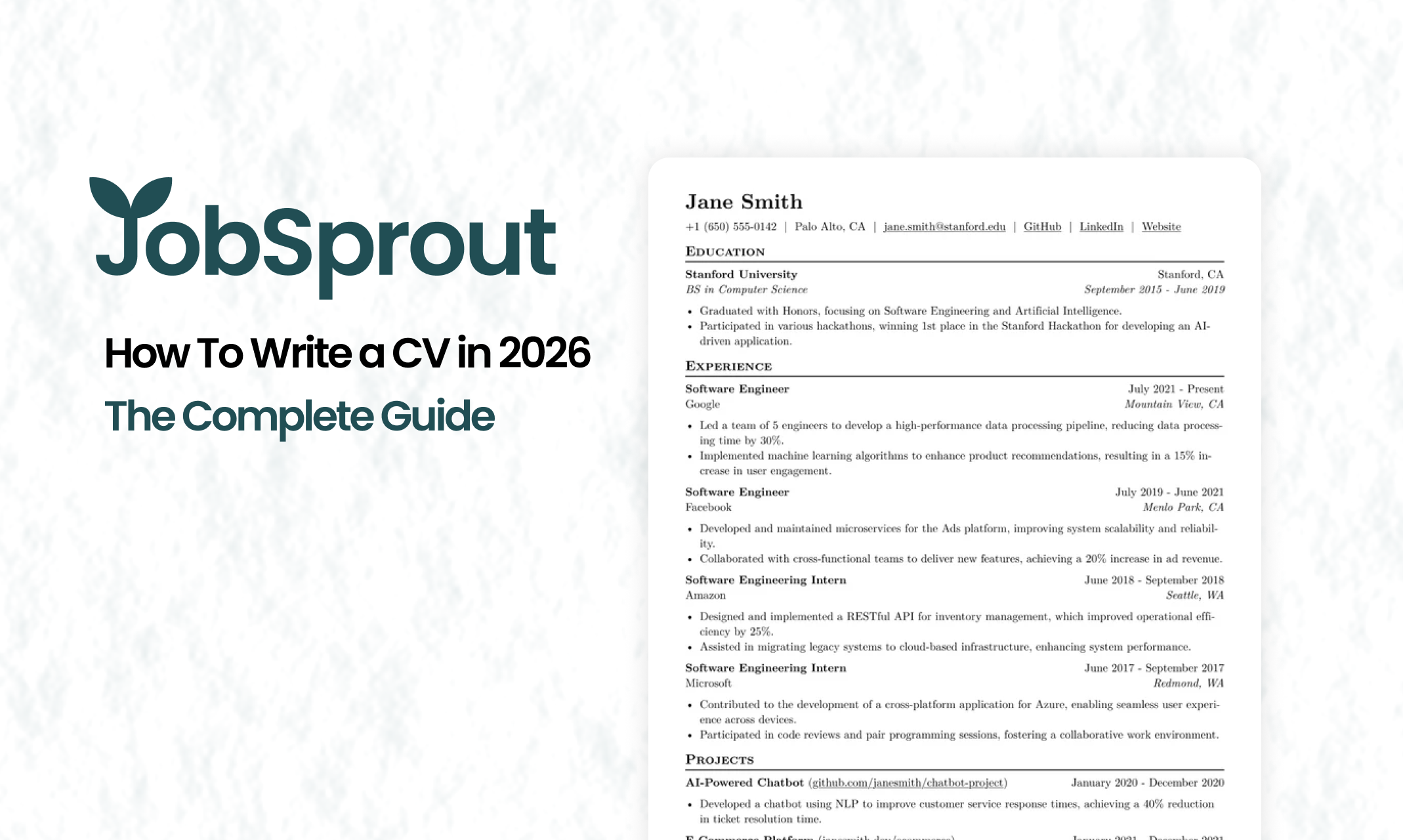
Having reviewed hundreds of CVs as part of hiring teams, I can tell you what makes or breaks that 7-second window: professional presentation. Less than 10% of CVs I received looked professionally typeset. The rest were thrown together in Word with inconsistent fonts, awkward spacing, and layouts that screamed "I didn't put much effort into this."
The uncomfortable truth? Qualified candidates get filtered out because their CV looks sloppy. Someone with exactly the right skills never gets a real look because their first impression failed.
One number is worth carrying into the rest of this guide. In the JobSprout Resume Index, across 27,100 work-experience bullet points measured to 18 August 2026, only 29.7% carried a figure of any kind. Scored separately, 427 resumes put Impact and Quantification lowest of the 12 categories the index publishes, at a mean of 4.6 out of 10, and resumes with no quantified bullets averaged 60 out of 100 against 76 for those where half the bullets or more carried a figure. Most of the gap between a CV that works and one that does not is numbers.
This guide will show you how to write a CV that survives both filters: the parser and the 7-second human scan.
CV or resume? It depends where you're applying:
This guide uses both terms, as they refer to the same document for most job seekers. What matters isn't what you call it; it's what's in it.
Before we get into content, let's address something most CV guides skip: visual quality.
When a recruiter opens your CV and sees polished typography, consistent spacing, and a clean layout, you've already signalled something important: you pay attention to detail. Visual presentation creates an immediate impression before they've read a single word.
The opposite is also true. Awkward line breaks, inconsistent bullet points, fonts that don't quite work together. These small things create a subliminal impression of carelessness. And in a 7-second scan, impressions are everything.
Most people write their CV in Microsoft Word. It's familiar and accessible. But Word wasn't designed for professional typesetting:
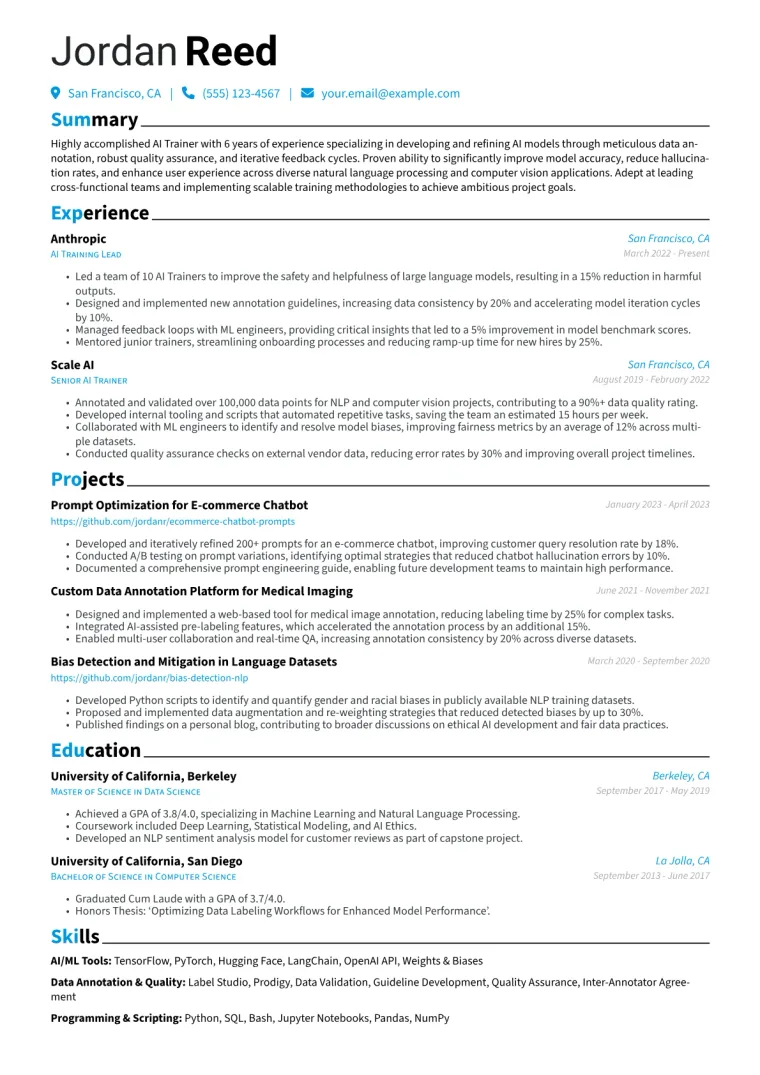
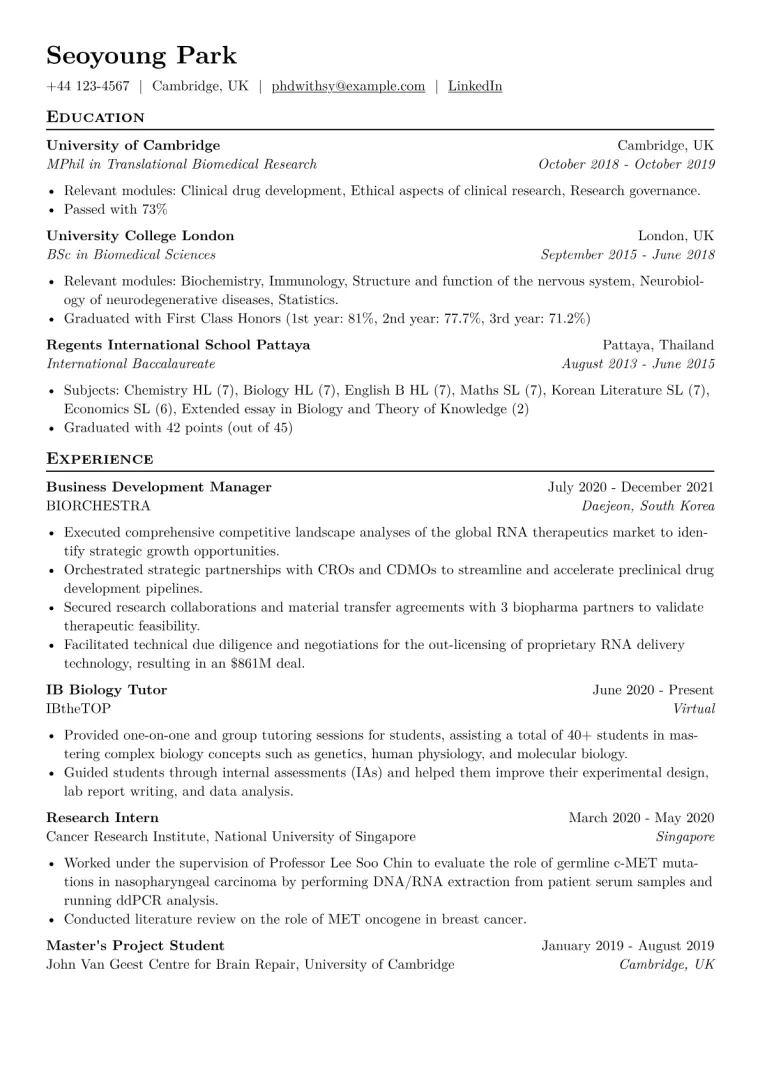
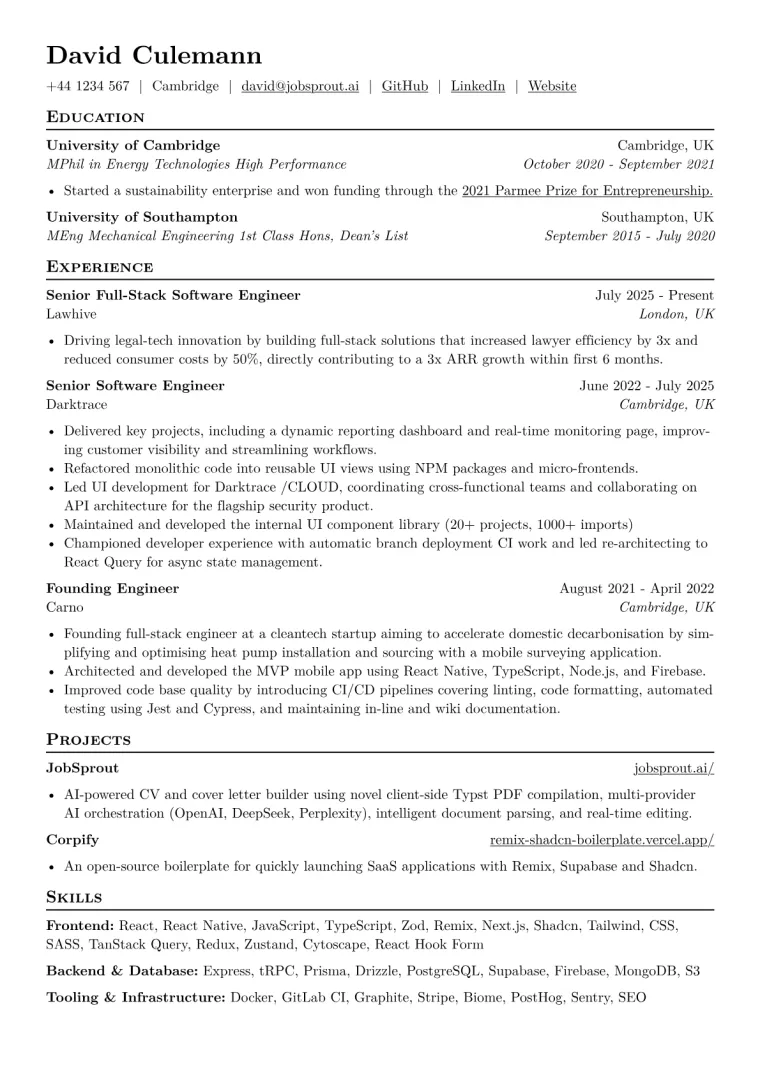
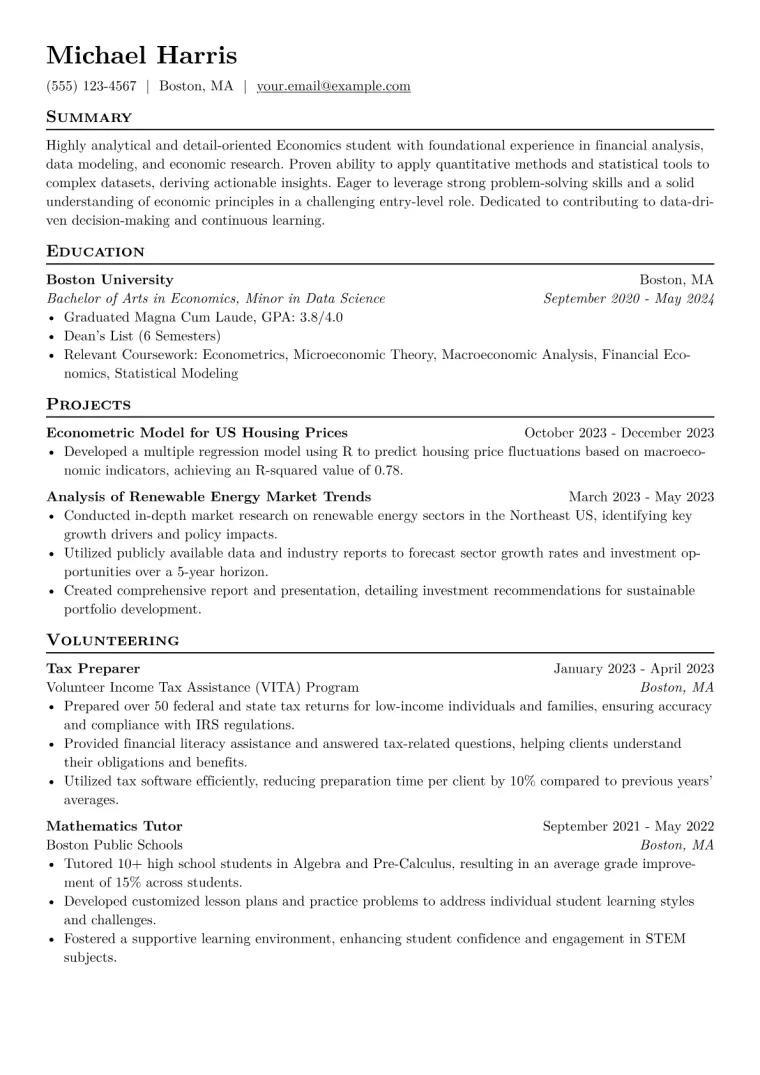
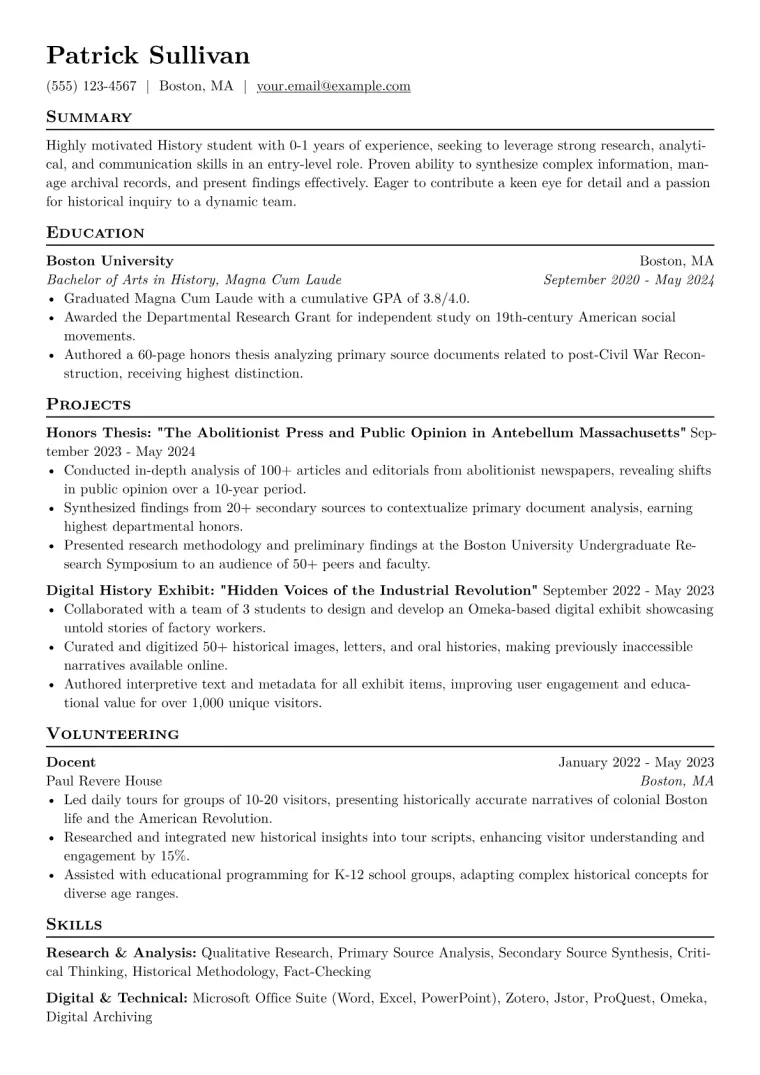
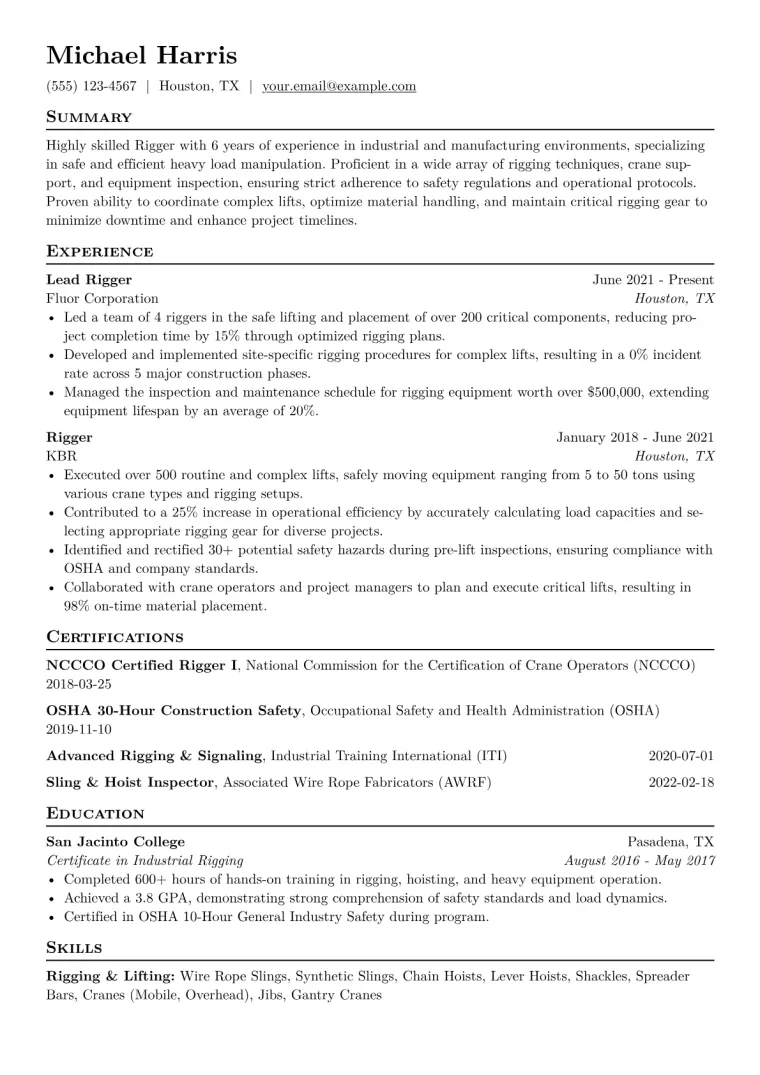
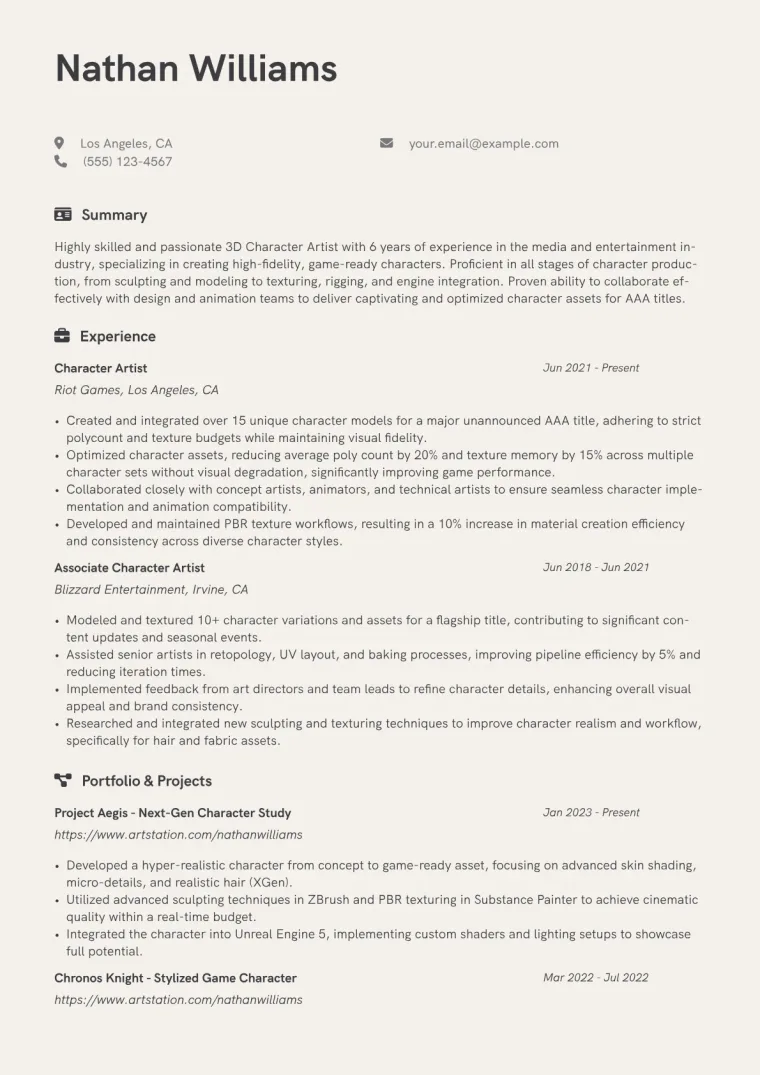
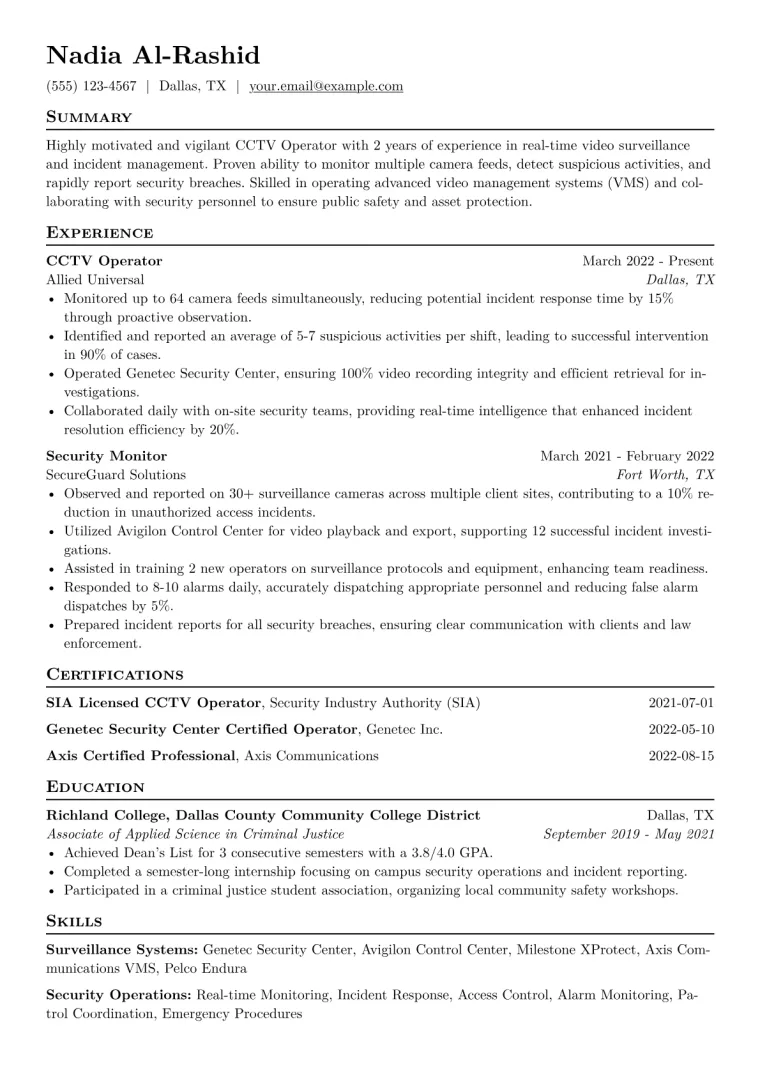
This is why tools like JobSprout exist. JobSprout uses Typst, the modern successor to LaTeX, to produce CVs with professional typesetting: perfect spacing, elegant typography, and ATS-friendly structure, without requiring any design skills from you. You get the visual polish of a professionally typeset document while focusing entirely on your content. See real CV examples in our template gallery to understand what professional presentation looks like.
There are three main CV formats. The choice affects how recruiters perceive your experience and how easily ATS systems can parse your information.
Lists work history in reverse chronological order, starting with your most recent position.
Use this format if you have:
Why it works: This is what recruiters expect and what ATS systems parse best. It clearly shows your career trajectory.
Organises your CV around skills and accomplishments rather than job history.
Use this format if you:
Caution: Many hiring managers are sceptical of functional CVs because they can obscure gaps or lack of direct experience. Use only when necessary.
Leads with a skills section, then includes chronological work history.
Best for:
| Situation | Best Format |
|---|---|
| Steady career progression | Chronological |
| Same industry, different company | Chronological |
| Career change | Combination |
| Employment gaps | Functional or Combination |
| Recent graduate | Chronological |
| Senior/executive | Chronological |
Keep this section clean and professional. It's the first thing recruiters see.
UK, US, Australia: Don't include a photo. It can introduce bias and isn't expected.
Germany: While no longer legally required, photos remain common practice. 82% of German HR managers notice and appreciate professional photos, and some recruiters won't consider candidates without one.
France: Optional but common.
If the country you're applying to expects a photo, you can turn a clear selfie into a CV photo for free.
When applying internationally, research local expectations.
If your current email is unprofessional, create a new one. Around 3 in 10 resumes are discarded by recruiters for having an unprofessional email address, an entirely avoidable reason to lose out.
A professional summary is a 2-4 sentence overview at the top of your CV that captures your most relevant qualifications.
| Professional Summary | Career Objective |
|---|---|
| Highlights what you offer the employer | Describes what you want from the job |
| Focuses on past achievements | Focuses on career goals |
| Best for experienced professionals | Best for career changers or new graduates |
Why it matters: Professional summaries focus on what you bring to the employer, while objectives focus on what you want. Lead with value, not with your own goals.
[Professional Title] + [Years/Level of Experience] + [Key Expertise] + [Notable Achievement]
For a Marketing Manager:
Marketing professional with 6+ years' experience driving growth for B2B technology companies. Expertise in demand generation, content strategy, and marketing automation. Led campaigns generating £1.8M in pipeline with 180% increase in qualified leads.
For a Graduate (Objective format):
Recent Computer Science graduate from University of Manchester seeking a software engineering role. Strong foundation in Python and JavaScript through academic projects and a summer internship at a fintech startup.
Writing about yourself is hard. This is where AI tools genuinely help, not by generating generic content, but by helping you articulate what you already know.
With JobSprout, you can write your first draft and then use the AI Writer to refine specific phrases. Select a sentence that feels clunky, tell it to make it "more confident" or "more concise," and it executes exactly that. You stay in control of your story while getting help with the phrasing.
This is the most important section. It's where recruiters spend the most time and where you prove you can do the job.
Action Verb + Task + Result
Don't just list duties. Show what you accomplished.
Weak:
Responsible for managing social media accounts
Strong:
Grew Instagram following from 5K to 50K in 8 months through data-driven content strategy, increasing engagement rate by 340%
Numbers make achievements concrete and memorable:
Examples:
Strong action verbs make your achievements concrete and memorable. Start each bullet with verbs like:
For achievements: Accelerated, Achieved, Delivered, Exceeded, Generated, Improved, Increased, Launched, Pioneered, Reduced, Transformed
For leadership: Directed, Established, Guided, Led, Managed, Mentored, Orchestrated, Spearheaded
For technical work: Architected, Automated, Built, Deployed, Developed, Engineered, Implemented, Integrated, Optimised
These are overused and passive:
| Experience Level | What to Include |
|---|---|
| Early career (0-5 years) | All relevant experience, including internships |
| Mid-career (5-15 years) | Last 3-4 positions (10-15 years) |
| Senior (15+ years) | Most relevant 4-5 positions |
Earlier roles can be briefly summarised or omitted if not relevant to your target role.
How you present education depends on where you are in your career.
Place education prominently, near the top. Include:
UK Example:
BSc (Hons) Computer Science, 2:1 University of Manchester | 2021 – 2024 Relevant modules: Machine Learning, Software Engineering, Database Systems
US Example:
Bachelor of Science in Computer Science Stanford University | May 2024 GPA: 3.7/4.0 | Dean's List
If you achieved a First or 2:1, include it, as many UK employers specifically look for 2:1 or above. If you achieved a 2:2 or lower, you can:
Tip: Whatever you choose, be consistent throughout your CV.
Keep education brief. Omit grades and dates if you've been working for 10+ years.
MBA, Finance - London Business School BSc Economics - University of Edinburgh
If your qualification is from another country, consider noting the UK or local equivalent to help recruiters understand the level. Services like UK NARIC provide official comparisons.
Your skills section helps you pass ATS screening and gives recruiters a quick capability snapshot.
| Hard Skills | Soft Skills |
|---|---|
| Technical, teachable abilities | Interpersonal and transferable |
| Can be measured or certified | Harder to quantify |
| Examples: Python, Excel, SQL, AutoCAD | Examples: Leadership, Communication |
| Include prominently | Demonstrate through achievements instead |
Rather than listing "excellent communication skills," show it: "Presented quarterly results to board of 12 executives" demonstrates communication better than claiming it.
Simple list:
Skills: Python, JavaScript, React, PostgreSQL, AWS, Docker, Agile
Categorised (for technical roles):
Languages: Python, TypeScript, SQL Frameworks: React, Django, FastAPI Tools: Docker, Kubernetes, AWS, Terraform Methodologies: Agile, CI/CD, TDD
6-12 skills is optimal. More dilutes impact; fewer may seem light.
Note for technical roles: Software engineers and similar roles often list more skills, as employers expect familiarity with a wide range of tools and technologies. If you're including a longer list, make sure you can speak confidently about each one, and brush up on the skills most relevant to the role, as these are likely to be probed in interviews.
These are assumed in 2026 and waste space:
Focus on skills that differentiate you from other candidates.
These aren't required, but can strengthen your application when relevant.
Professional certifications that validate expertise:
Valuable for tech roles, recent graduates, or career changers:
Shows character and can demonstrate relevant skills:
Only include languages where you have professional working proficiency:
For academic, research, or thought leadership roles.
97.8% of Fortune 500 companies use Applicant Tracking Systems. If your CV isn't ATS-optimised, it doesn't matter how qualified you are.
99.7% of recruiters use keyword filters to sort applicants. No keywords = invisible.
Do:
Don't:
If the posting says "experience with Salesforce CRM," use "Salesforce CRM" exactly, not just "Salesforce" or "CRM software."
After passing ATS, your CV still needs to impress a human in 7 seconds. Don't optimise so heavily for keywords that it becomes unreadable. Professional presentation still matters.
This is where purpose-built CV tools help. JobSprout's templates are designed to be both ATS-friendly and visually polished: clean structure that parses correctly, elegant typography that impresses humans.
Generic CVs get filtered out. Hiring managers look for signs that you've actually researched the role and company. Personalisation signals genuine interest.
This doesn't mean rewriting from scratch for every application. It means:
Managing multiple CV versions in Word is tedious. Every tweak risks breaking formatting, and tracking versions becomes chaotic.
JobSprout is built for this:
You spend time on substance, not wrestling with formatting.
Need to rephrase a bullet point to better match a job description? With JobSprout's AI Writer, select the specific text you want to adjust, tell it what you need ("make this more relevant to product management" or "emphasise the leadership aspect"), and it executes. You're not generating generic content, you're refining your authentic experience.
For cover letters, JobSprout's Deep Research feature takes this further: it searches the web to gather real information about the company and role, then uses that context to help generate genuinely personalised content.
Before submitting, verify everything is polished.
Have someone else review your CV:
Impact: Signals lack of attention to detail in the crucial first impression
Fix: Use professional formatting with consistent spacing and typography. Purpose-built CV tools like JobSprout handle this automatically through professional typesetting.
Impact: ATS rejection; recruiter sees lack of genuine interest
Fix: Customise keywords, reorder bullets, and adjust your summary for each application.
Impact: Looks like everyone else; doesn't show value delivered
Fix: Use Action Verb + Task + Result. Quantify wherever possible.
Impact: Claims are unverifiable and forgettable
Fix: Add numbers, percentages, and specific outcomes.
Impact: CV never reaches human eyes
Fix: Use simple formatting, standard headings, and keywords from the job description.
Impact: Immediate rejection. Signals carelessness.
Fix: Proofread multiple times, use tools, get a second opinion.
Impact: Important information gets buried
Fix: One page for early career; two pages maximum for experienced professionals.
Impact: Wastes precious space and recruiter attention
Fix: Include only what's relevant to this specific role.
Impact: Achievements sound passive and unimpressive
Fix: Start bullets with strong verbs (led, created, grew, delivered, reduced).
Impact: Raises red flags when discovered
Fix: Address gaps briefly and honestly (caregiving, education, travel, personal development).
One page for early career (under 10 years of relevant experience). Two pages for mid-to-senior professionals with substantial experience.
The "one page only" rule is outdated. What matters is that every line adds value. A two-page CV with relevant content beats a cramped one-page CV.
UK, US, Australia: No. Photos can introduce bias and aren't expected. Germany: Yes, it's often expected. Other countries: Research local norms.
Use "CV" when applying in the UK, Europe, Australia, and New Zealand. Use "resume" for US and Canadian business roles. The documents themselves are essentially identical for most job seekers.
10-15 years is the general guideline. Older experience can be summarised or omitted if not relevant to your target direction.
Yes, templates ensure consistent formatting and save time. But avoid overly designed templates that may confuse ATS systems. JobSprout uses professional typesetting (Typst) that produces beautiful documents while maintaining ATS compatibility. Browse our CV template gallery to see examples of what's possible.
Ideally, yes. At minimum, adjust your summary and skills to reflect keywords from each job description. Reorder experience bullets to lead with the most relevant achievements. Tools like JobSprout's one-click job tailoring can automate this: paste a job description and your CV is rewritten to match the role, with a word-level diff preview so you see every change.
Use with caution. It can help career changers or those with gaps, but many recruiters view it sceptically. A combination format is often a better choice, as it showcases skills prominently while still showing chronological work history.
AI tools are most effective when they enhance your authentic voice rather than replace it. Generic, obviously AI-generated content is a red flag for many recruiters.
The key is control. Tools that let you write your content and then use AI to refine specific sections (making a phrase more confident, tightening a wordy sentence, strengthening action verbs) give you the benefits of AI while keeping your CV genuinely yours.
In 7 seconds, recruiters form an opinion about you. In those 7 seconds, they're asking:
A well-written, professionally presented CV answers all three positively before they've read a single bullet point.
The content matters. Your achievements, your experience, your skills: these are what ultimately get you the job. But they need to be presented in a way that survives ATS screening and makes a strong first impression in those critical seconds.
If you want professional typesetting without the effort, AI that helps without taking over, and one-click job tailoring that rewrites your CV for each role with a transparent diff preview:
Try JobSprout - Free to create and download. No paywall when you're ready to export.
Questions about your specific situation? Email david@jobsprout.ai or connect on LinkedIn.