PDF or DOCX · up to 2MB
Eye-tracking research reveals where recruiters look during their initial resume scan. What gets noticed, what gets skipped, and how to optimise for it.
Browse 30+ professional bio examples for LinkedIn, company websites, conferences, and social media. Includes templates for every industry, career level, and platform.
Write a prompt engineer resume that gets interviews. Full resume example, summary templates, 10+ experience bullets, technical skills breakdown, and tips for career changers from software engineering, copywriting, data science, and UX research.
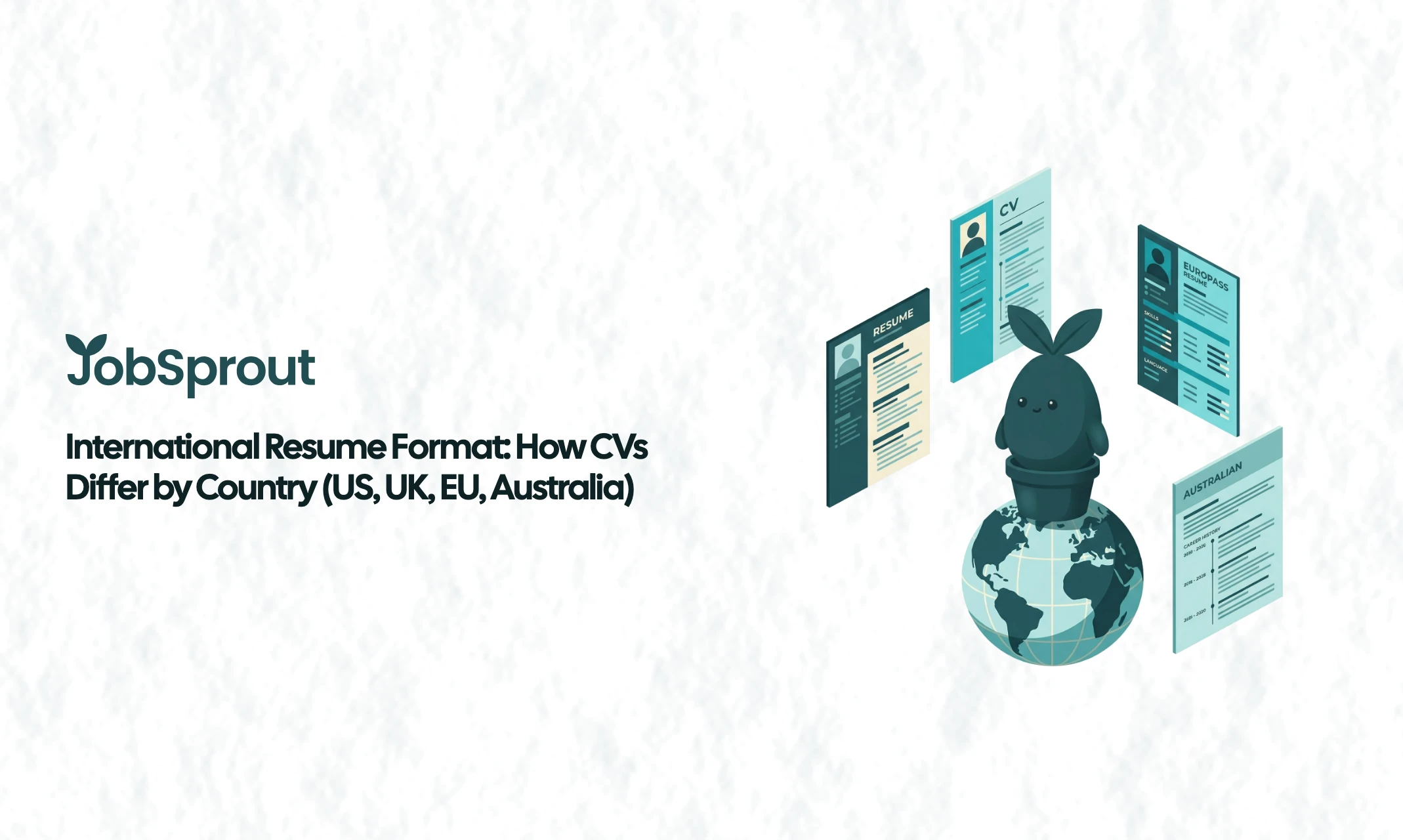
Learn how resume and CV formats differ across countries. Covers the US, UK, Germany, France, Australia, Japan, and the Middle East with comparison tables and practical tips.
Your resume gets about 7 seconds of attention before a recruiter decides whether to keep reading or move on. That number comes from TheLadders' eye-tracking study, one of the most widely cited pieces of hiring research ever conducted. And while the exact figure has been debated and updated since, the core finding holds up: the initial scan is brutally short.
More recent data from InterviewPal's 2025 study of 4,289 resume reviews puts the number closer to 11.2 seconds when recruiters use structured review tools. Novoresume's 2025 HR survey found that 64.9% of hiring managers make their initial decision in under 15 seconds. Whether it's 7 seconds or 15, the window is tiny.
But here's what matters more than the exact number: what recruiters actually look at during those seconds is remarkably consistent. Eye-tracking research has mapped their gaze patterns, and the data reveals a predictable set of fixation points that receive the vast majority of attention. If you understand what gets noticed (and what gets ignored), you can structure your resume to win those critical first moments.
Let's start with the science. Several studies have tracked where recruiters' eyes go when they first open a resume.
The landmark TheLadders study tracked 30 recruiters over 10 weeks using eye-tracking technology. The 2025 follow-up studies from InterviewPal and Wonsulting expanded on this with larger samples and modern tools. The findings are consistent across all of them.
Recruiters scan resumes in an F-shaped pattern. They read horizontally across the top of the page, then move down the left margin, occasionally scanning right for specific information. This mirrors how people read web content generally, but it's even more pronounced with resumes because recruiters are explicitly looking for specific data points.
The practical implication: the top third of your resume receives disproportionate attention, and the left side of each line gets read more carefully than the right.
Across multiple studies, approximately 80% of recruiter attention concentrates on just six areas:
Everything else, including skills lists, certifications, volunteer work, and hobbies, receives significantly less attention during the initial scan. That doesn't mean those sections don't matter (they do, especially for ATS). But they're typically evaluated in the second pass, after a recruiter has already decided the resume is worth reading more carefully.
InterviewPal's 2025 data breaks down where attention goes during the initial scan:
| Resume Section | Share of Attention |
|---|---|
| Work experience | 38% |
| Summary and headline | 24% |
| Skills | 18% |
| Education | 11% |
| Layout and design | 9% |
The experience section alone captures more than a third of the recruiter's attention. Your summary and headline together capture nearly a quarter. Between them, these two areas account for 62% of the initial scan.
This is why I consistently emphasise that your professional summary and your most recent role are the two most important sections on your resume. Everything else is supporting material. If those two sections don't immediately signal "this person is worth interviewing," the rest of the resume may never get read.
Based on the research, here's what actually registers during those first seconds.
1. Your current or most recent job title
This is the single strongest signal recruiters use in their initial scan. 79.4% of hiring managers check work experience first, and within that section, the job title is the first thing their eyes land on.
If your title clearly matches the role you're applying for, you've already passed the first filter. If it doesn't, you need your summary to bridge that gap immediately.
Tip: If your actual job title was vague or internal (like "Associate III" or "Team Lead, Special Projects"), consider adding a clarifying title in parentheses: "Associate III (Senior Data Analyst)." This isn't misleading. It's translation.
2. The company names on your resume
Brand recognition matters more than most people realise. Recruiters form instant impressions based on where you've worked. Recognisable companies create trust quickly. Less known companies require stronger achievement bullets to compensate.
This isn't fair, but it's how fast scanning works. If you worked at a smaller company, make sure your bullet points clearly demonstrate the scale and impact of your work.
3. Dates and career progression
Recruiters check dates to understand your career trajectory. They're looking for progression (promotions, increasing responsibility), consistency (no unexplained gaps), and tenure (how long you stay at each role).
Gaps aren't automatic disqualifiers, but they do get noticed. If you have a gap, our guide to handling employment gaps after a layoff covers how to address this effectively.
4. Numbers and quantified achievements
This is the data point that separates resumes that advance from resumes that don't. 98.7% of HR professionals value quantifiable achievements, making it the single most agreed-upon resume quality metric.
Numbers jump off the page during a scan. "Increased revenue by 34%" is visually distinctive in a way that "Responsible for revenue growth" simply isn't. The human eye is naturally drawn to digits in a block of text, which means quantified achievements get noticed even during a 7-second scan.
5. Your professional summary
The summary captures 24% of initial attention. It's your opportunity to frame the narrative before the recruiter forms their own interpretation of your experience. A strong summary tells them exactly who you are, what you're good at, and why you're relevant to this role.
For guidance on writing effective summaries, see our resume summary examples guide.
Dense blocks of text. If your experience section contains paragraph-style descriptions instead of bullet points, recruiters will skip it. Their eyes bounce off text walls during fast scans.
Skills lists without context. A list of 20 skills in a sidebar gets glanced at, not read. Skills matter most when they're woven into achievement bullets with context and outcomes. Our ATS-friendly resume guide explains how to structure your skills section for both human readers and automated screening.
Decorative elements. Icons, progress bars, graphs, and colour-coded skill ratings are visually noisy and, according to the research, don't receive meaningful attention during initial scans. Worse, they can break ATS parsing, which means your resume might never reach a human reviewer in the first place.
Sections below the fold. Anything that requires scrolling (or flipping to page two) doesn't factor into the initial scan. This is why your most important content must live in the top half of page one.
The F-pattern scan means the upper-left area of your resume receives the most attention. This is where your name, contact information, professional summary, and the beginning of your most recent role should live.
Here's how to optimise this space:
Keep it clean. Your name should be the largest text on the page (but not dramatically so). Include your phone number, professional email, LinkedIn URL, and city (not full address). If relevant, add a portfolio or GitHub link.
What not to include: full home address, date of birth, marital status, photo (unless applying in a country where it's expected), or an unprofessional email address. 35% of recruiters have rejected candidates for unprofessional email addresses, which is a strikingly easy problem to fix.
Your summary should answer three questions in under 50 words:
| Weak Summary | Strong Summary |
|---|---|
| "Results-driven professional with extensive experience in various industries seeking new opportunities to leverage skills and grow." | "Senior Product Manager with 7 years in B2B SaaS. Led the launch of 3 products generating £8.2M in ARR. Looking to lead product strategy at a growth-stage company." |
The weak version could describe anyone. The strong version contains specific details (7 years, B2B SaaS, 3 products, £8.2M) that only one person could write. That specificity is what catches a recruiter's eye during a 7-second scan.
Your most recent position should start strong. The first two or three bullet points of this role get significantly more attention than subsequent bullets. Lead with your best achievement, not with a generic description of your responsibilities.
Strongest bullet first:
"Redesigned the onboarding workflow, reducing time-to-activation from 14 days to 3 days and increasing 30-day retention by 28%."
Not:
"Responsible for user onboarding and retention initiatives across the product team."
For guidance on writing achievement-focused bullet points, see our action verbs guide. And for a complete walkthrough of resume structure and content, our guide to writing a resume covers every section in detail.
96.6% of HR professionals say formatting influences their hiring decision. That's not about making your resume "look pretty." It's about making it scannable.
The resumes that perform best in eye-tracking studies share these characteristics:
The resumes that consistently performed worst in eye-tracking research had:
JobSprout templates are built on Typst, a professional typesetting system, specifically to get this balance right. Clean visual hierarchy, perfect spacing, ATS-friendly structure, and none of the decorative noise that hurts scan performance. The output looks polished and professional without any element that could trip up either a human reviewer or an automated system.
If your resume passes the 7-second test, the recruiter moves into a more careful review. InterviewPal's data shows this second pass lasts a median of 1 minute and 34 seconds, and the focus shifts significantly.
During this phase, recruiters are:
This means your resume needs to work at two speeds: fast (scannable headlines, numbers, clear structure) and slow (detailed, specific, credible achievements that hold up under scrutiny).
Based on the research, here's a concrete checklist for making your resume scan-proof.
For a complete guide on ATS optimisation, see our ATS-friendly resume guide, or run your resume through our free ATS resume checker to see how it scores right now.
The 7-second scan affects everyone, but the strategy varies depending on where you are in your career.
Your challenge: limited work experience means less to scan. Your advantages: education is still recent and relevant, and recruiters have lower expectations for metrics at this level.
Focus on: Education prominence (put it higher on the page), internship and project achievements with whatever numbers you can provide, and a strong summary that clearly states your target role. Even "Contributed to a project that saved the team 10 hours per week" is better than "Assisted with various team projects."
Your challenge: you have enough experience that not everything fits. Your advantage: you should have solid, quantified achievements.
Focus on: Ruthless prioritisation. The 7-second scan means your last 2-3 roles get most of the attention. Make sure those roles showcase your best work. Earlier roles can be condensed to one or two lines. Lead every role with your strongest metric.
Your challenge: too much experience to cover. Your advantage: the narrative is the selling point.
Focus on: A powerful summary that positions you for the specific opportunity. Your most recent role should demonstrate strategic impact, not operational tasks. Revenue, growth, team size, and P&L responsibility are the numbers that matter at this level. Earlier roles can be listed as brief entries (title, company, dates) without bullet points.
Here's something the research makes clear but that's uncomfortable to say: the 7-second scan is not a fair evaluation. It rewards people with recognisable company names, clean formatting, and easily quantifiable work. It disadvantages people with non-linear career paths, work in less quantifiable fields, and experience at lesser-known organisations.
The eye-tracking data doesn't say this is how it should be. It says this is how it is. And understanding how it works gives you the ability to play the game effectively, even if the game isn't perfectly designed.
The good news is that the things that matter most in those first 7 seconds are entirely within your control: your summary, your formatting, your use of numbers, and the order in which you present your experience. These aren't about having a more impressive career. They're about presenting the career you have in the most scannable, compelling way possible.
That's a skill, not a privilege. And it's one you can develop.
The original number comes from TheLadders' eye-tracking research, which found an average initial scan time of 6-7.4 seconds. More recent studies put the number closer to 11 seconds when recruiters use structured tools, and up to 15 seconds for some evaluators. The exact number varies, but the principle is consistent: the initial scan is very brief, and the vast majority of your resume content is not read during it. Design your resume for the scan, then ensure it holds up under deeper reading.
Based on the research, it's your most recent job title and the first bullet point under it. That combination captures more recruiter attention than any other element. If those two pieces of information clearly signal relevance to the role, your odds of making it past the initial scan increase dramatically.
Yes. 24% of initial scan attention goes to the summary area. It's your chance to frame the narrative before the recruiter draws their own conclusions from your experience section. A well-written summary that includes your title, specialisation, and a key achievement acts as a roadmap for the rest of the resume.
The research consistently shows that clean, simple formatting outperforms creative designs. 40% of recruiters are put off by overly designed resumes, and decorative elements can disrupt the natural F-pattern scan that recruiters rely on. Stick to a single-column layout with clear hierarchy and consistent formatting. Professional typesetting (like Typst, which JobSprout uses) gives you the polish without the risk.
Gaps are noticeable during the date-checking phase of the scan. The best approach is to ensure the dates are present (trying to hide them creates more suspicion than the gap itself) and to fill gaps with relevant activity where possible: freelance work, certifications, volunteer projects. For detailed advice, see our post-layoff resume guide.
The 7-second scan isn't going away. If anything, as application volumes continue to rise (up 182% year-over-year), recruiters are under more pressure to evaluate faster. Understanding what they look at, and designing your resume accordingly, is one of the highest-leverage things you can do in your job search.
The formula is straightforward: strong summary, clean formatting, quantified achievements, and your best work front and centre. No tricks, no gimmicks. Just a resume that communicates your value in the time it actually gets.
If you want to get the formatting and structure right without spending hours on it, JobSprout handles all of this automatically. Professional Typst typesetting, ATS-friendly templates designed for scanability, and AI-assisted writing that helps you quantify your achievements. Your content, presented in the format that eye-tracking research says works best.
Build your resume with JobSprout. Free to create and download.
Questions or feedback? Email david@jobsprout.ai or connect on LinkedIn.