Help Desk Interview Questions

14 questions from the recruiter screen to the situational round, each with what the interviewer is checking.

What interviewers look for

Help desk interviewers evaluate how you handle technical incidents and support end users through daily tickets. They assess your ability to manage requests in systems like Jira Service Desk or ServiceNow while resolving issues related to password resets, hardware troubleshooting, or user account management. You should expect questions focused on your technical troubleshooting process, how you manage communication with frustrated users, and your experience maintaining stable environments for company employees.

Recruiter screen

  1. What motivates you to troubleshoot technical issues in a help desk environment for forty hours per week?

    What they're checking: How your interest in technical support aligns with the repetitive nature of daily ticket resolution.

    Problem Solving
  2. Do you hold an active CompTIA A+ certification or other relevant credentials for entry-level help desk operations?

    What they're checking: Whether you have the foundational knowledge and industry validation required for immediate service delivery.

    CompTIA A+
  3. Are you able to work the rotating shifts required to provide remote desktop support across multiple time zones?

    What they're checking: How your schedule availability meets the needs of our global user base and coverage model.

    Remote Desktop Support

Behavioral

  1. Tell me about a time you managed a backlog of tickets in ServiceNow while dealing with an influx of password reset requests.

    What they're checking: How you prioritize incoming requests to keep the help desk within service level agreement timeframes.

    Password ResetsSample answer
  2. Describe a time you had to explain a complex technical issue to a non-technical user without using jargon.

    What they're checking: Whether you can effectively bridge the gap between technical complexity and user understanding during an interaction.

    Communication SkillsSample answer
  3. Tell me about a time you identified a recurring hardware failure across multiple laptops in the office.

    What they're checking: How you investigate patterns in hardware performance to reduce the volume of future support tickets.

    Hardware TroubleshootingSample answer

Role knowledge

  1. Which steps do you follow when an employee forgets their credentials and requires access to Active Directory?

    What they're checking: Whether you follow established security protocols to verify user identity before resetting sensitive corporate access.

    Active Directory
  2. How do you configure a standard Microsoft Office email profile for a new user on a Windows OS machine?

    What they're checking: Whether you know the technical configuration steps for connecting client software to our mail server environment.

    Email Configuration
  3. Explain your process for identifying the root cause when a user reports that antivirus software is flagging a legitimate file.

    What they're checking: Whether you can evaluate security false positives while maintaining the protection of the internal network.

    Antivirus Software
  4. Describe how you migrate user data when a computer hardware unit fails and must be replaced.

    What they're checking: How you handle file integrity and storage security during the lifecycle replacement of equipment.

    Data Backup
  5. When would you escalate a ticket from your local level to a Tier 2 systems administrator?

    What they're checking: Whether you recognize the limits of your technical access and when to request higher level intervention.

    Troubleshooting

Situational

  1. What would you do if a user claims their work is stalled because they cannot connect to the internal network?

    What they're checking: How you systematically test connectivity to isolate the fault between local hardware and the network infrastructure.

    Network Troubleshooting
  2. What would you do if you receive three urgent tickets at once, including one from a high level executive?

    What they're checking: How you manage your composure and triage tickets based on business impact rather than requester hierarchy.

    Patience
  3. What would you do if a remote user requires support but their laptop cannot connect to the internet?

    What they're checking: How you guide a user through basic connectivity steps when standard remote tools are unavailable.

    Remote Desktop Support

Sample answers

AI-written STAR examples to swap your own facts into.

Tell me about a time you managed a backlog of tickets in ServiceNow while dealing with an influx of password reset requests.

Situation
My queue in ServiceNow grew to twenty tickets during a Monday morning peak period when the password sync server went offline.
Task
I had to resolve the backlog while processing new incoming password reset requests as users arrived at their desks.
Action
I implemented a batch script to reset status codes and used the system bulk update feature to address ten requests at once.
Result
I reduced the wait time for users by forty percent and cleared the entire backlog within ninety minutes of the shift.
Describe a time you had to explain a complex technical issue to a non-technical user without using jargon.

Situation
An executive had a critical issue with an application installation that was stalling an important presentation.
Task
I needed to explain why the installation required an admin override without sounding like I was blaming their account settings.
Action
I used clear language to walk them through the security prompt while keeping them informed of each step of the process.
Result
The software installed correctly in ten minutes and the user was able to start the presentation on time.

Tell me about a time you identified a recurring hardware failure across multiple laptops in the office.

Situation
I noticed that five users submitted tickets regarding unexpected shutdowns of their docking stations within the same week.
Task
My goal was to determine if this was a user error or a failing batch of power supplies provided by the vendor.
Action
I performed a firmware check and compared the failure dates against the delivery logs for that specific equipment batch.
Result
I identified a defect in fifteen units, preventing further downtime for the rest of the staff and saving an estimated sixty hours of troubleshooting time.

Say your answers out loud before the real thing

Answer by voice or text, with questions drawn from your CV and the job ad. Your answers come back rewritten using only facts from your CV or what you said.

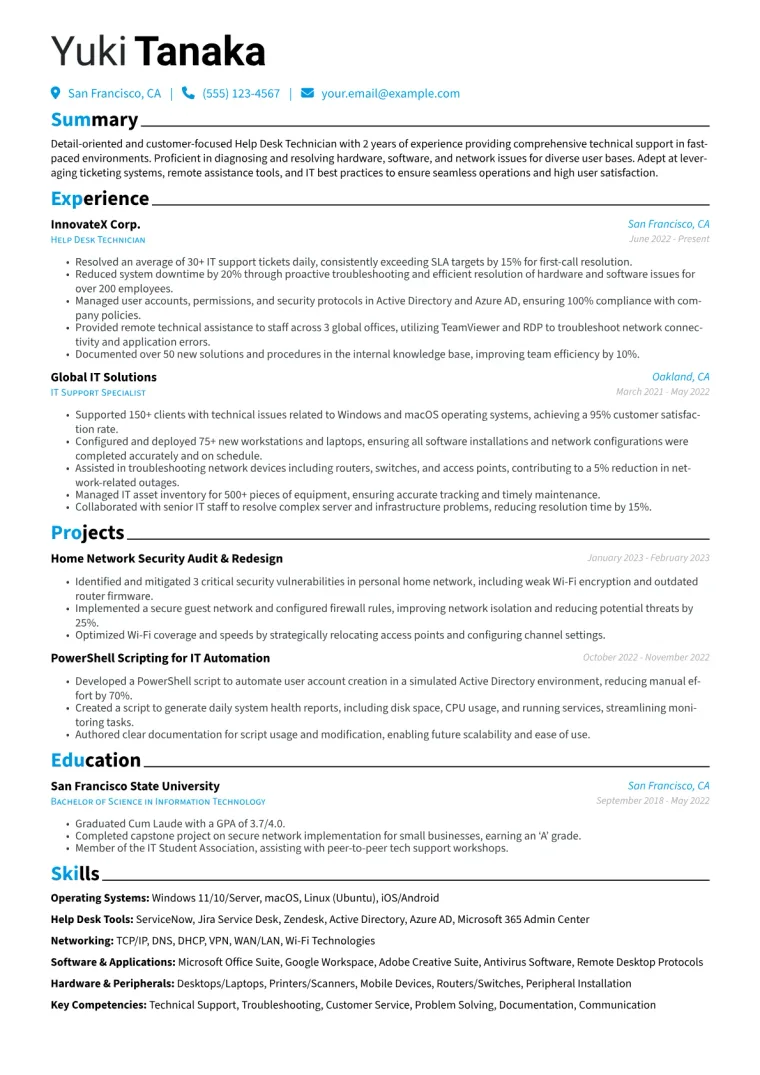
Applying for Help Desk Technician jobs