Your resume, as a website.
Drop in your resume and every section lands on a page you can send as one link.
4.8 from 167 in-app reviews
Free to publish. No card, no code.

Try every theme before you upload

Maya Chen
Senior Frontend Engineer
I build fast, accessible interfaces for products people reach for every day. Lately that means design systems, web performance, and making complex tools feel obvious.
Experience
Projects
An open-source React component library built for keyboard access, motion, and theming. Every component ships with full ARIA support, reduced-motion variants, and a headless API layered over Radix primitives.
4k GitHub stars and adopted by a dozen startups in production. Maintained with a contributor community, semantic-versioned releases, and a Storybook-driven documentation site.
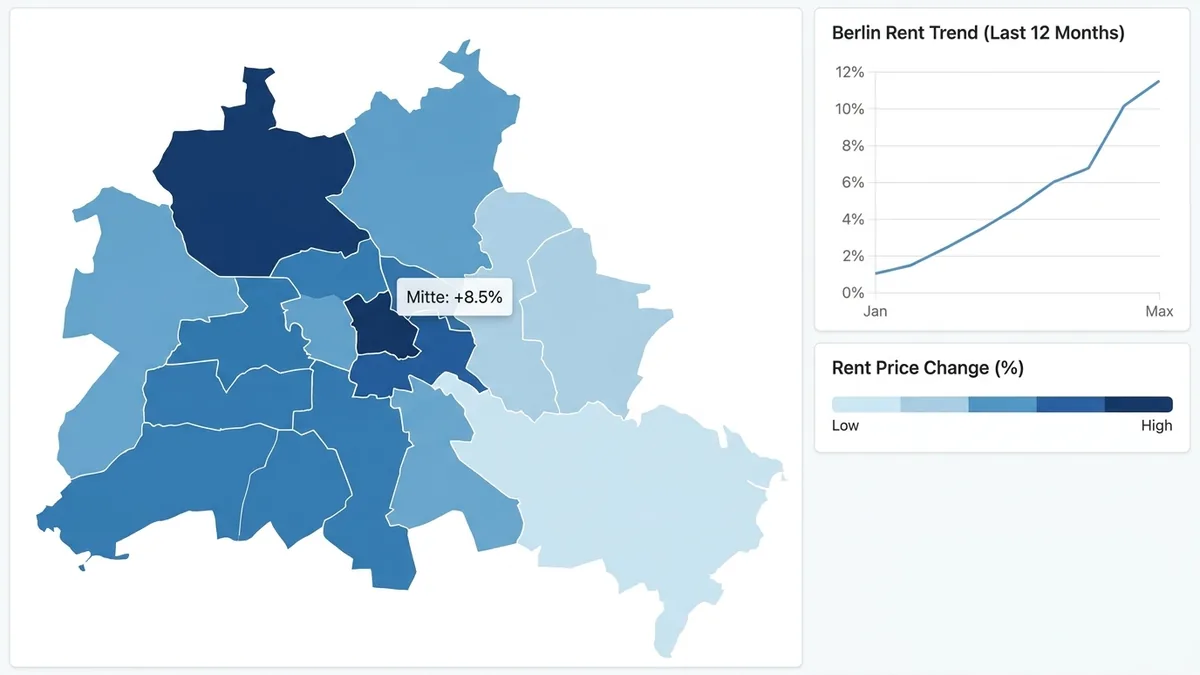
A live dashboard that tracks Core Web Vitals for any public URL, re-measuring on every deploy and alerting when a metric regresses past its budget.
Runs field measurement through the CrUX API and lab checks on edge functions, charting p75 LCP, INP, and CLS over time.
An ESLint plugin that catches common accessibility mistakes in JSX before they ship, from missing labels to non-semantic click handlers. Ships with autofixes for the safe cases.
Skills
Certifications
Awards
Languages
Education



Know when someone opens it
Every visit, and where it came from.
What one link carries
Built from your resume
Upload a PDF or Word file, or paste the text. Nothing to retype.
Your work, before anyone clicks
Links to projects, articles and repos pull in a clean preview image.
A link that fits anywhere
A jobsprout.me address short enough for an email signature.
A resume people can download
The PDF always matches the live site.
Found on Google
Switch it on and Google can list your site when someone searches your name.
Update it without resending
Edit your resume and republish. The link you already sent shows the new version.
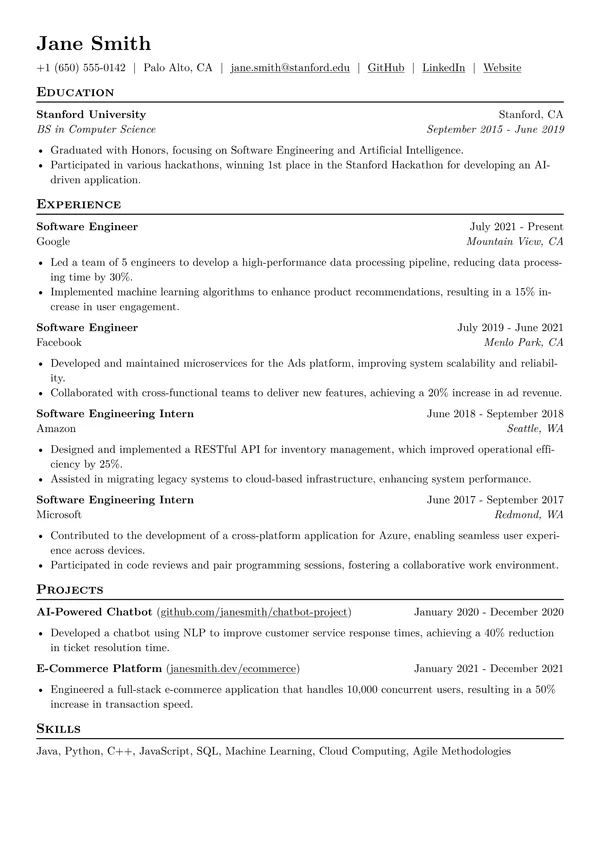
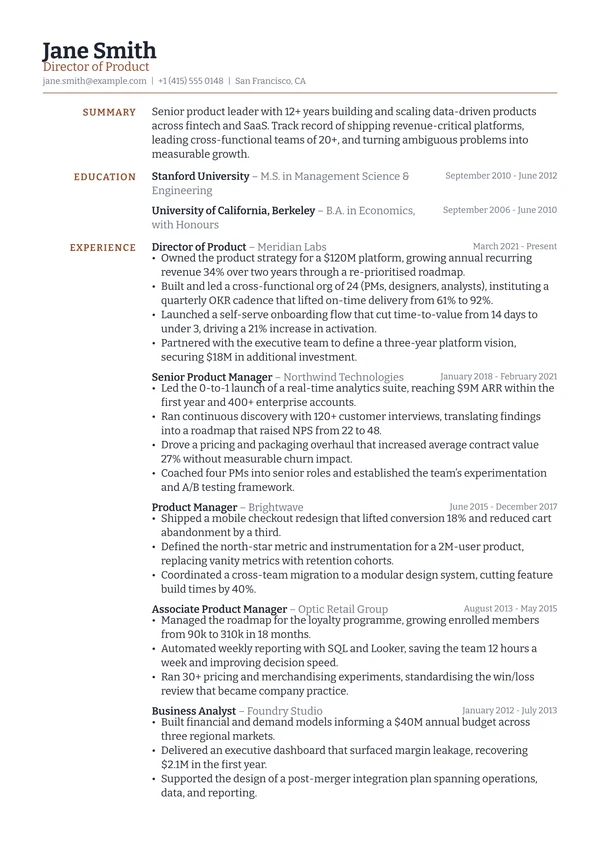
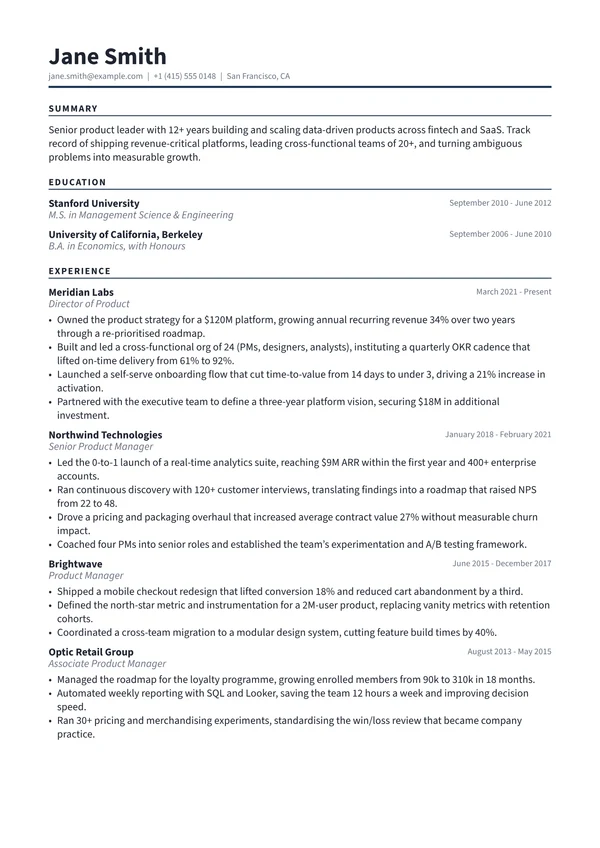
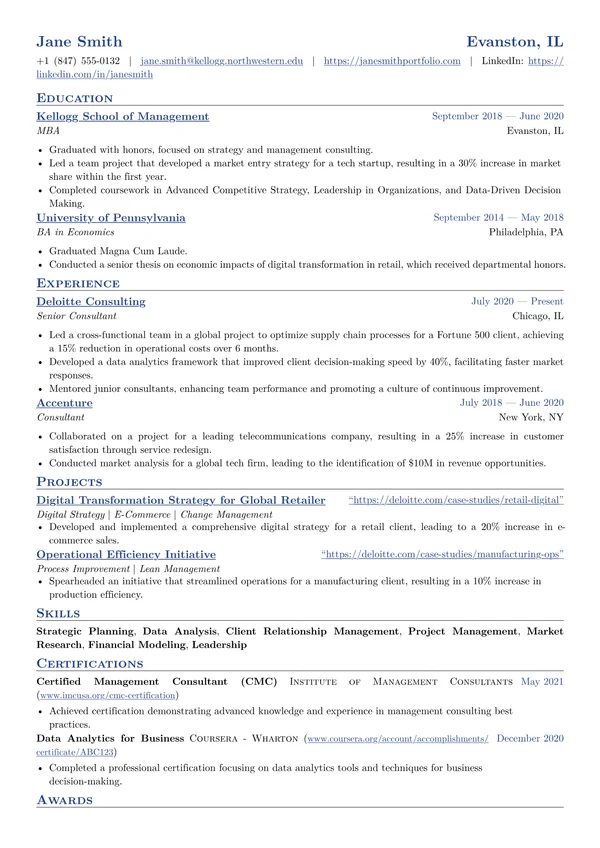
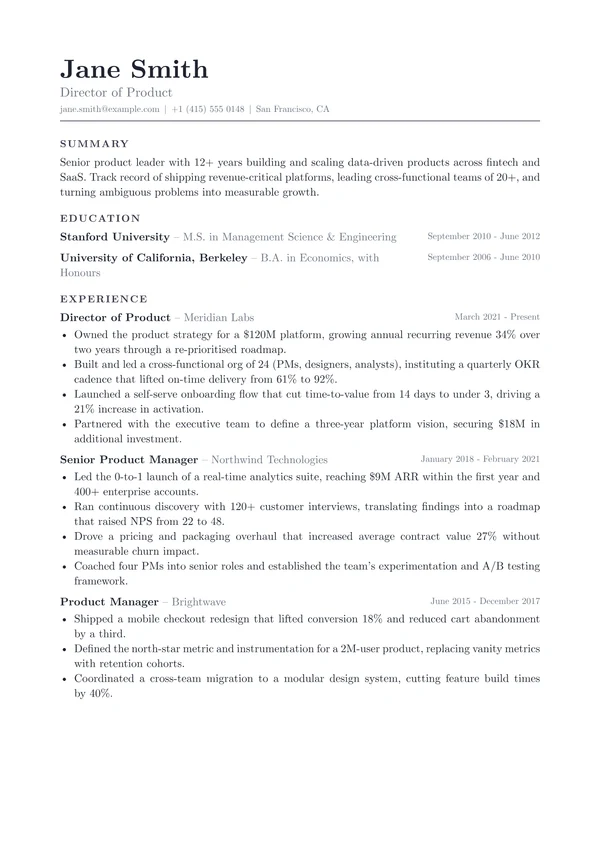
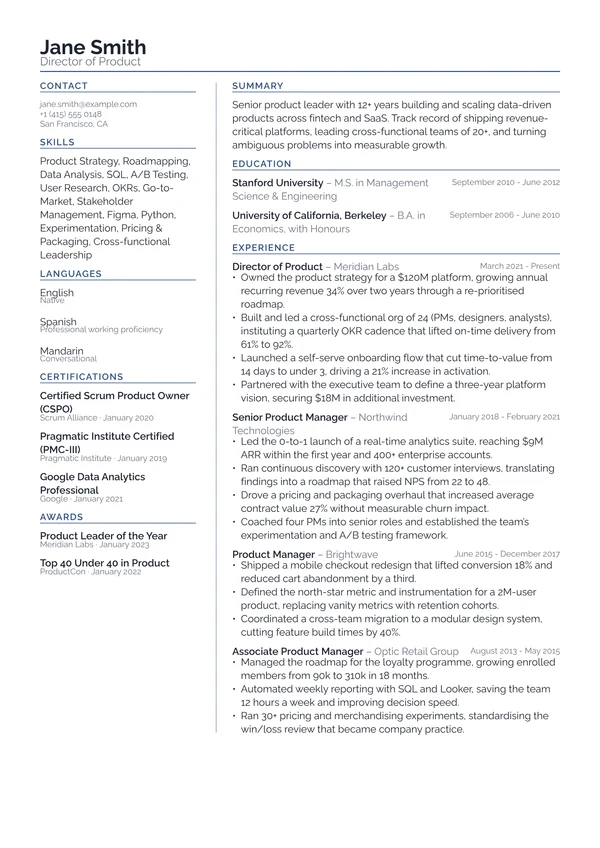
Frequently asked questions
How do I turn my resume into a website?
Pick a resume or profile you already have in JobSprout, choose a theme, claim your address and hit publish. Your content flows in automatically, so making a resume website takes under a minute and you never start from a blank page.
How do I make a resume website for free?
Build and publish your resume website for free on a ready-made jobsprout.me address, with hosting included and no card required. Pro puts your name in the link (jobsprout.me/yourname), unlocks the premium themes and adds visitor analytics.
Are there resume website templates to choose from?
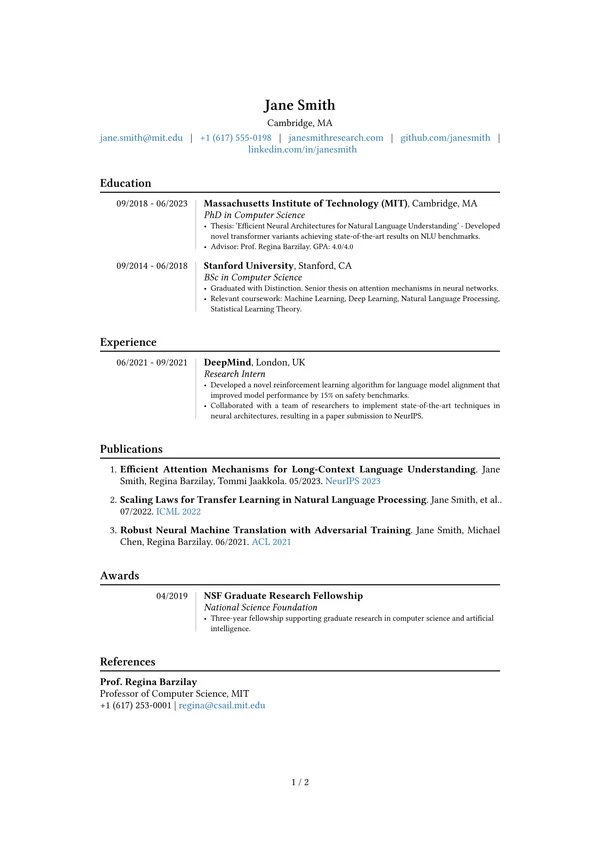
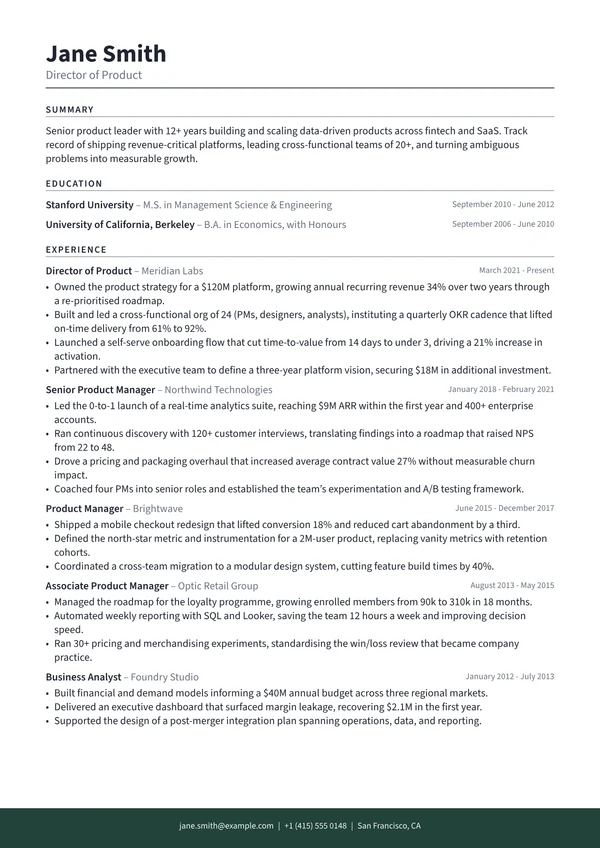
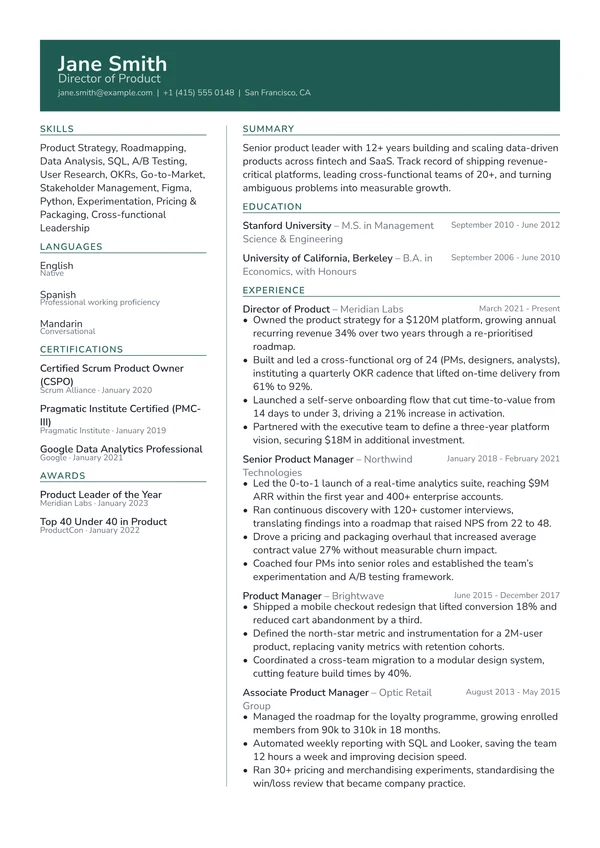
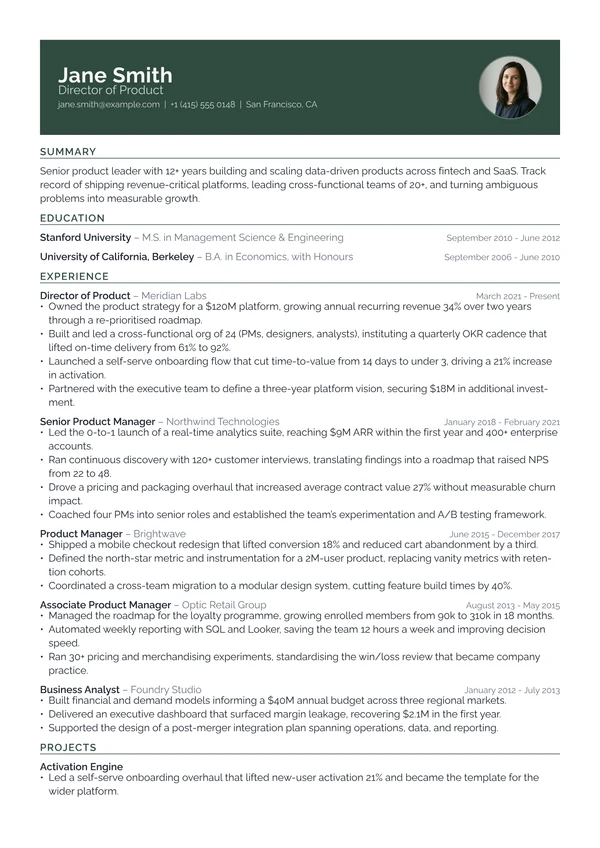
Yes. Every resume website starts from a ready-made theme, so a template handles the design for you: pick one, drop in your resume and adjust the colour, font and section order. The free theme covers the essentials; Pro unlocks the premium resume website templates and puts your name in the link.
Do I need to know how to code to build a resume website?
No. There is nothing to install and no HTML or CSS to write. Pick a theme, adjust the colour, font and layout, reorder your sections and publish. It is closer to editing a document than building a site.
What is the difference between a resume website and an online CV?
They are the same idea: a live web page that shows your resume instead of a file you attach. An online resume, or digital resume, lives at a link you can share anywhere, updates the moment you edit it, and reads well on a phone as well as a laptop. Recruiters open one page instead of downloading an attachment.
Where can I see personal website examples?
The six sites on this page are live examples: a senior frontend engineer, a product designer, a computational biologist, a growth marketer, an architect and a junior data analyst. Open any of them to see a published resume website on jobsprout.me, two on each of the three themes.
Does a personal website help you get a job?
It gives recruiters one clean link instead of an attachment: your experience, live previews of your work and a downloadable resume on a page that looks considered on any device. A personal website fits an email signature, a LinkedIn profile or a resume header, and it is often the first thing someone sees when they search your name.
What is the difference between a personal website and LinkedIn?
LinkedIn makes everyone look the same inside one platform. A personal website is yours: your design, your ordering, live previews of your projects, and a resume people can download without logging in to anything. Most people use both, with the website as the link they actually share.
Will my resume website show up on Google?
That is your choice. Turn on indexing and your site can appear when someone searches your name. Leave it off and the page stays unlisted, reachable only by the link you share.
Can recruiters download my resume from the site?
Yes, if you allow it. Visitors get a polished PDF that always matches what they see on your live site, so the download and the page never drift apart.
Can I update or unpublish my website later?
Any time. Change your resume and republish, and the site updates to match. Unpublishing takes the page down immediately, and your data stays in your account so you can put it back whenever you want.
One link for every application. Build it free.
Free to publish. No card, no code.