Grid Resume Template
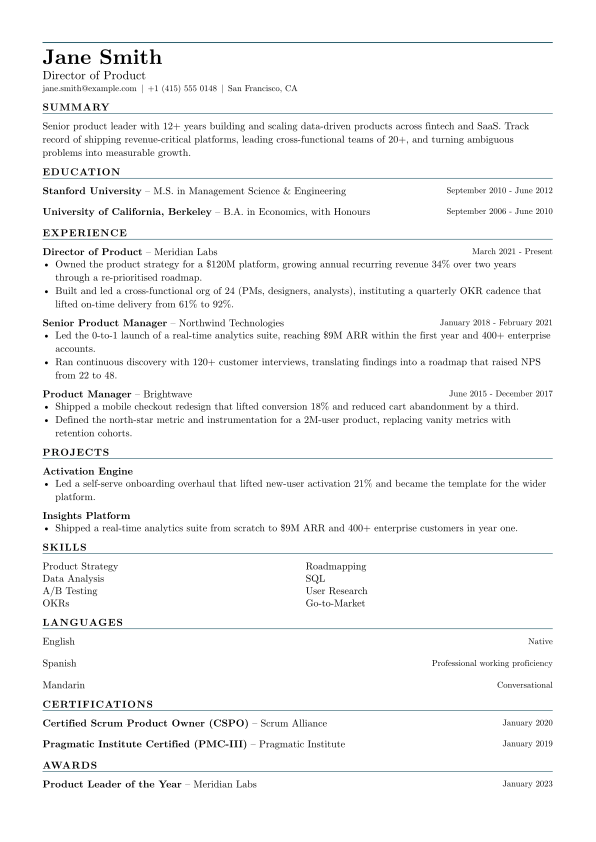
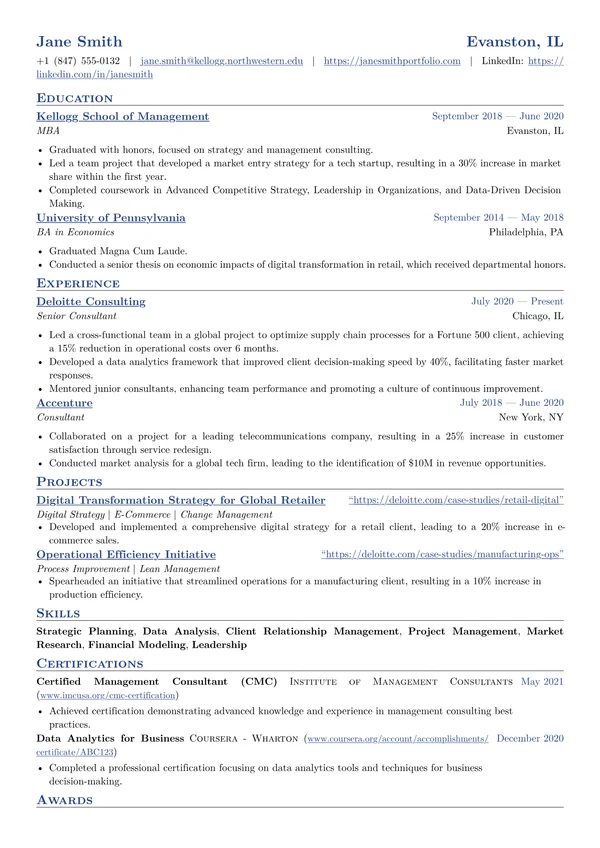
Structurally conventional, with one deliberate move: skills are set as a balanced two-column grid instead of a long list, which recovers most of a page for people with a lot of tools to name. Everything else stays plain serif on white.
Use the Grid template
Your resume in this design, ready to edit.
Free, and no account needed to start.
When to use it
Reach for this if your skills section is doing heavy lifting and a single-column list of twenty items is eating the page you need for experience. Common for developers, analysts and technicians.
- Developers and engineers with long tool lists
- Data and analytics roles
- Technical CVs that must stay one page
- Anyone whose skills section keeps overflowing
Resume examples using Grid
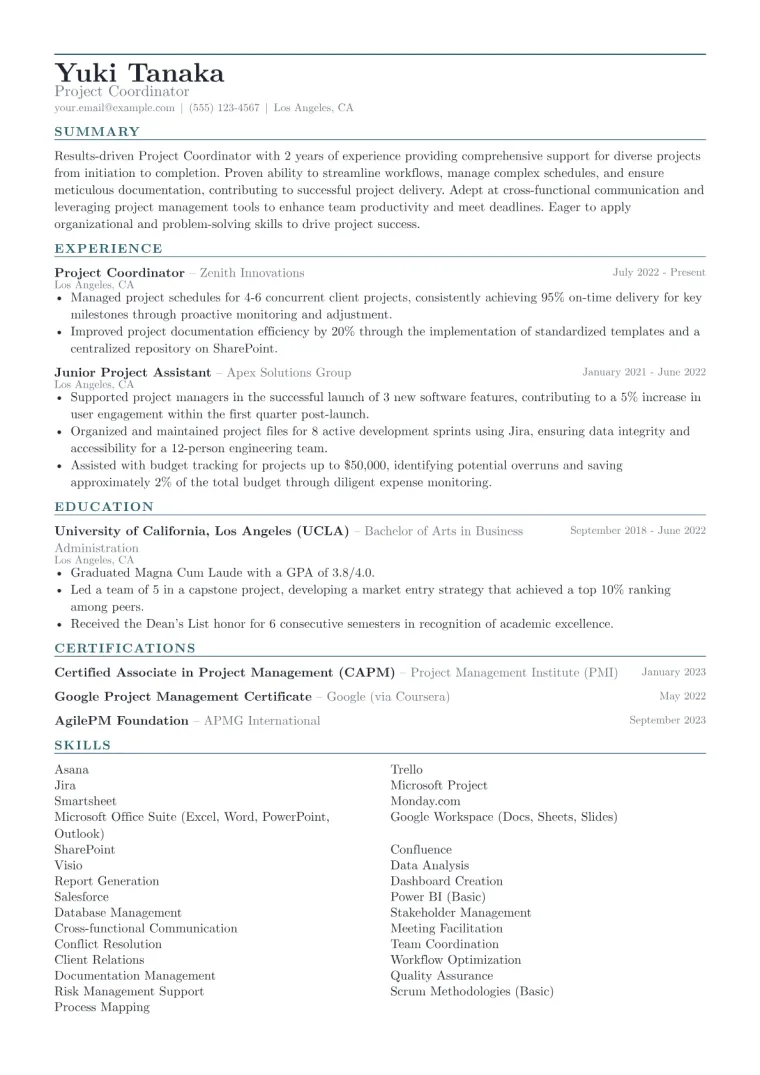
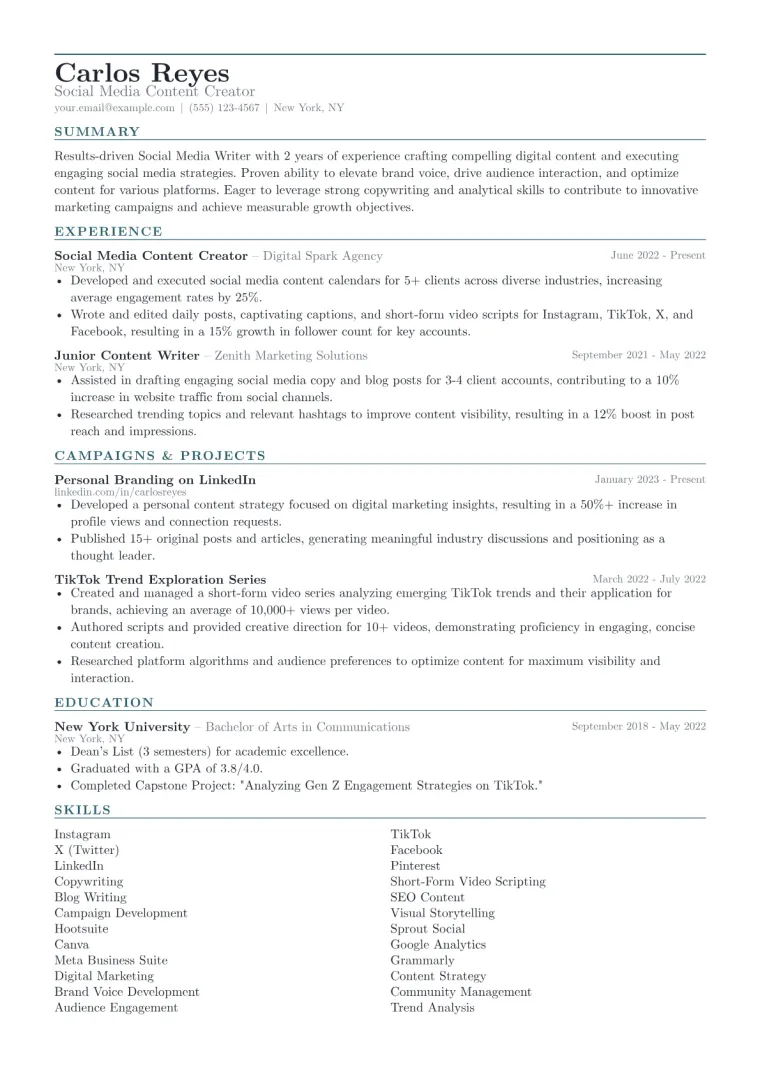
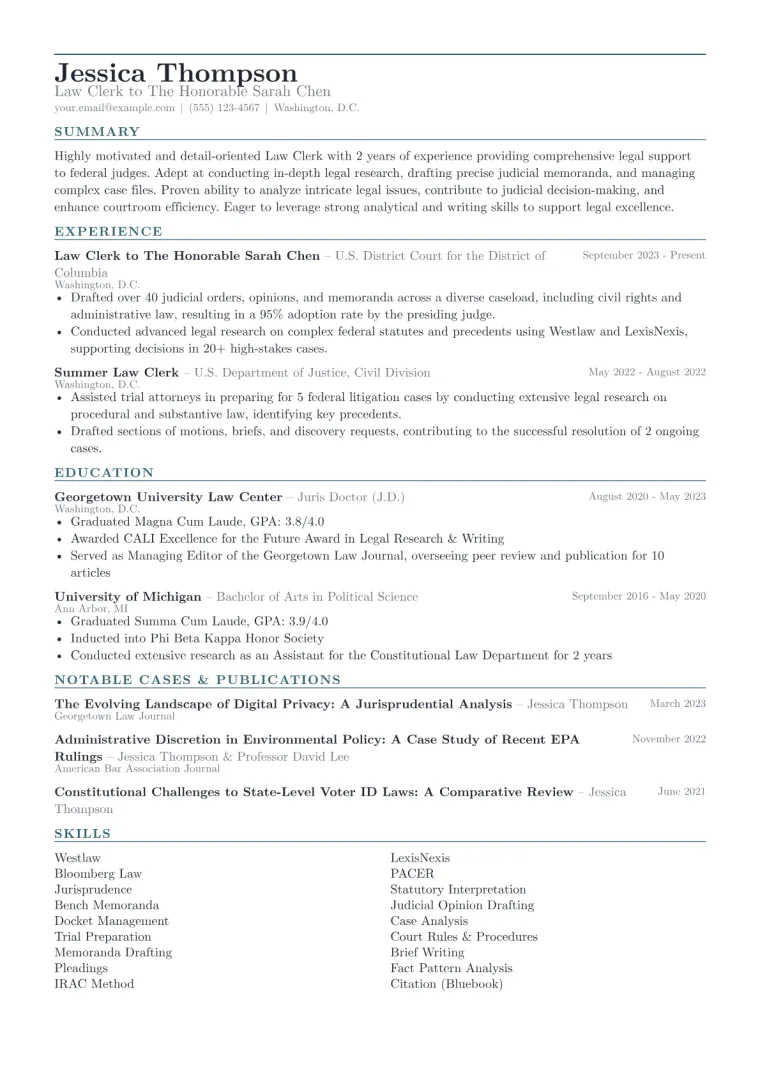
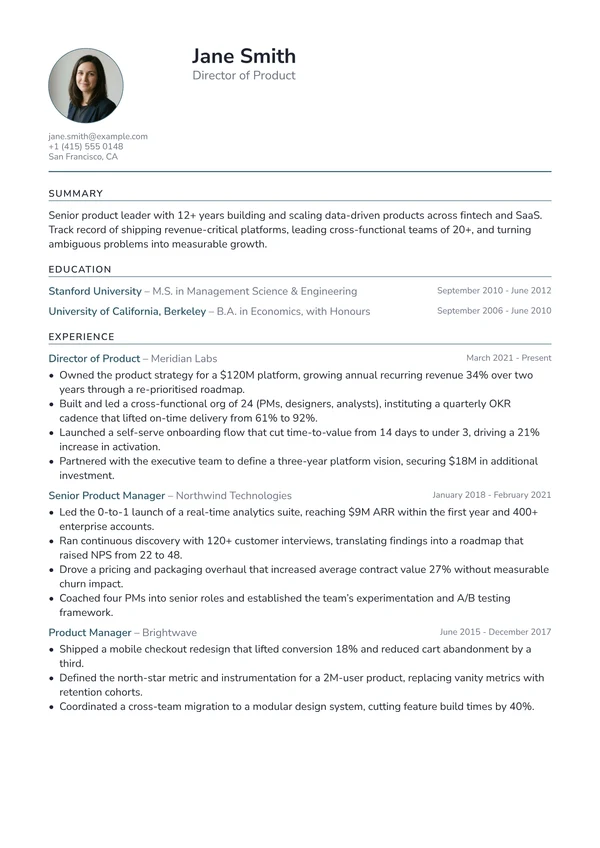
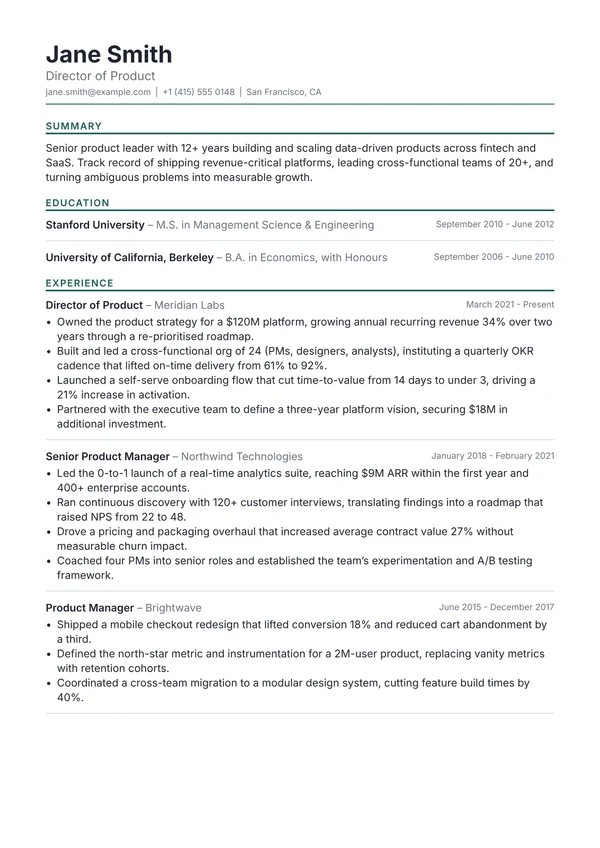
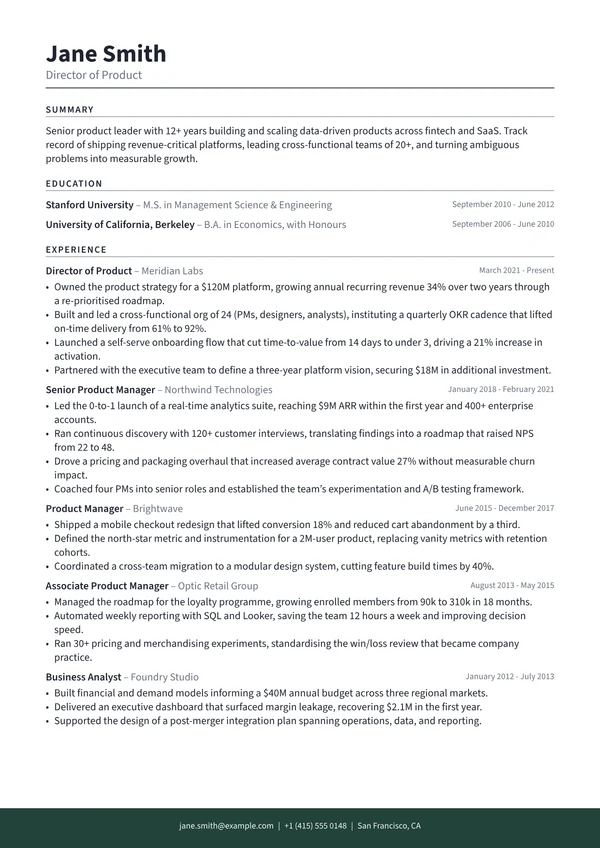
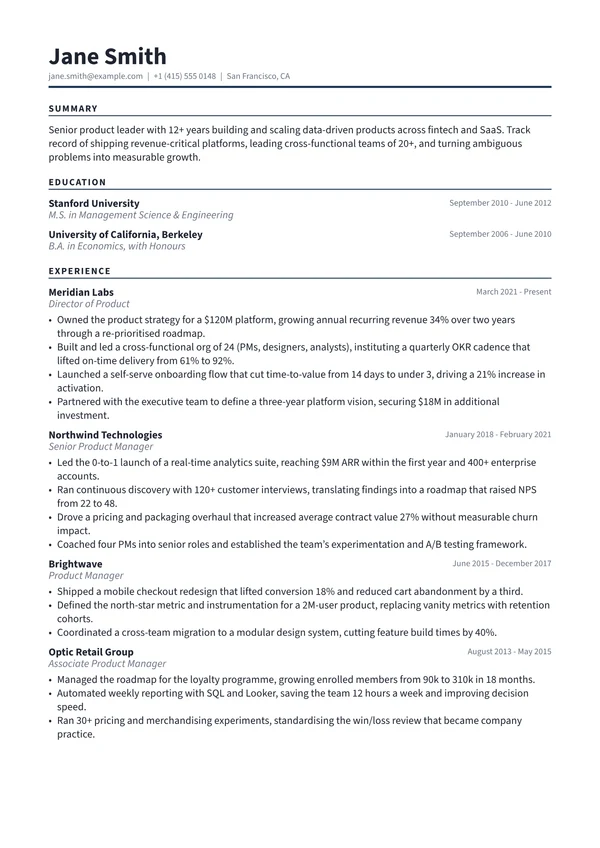
Filled-in examples, so you can see how the design handles actual content.
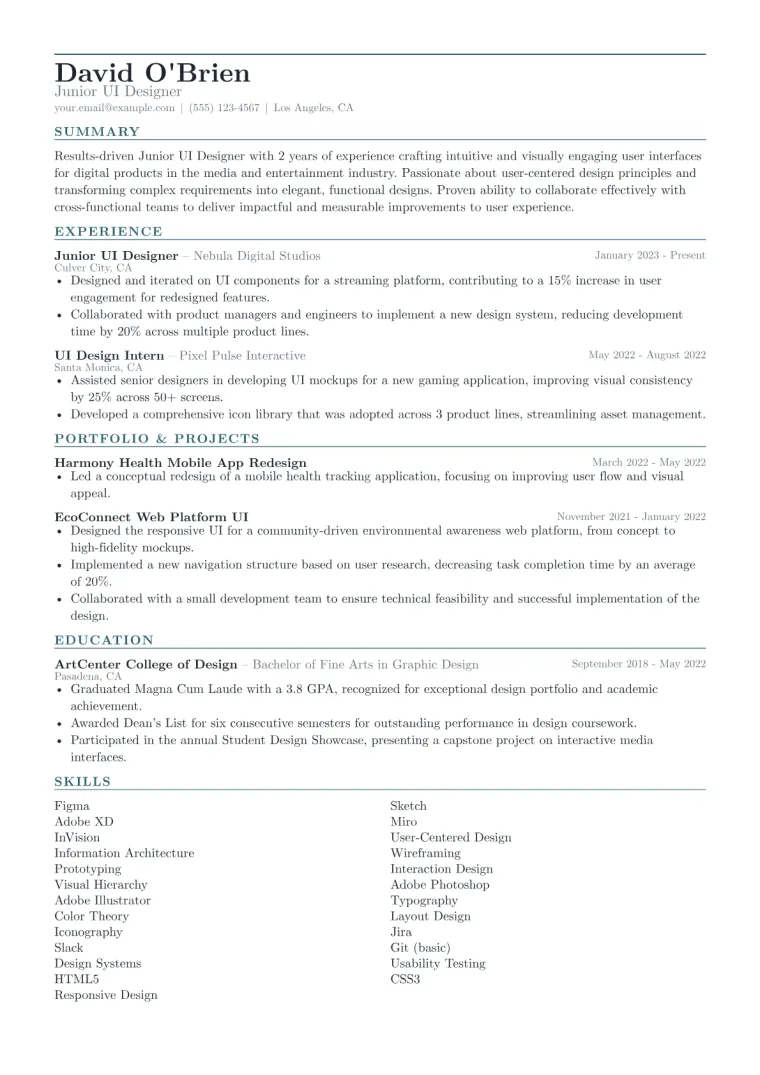
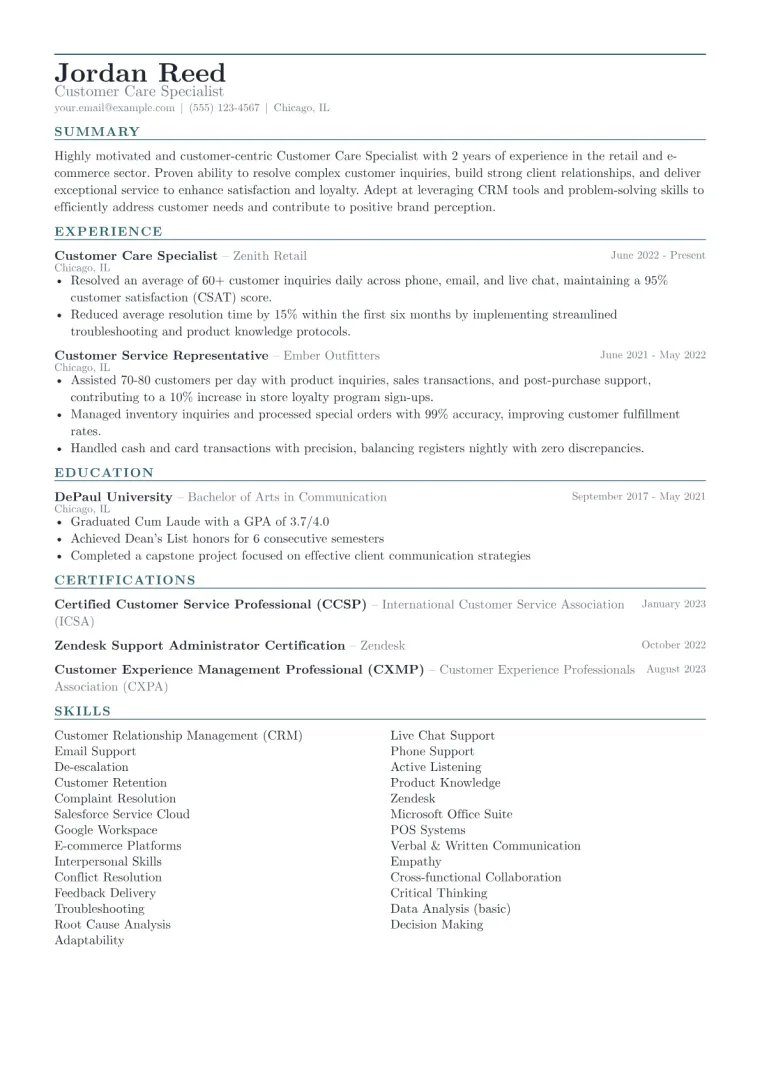
Similar designs
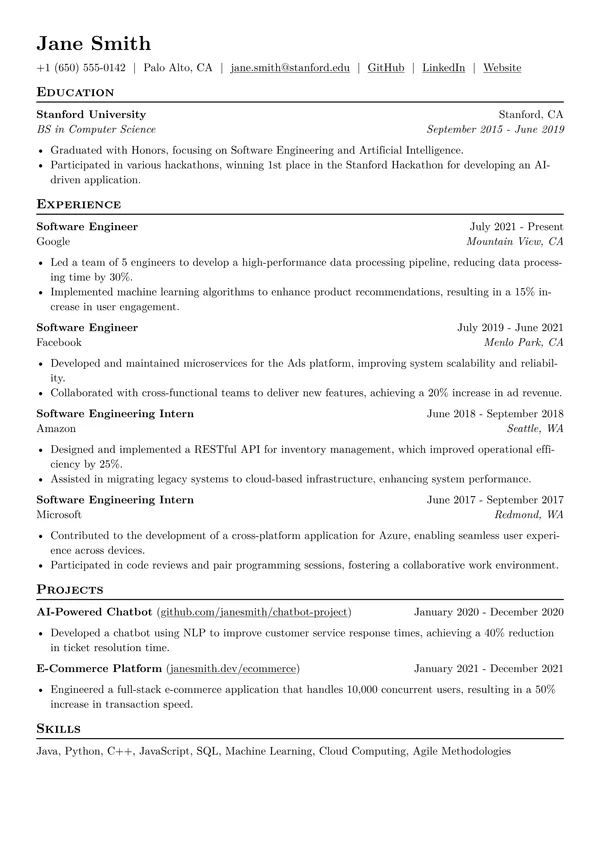
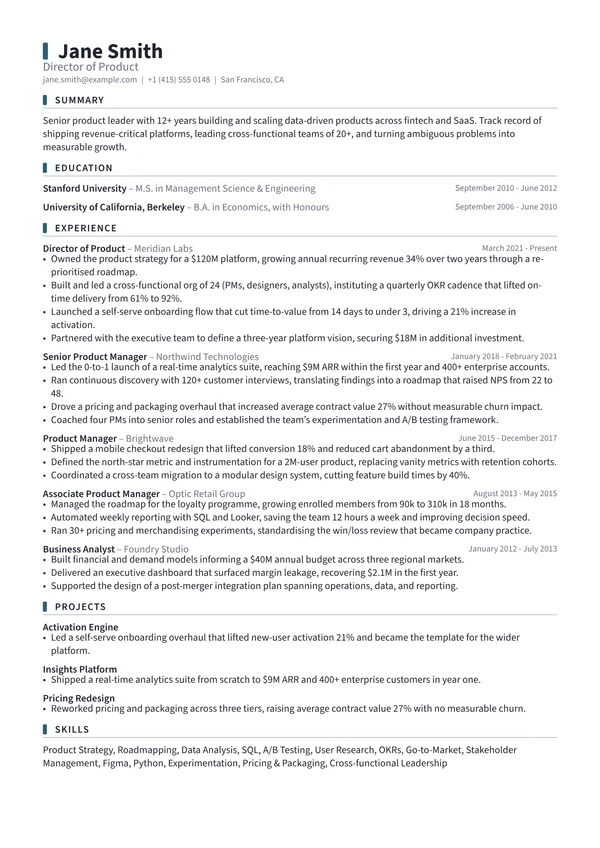
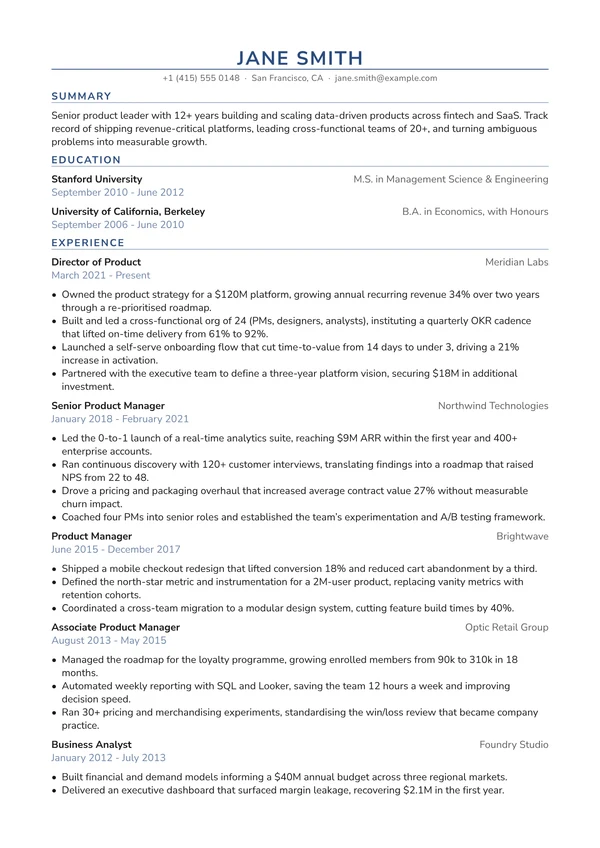
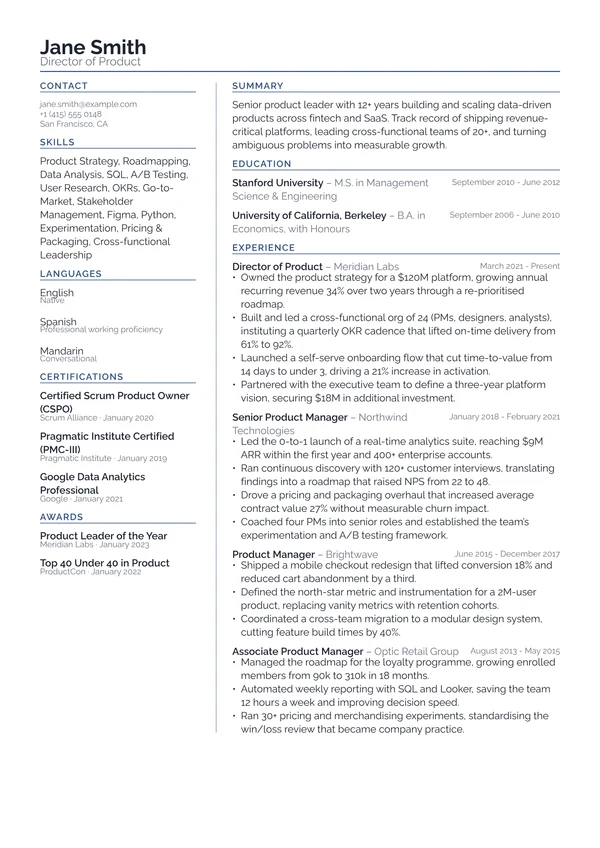
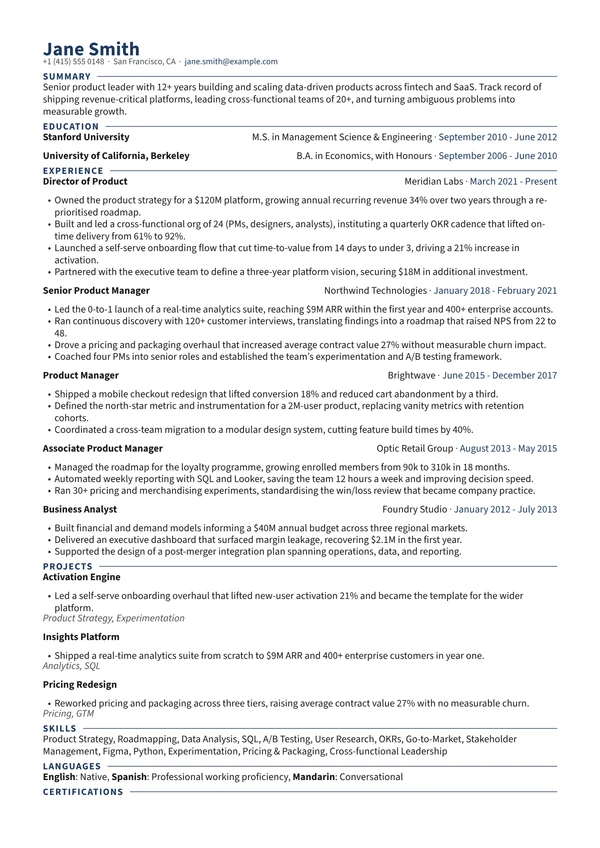
Frequently asked questions
Is the Grid resume template ATS-friendly?
Yes. Grid is built for applicant tracking software: no colour fills behind text, a clean top-to-bottom reading order and standard section headings, so a parser extracts the same content a person reads. You can confirm it on your own resume with our free ATS resume checker.
Is the Grid template free?
Yes. Start your resume here and Grid stays free to download for that resume.
Can I download the Typst source for the Grid template?
Yes, Grid's standalone .typ file compiles with Typst 0.12 or newer and is also on GitHub. MIT-0 lets you edit and share it without attribution.
What font does the Grid template use?
Grid is set in New Computer Modern, in a single-column layout with balanced spacing. You can change the typeface, text size, spacing and accent colour after your resume is created.
Are these resume templates free?
Yes. Preview any template with your own resume, and start your resume here to download that design free.
Can I edit a resume template after I download it?
Yes. Your resume stays in your account, so you can rewrite the content, change the font size and spacing, and download a fresh PDF whenever you need one.
Will these templates pass an ATS?
The designs marked ATS-friendly are built for it: no colour fills behind text, a clean reading order and standard section headings. Any CV you build can also be checked against a real parser with our free ATS resume checker, which shows you exactly what a screening system extracts.
What file format do I get?
A print-quality PDF, which is what nearly every employer and application portal asks for. The PDF keeps a real text layer rather than being an image, so screening software can read it and so can a screen reader. Pro adds a Word .docx export for the applications that ask for one.
Can I write my resume in a language other than English?
Yes, the AI writes in 36 languages. Japanese, Korean and Chinese are typeset with the right fonts, and the regional formats are built in: Europass, the German Lebenslauf, the Japanese rirekisho and shokumu keirekisho, and the Korean iryeokseo.
Should I put a photo on my resume?
In the UK, Ireland, the US, Canada and Australia, no. Employers there usually prefer no photo, and some screening processes strip them to reduce bias. In much of continental Europe and parts of Asia a photo is still conventional. Check the norm where you are applying, and leave it off if you are unsure.
Are these resume templates open source?
Yes. Many designs have a standalone .typ download and GitHub source, and some are also on Typst Universe; original designs use MIT-0, while ports retain the licence stated in their source.
How long should my resume be?
One page if you have under roughly ten years of relevant experience, and always for students and graduates. Two pages are normal for senior, academic or highly technical roles. An academic CV is the exception and runs as long as your publication and funding record requires.