Professional resume templates
Designs that read as considered and credible in an ordinary hiring process, without asking the reader to admire them first.
Professional resume templates
36 designs
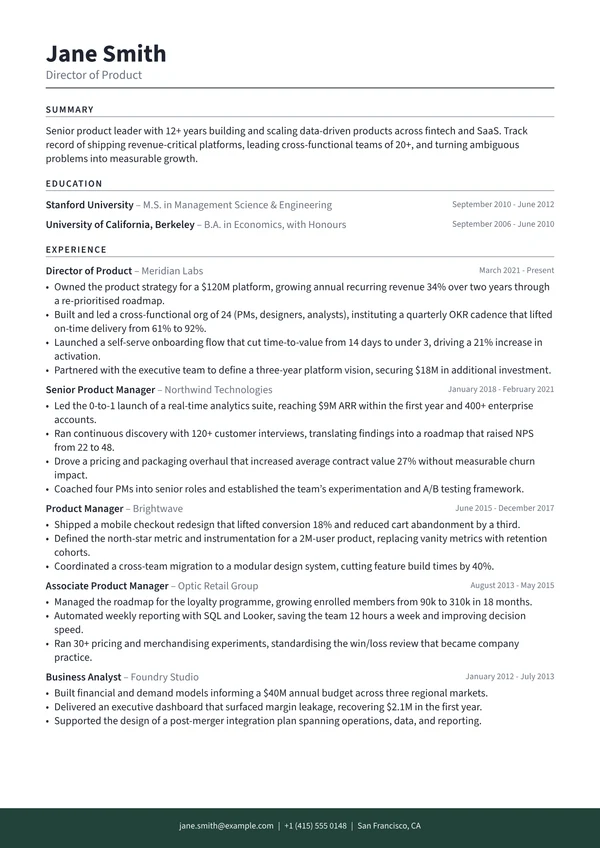
Anchor
A monochrome page anchored by one band of colour at the foot
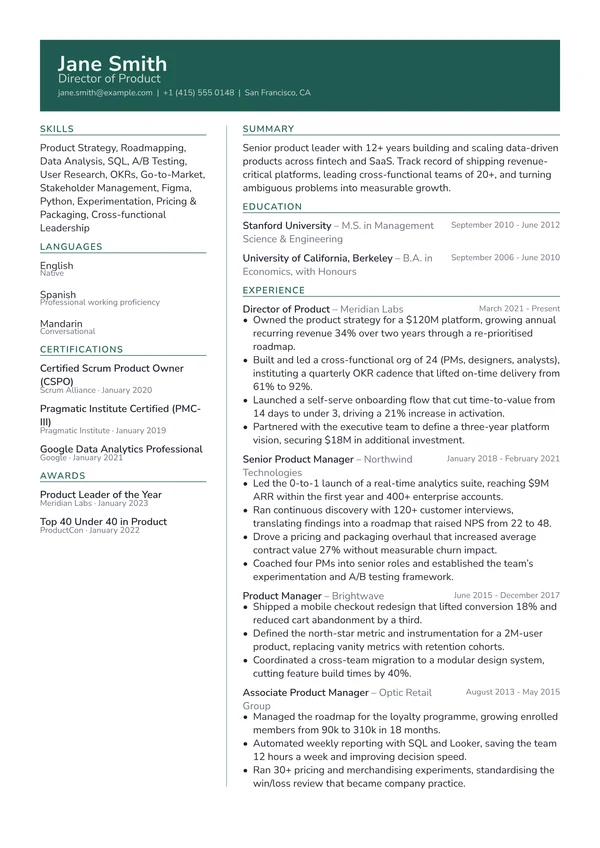
Atlas
An accent header band above an uncoloured two-column body
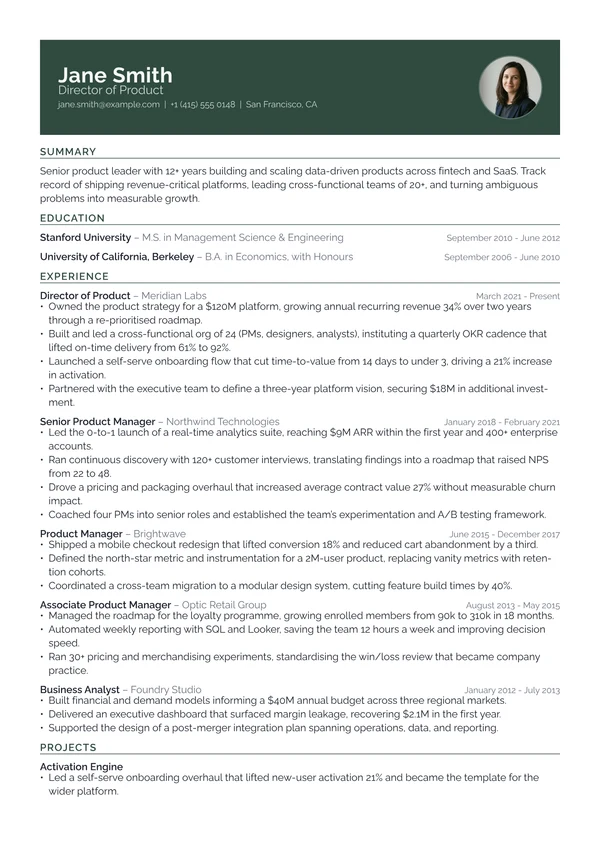
Banner
A full-width accent band carrying the name in white
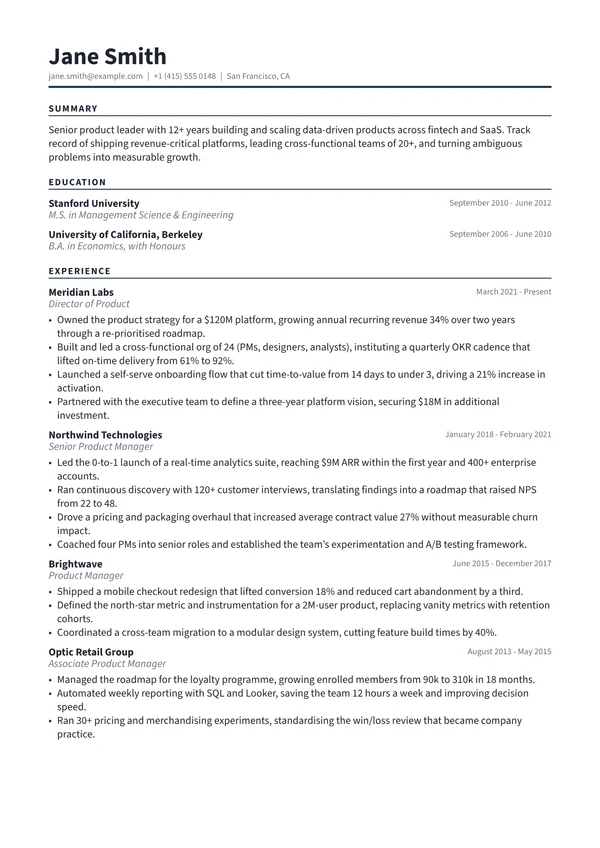
Charter
Organisation-first entries under heavy ruled labels
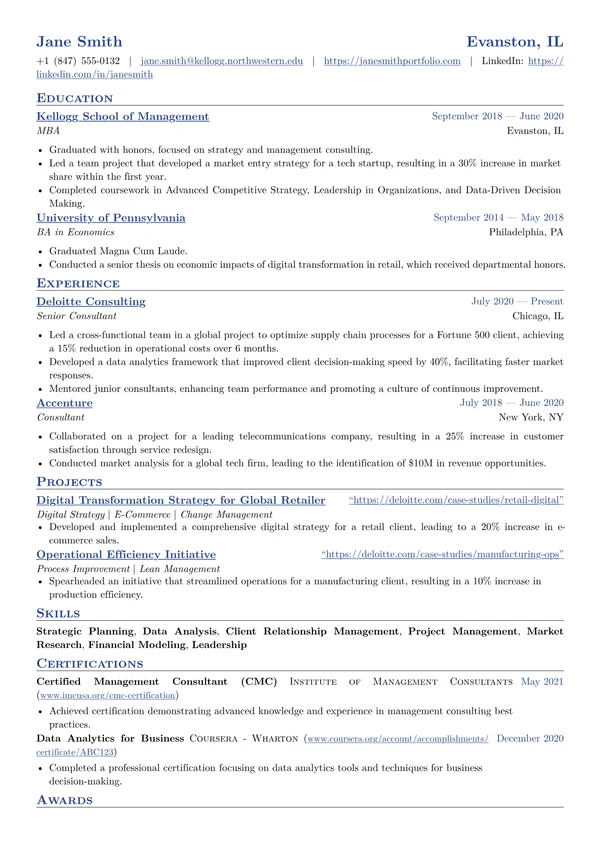
Classic
Traditional small-caps headings and rules, done properly
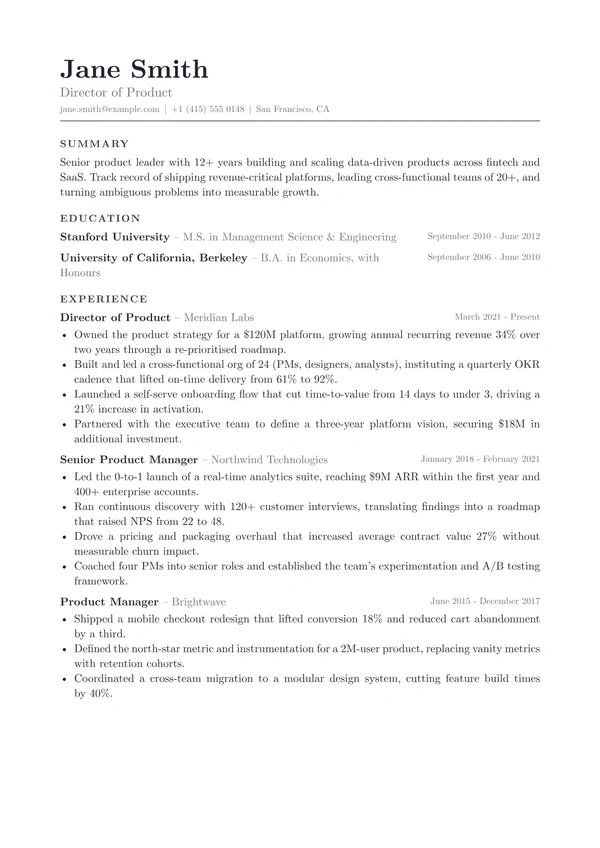
Codex
Justified prose set like a printed book page
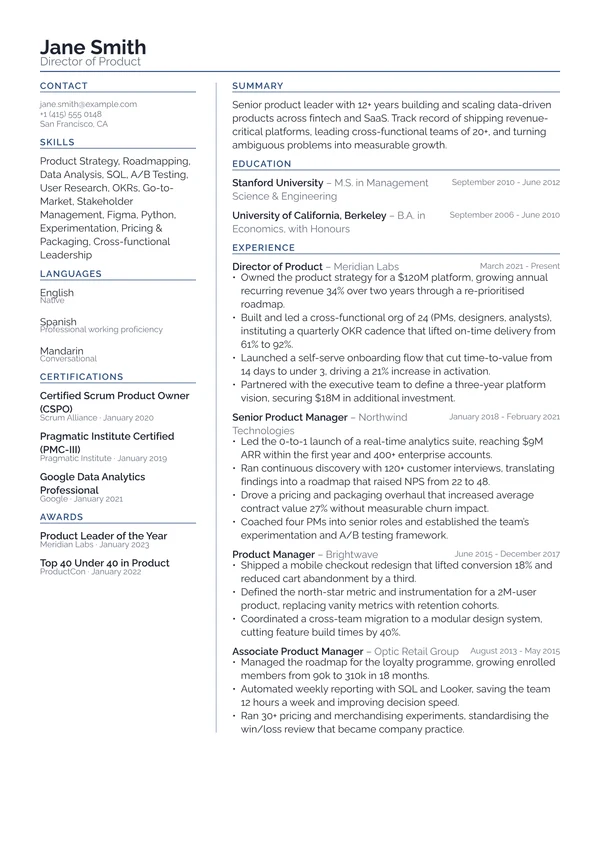
Column
An uncoloured two-column layout built to parse cleanly
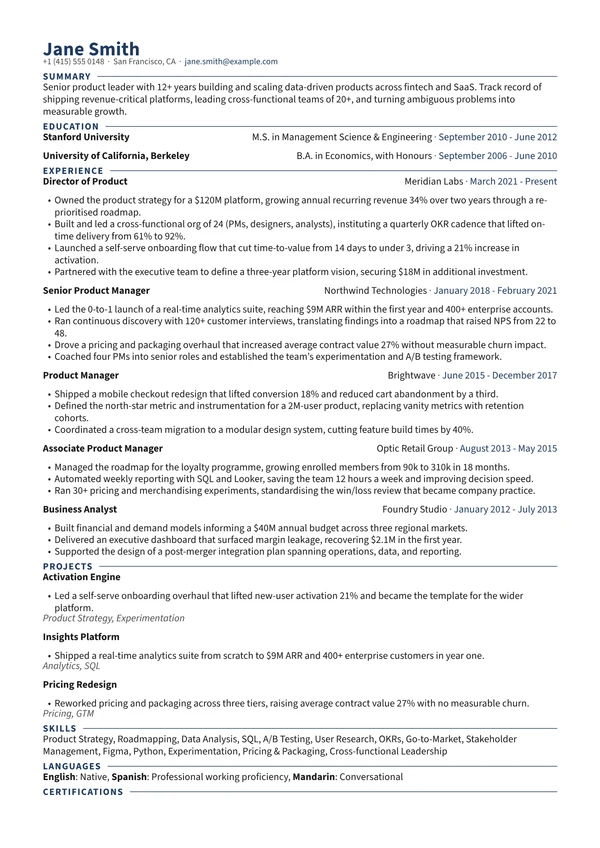
Compact
Maximum content per page without looking cramped
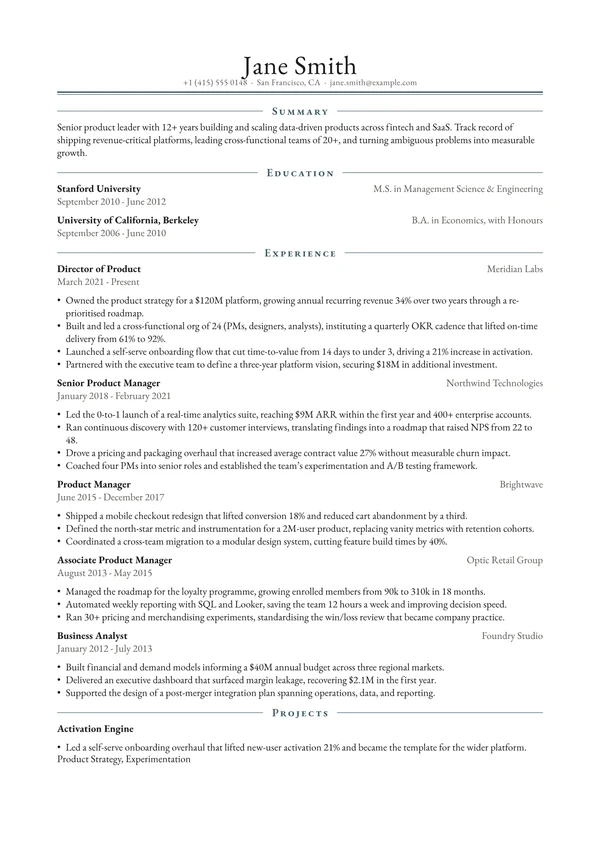
Crest
A formal centred serif with a double-rule masthead
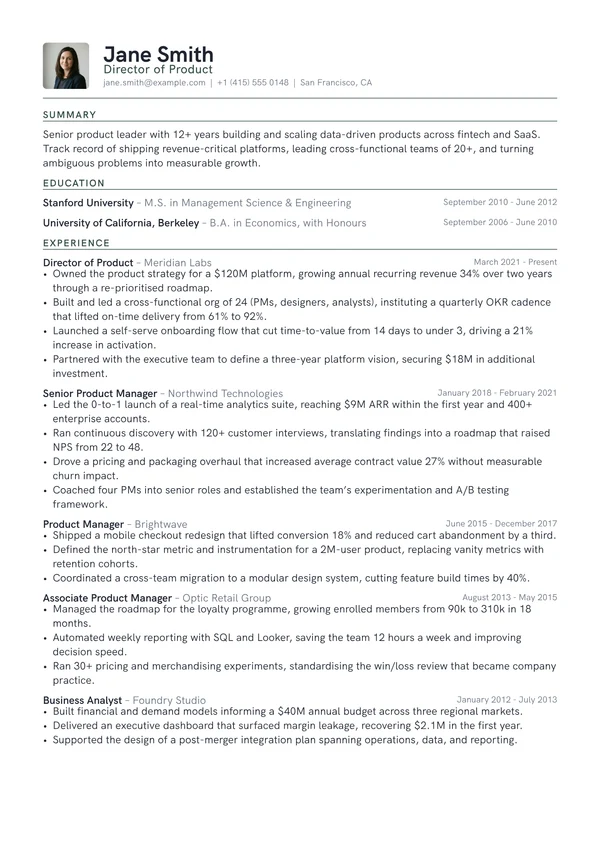
Emblem
A filled accent monogram anchoring a clean single column
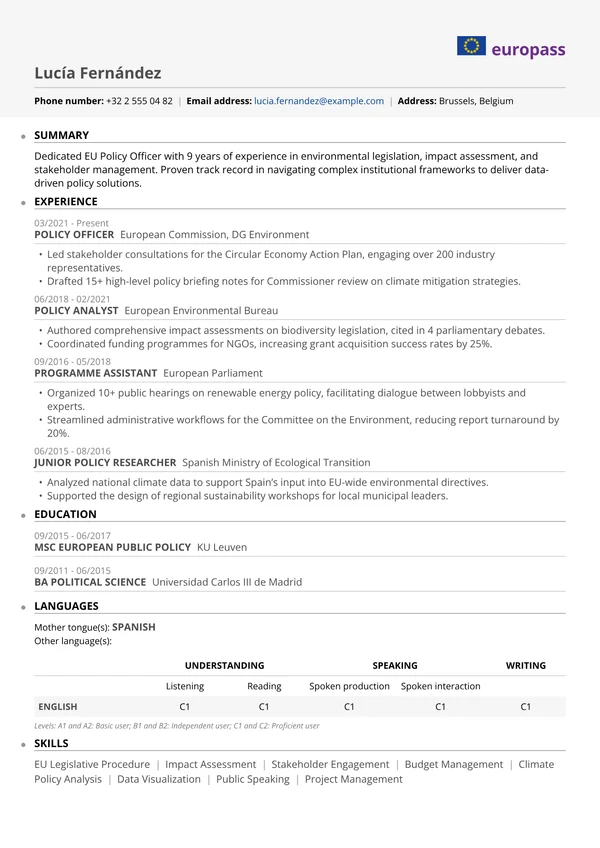
Europass
The official EU Europass format, faithfully recreated
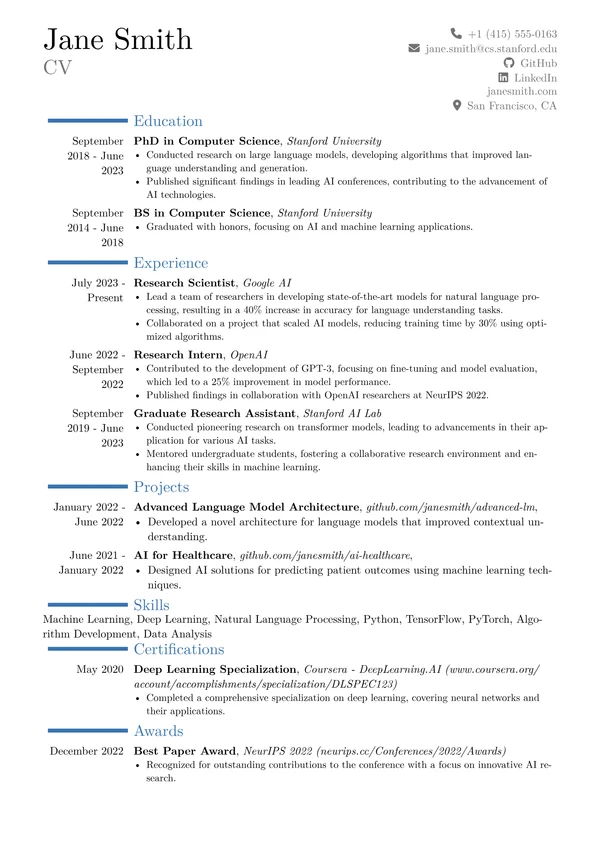
Executive
A two-column senior CV in the moderncv tradition
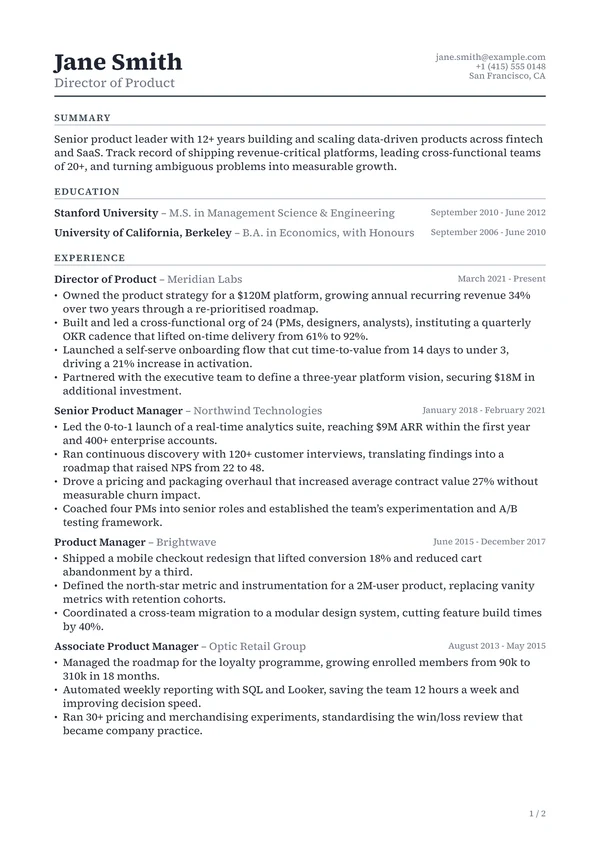
Folio
A letterhead masthead with running heads and numbered pages
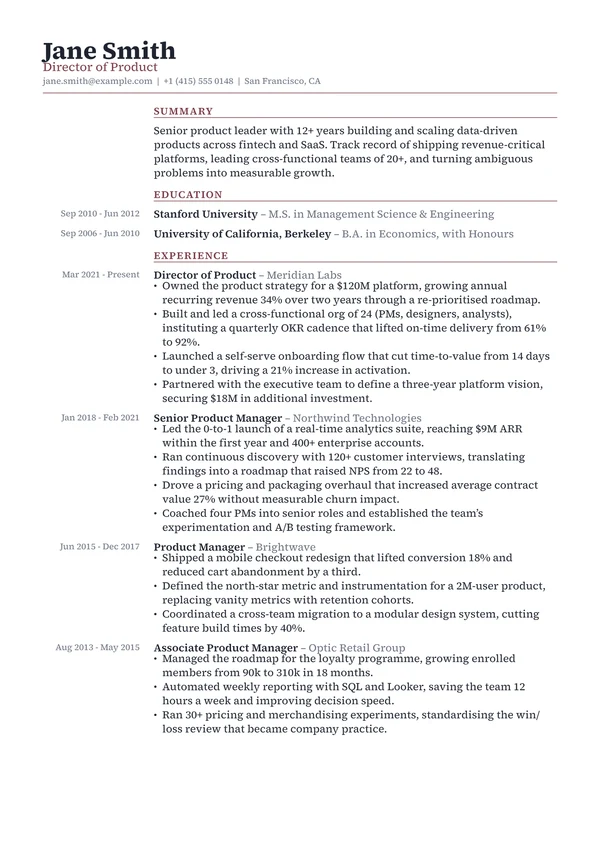
Gazette
An editorial serif with a hanging left date gutter
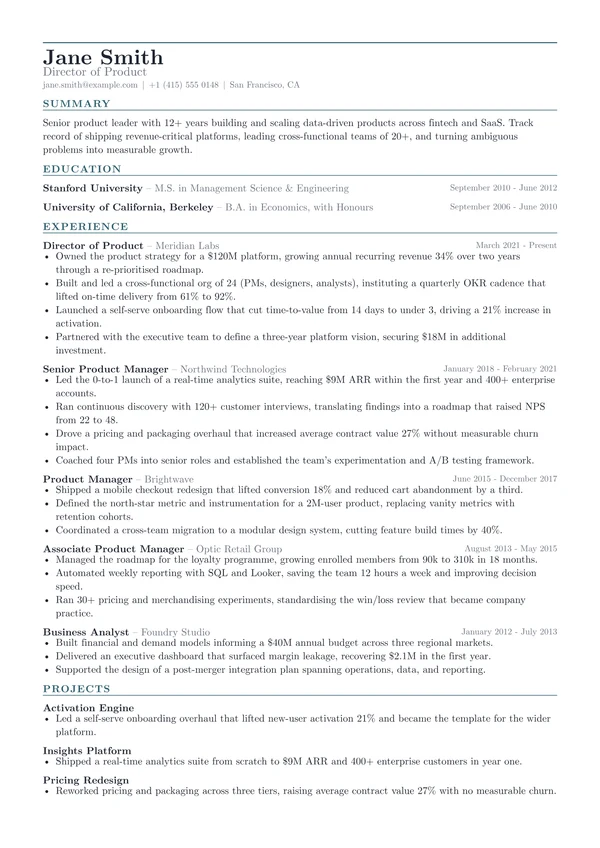
Grid
A plain single column with a balanced two-column skills grid
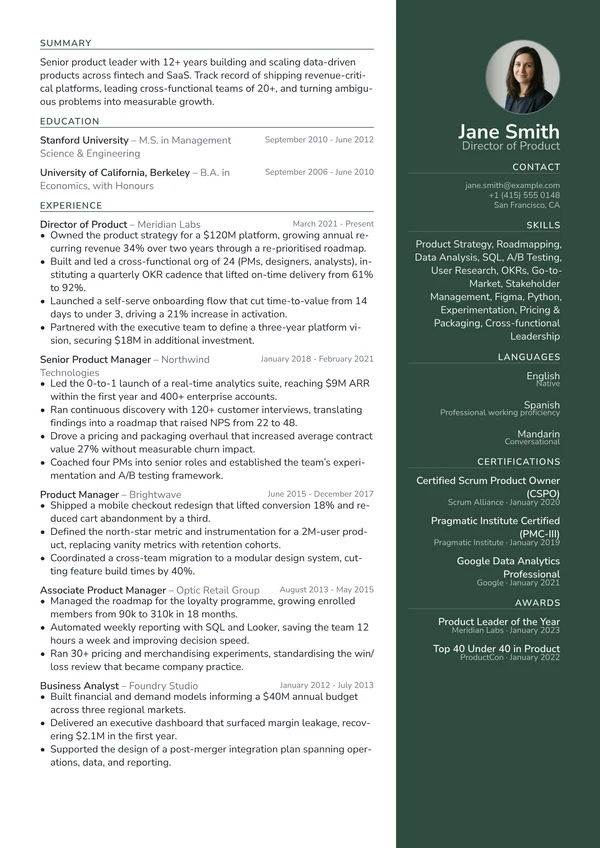
Harbor
A deep-accent sidebar on the right, not the left
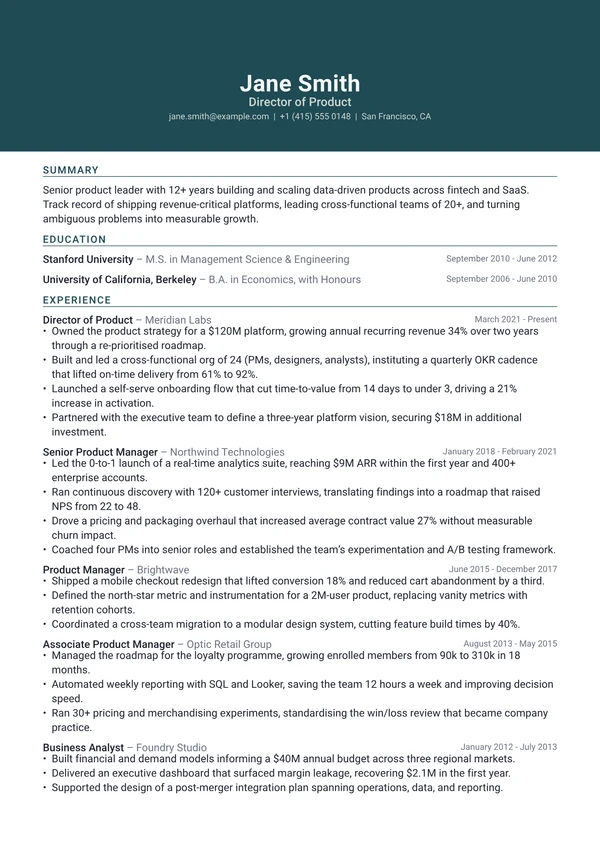
Horizon
A full-bleed accent header band across the top of the page
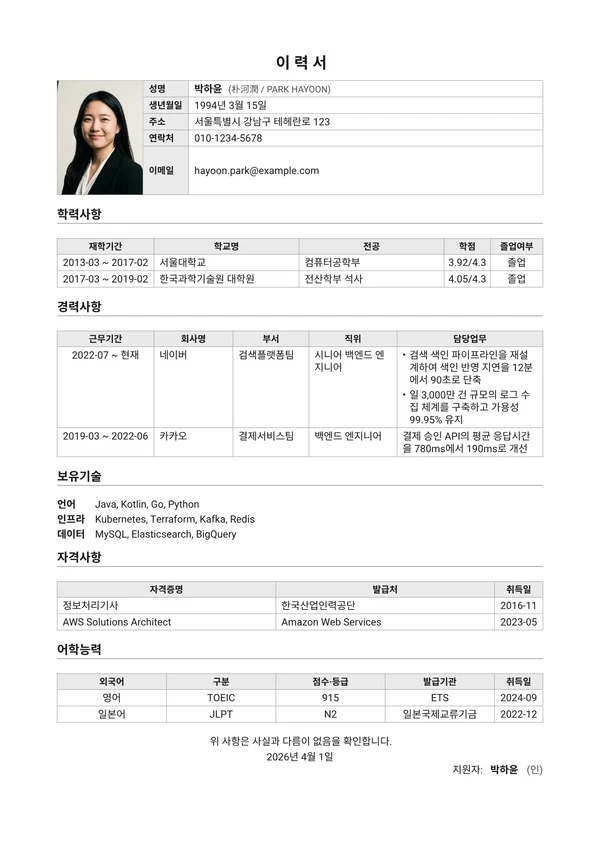
Iryeokseo
The Korean resume, in its conventional ruled form
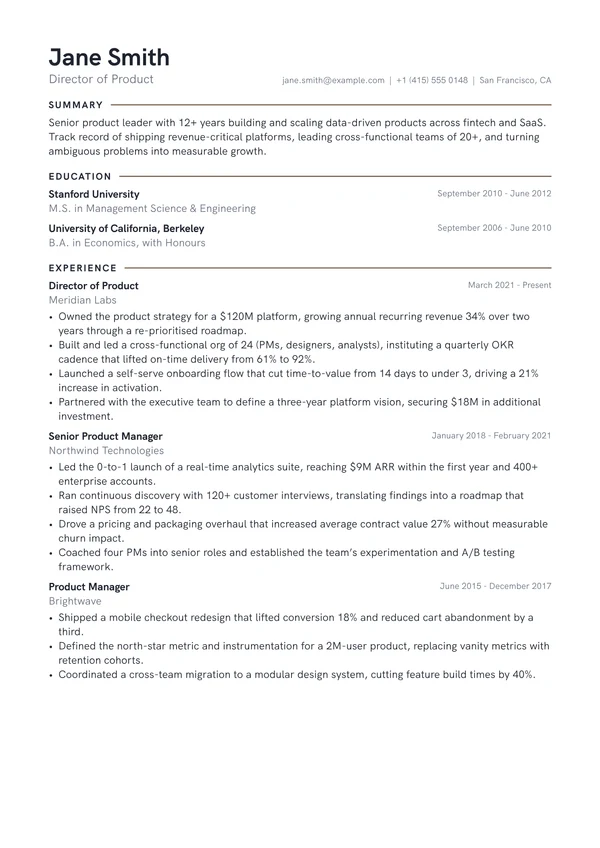
Keyline
Section labels trailing an accent keyline to the margin
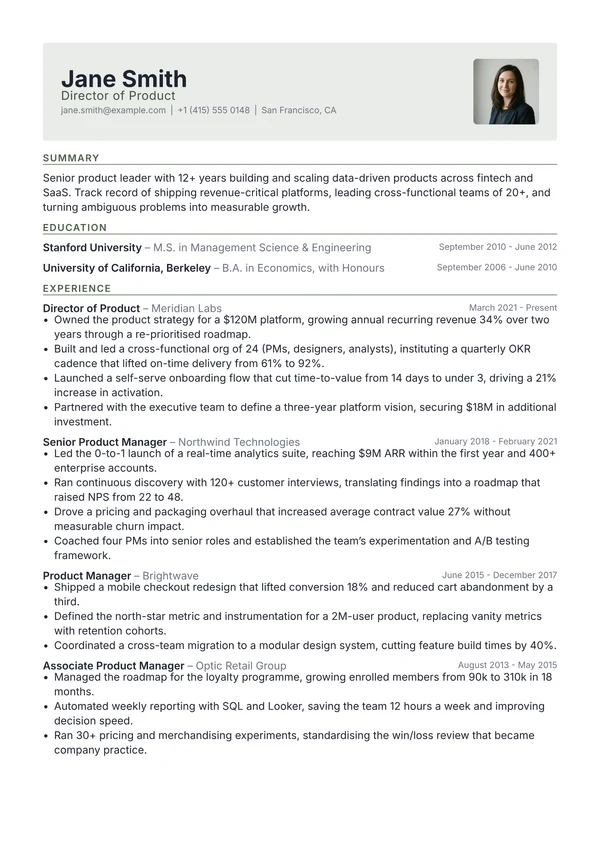
Letterhead
A soft accent-tinted letterhead panel above a clean column
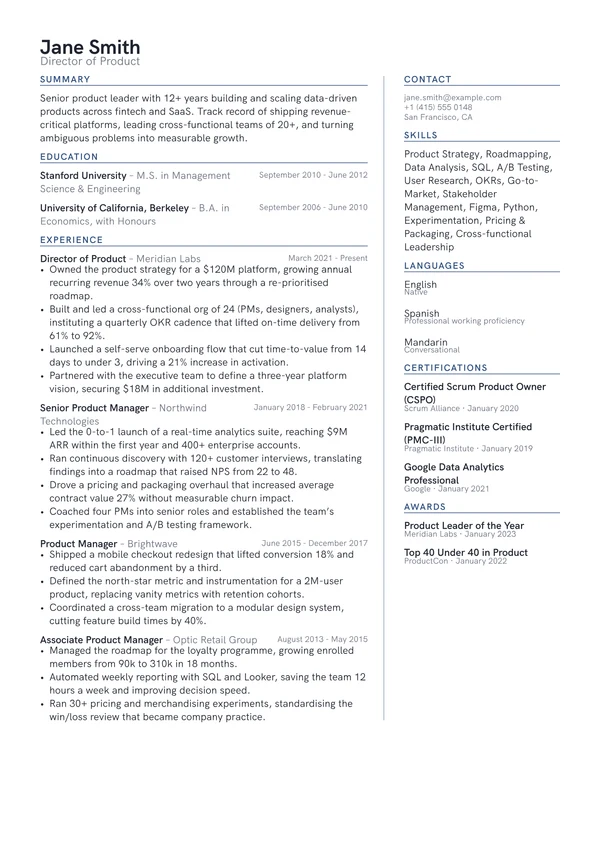
Margin
An uncoloured two-column layout with the meta rail on the right
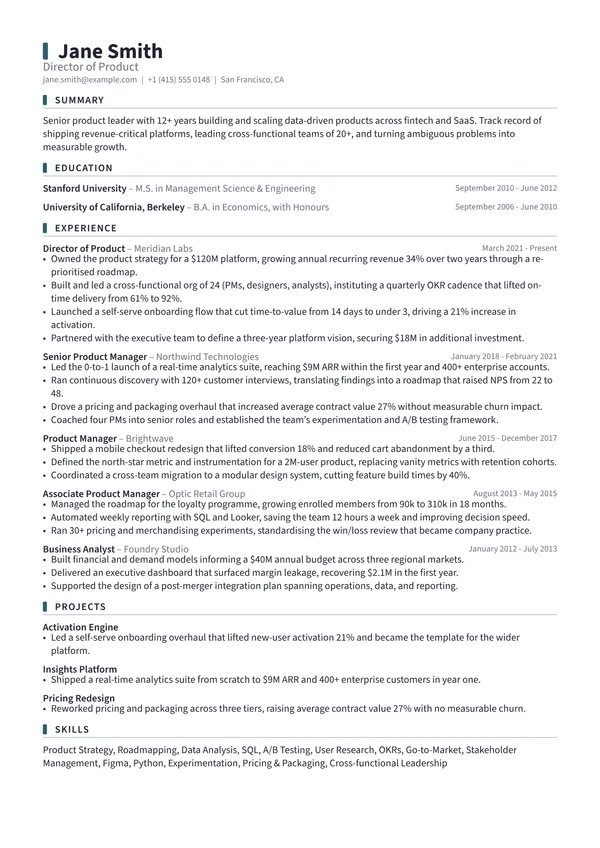
Marker
A small accent tab marking each section label
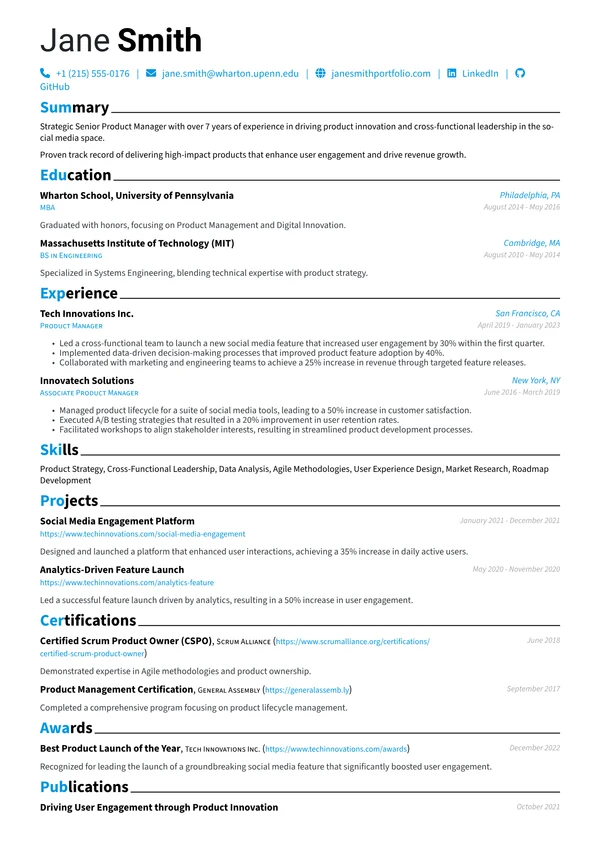
Modern
Contemporary typography with clear accent hierarchy
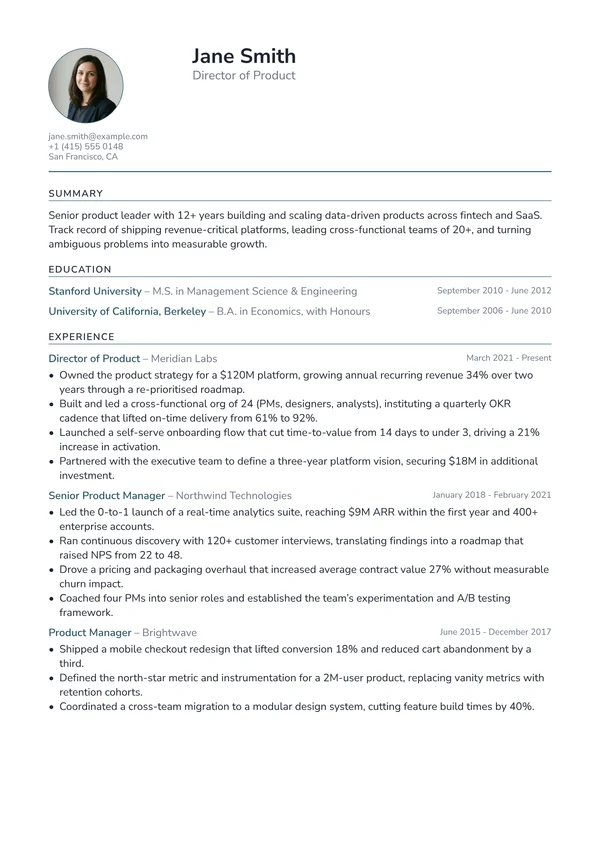
Portrait
A photo and stacked contact gutter beside the name
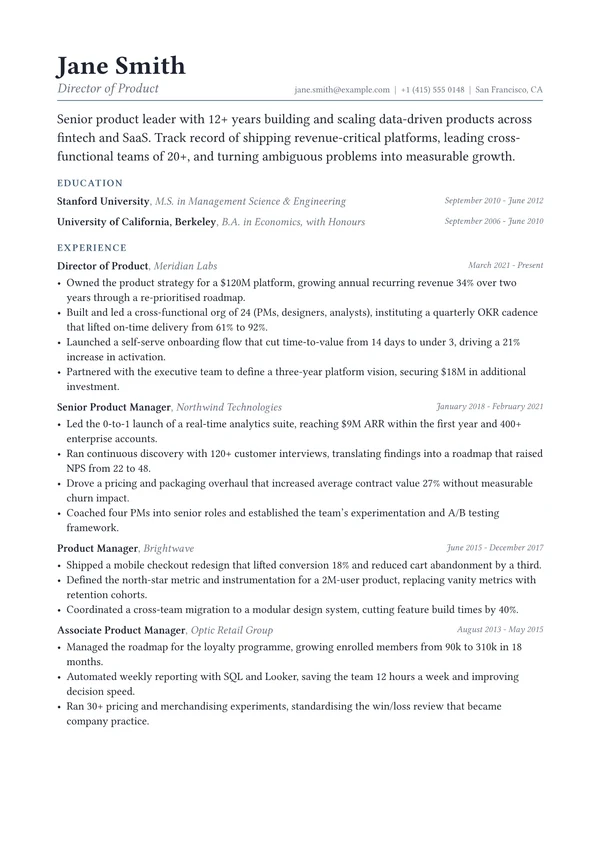
Preface
The profile set as a magazine lede, no label needed
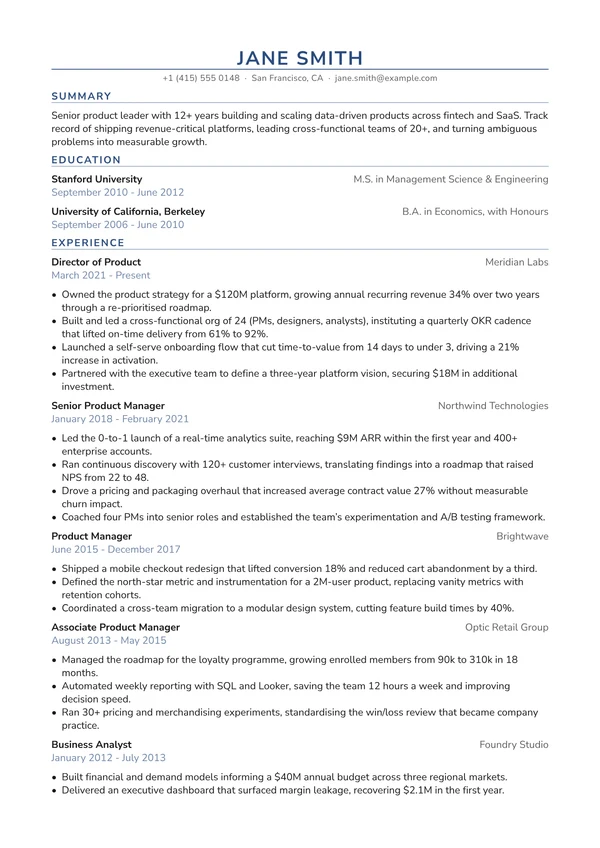
Print-first, centred, and correct in black and white
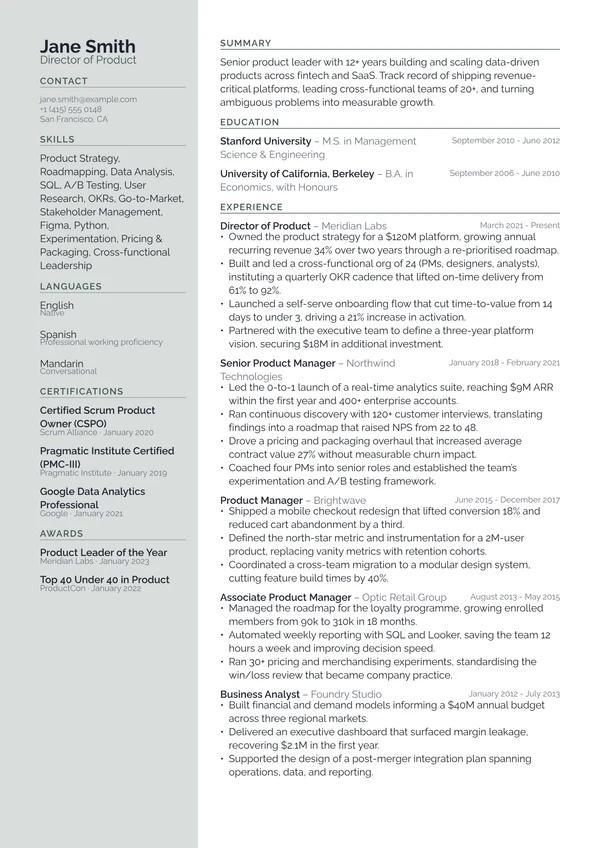
Quartz
A softly tinted left rail instead of a saturated sidebar
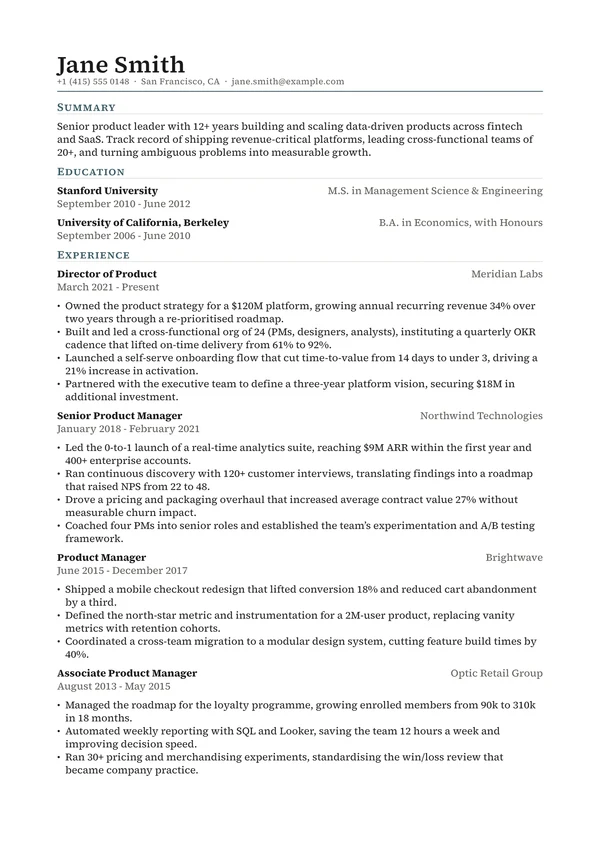
Refined
A contemporary editorial serif, confident rather than formal
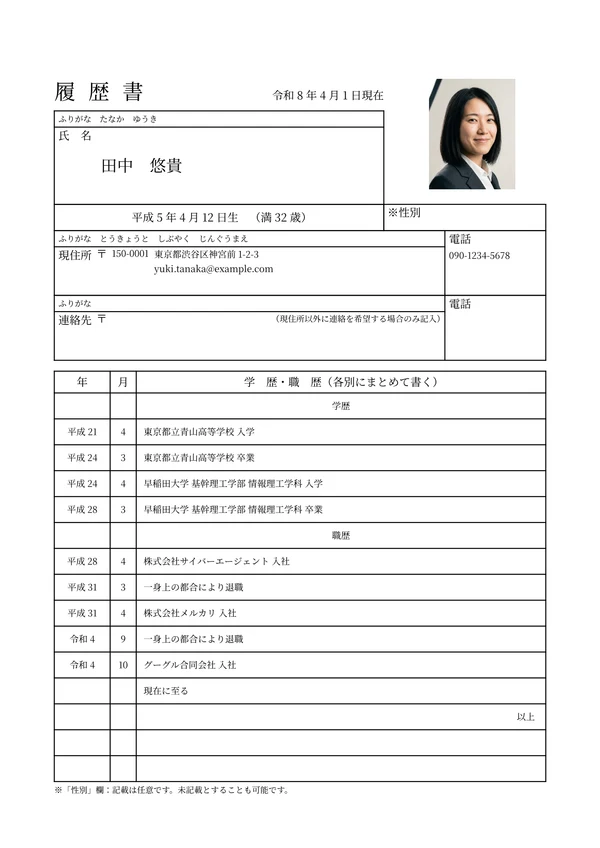
Rirekisho
The Japanese government's model 履歴書, reproduced rule for rule
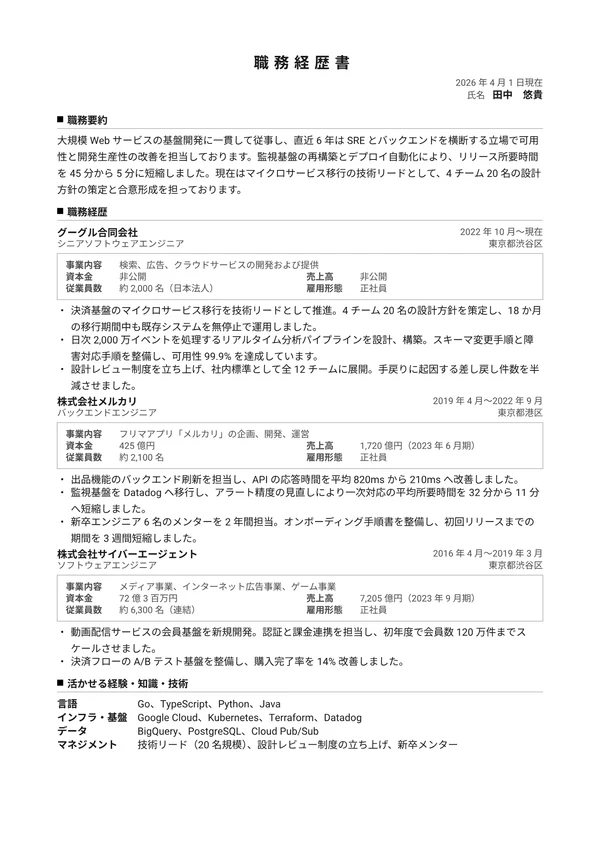
Shokumu Keirekisho
The Japanese work-history document, in its conventional form
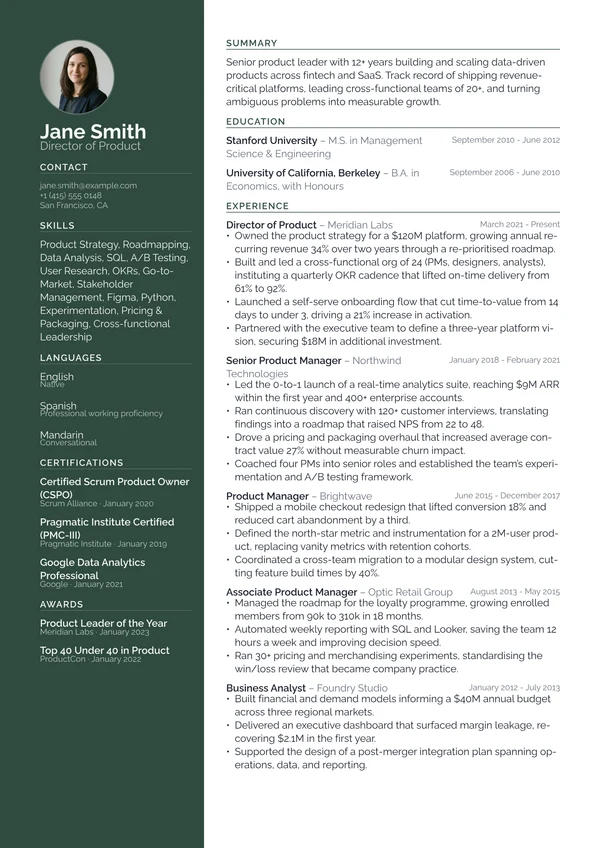
Slate
A full-height deep-accent sidebar carrying contact and skills
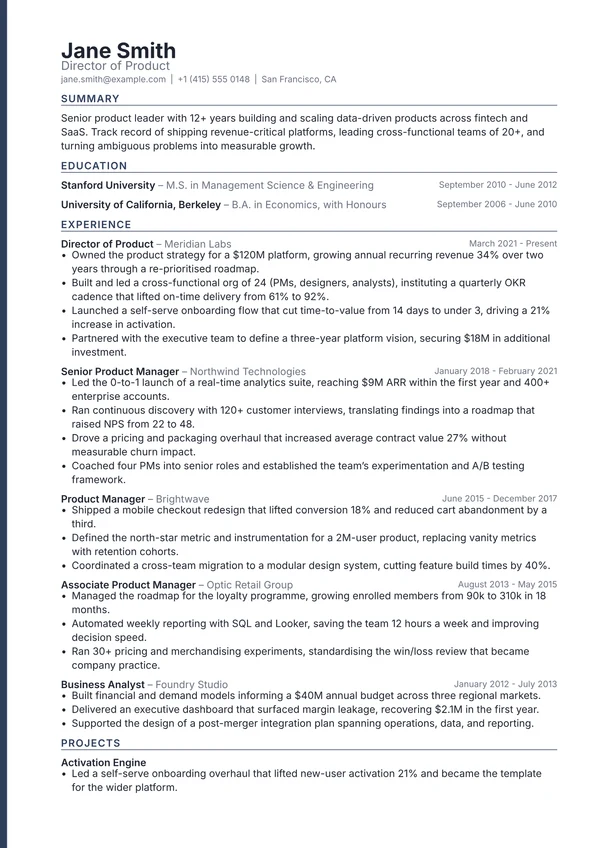
Spine
A thin accent bar running the full height of the page
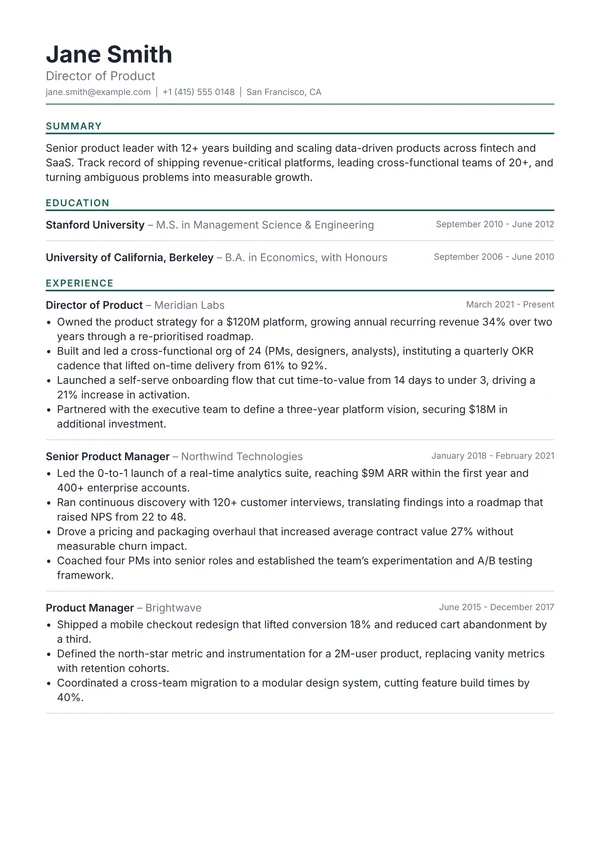
Strata
Accent bands and hairlines that separate every entry
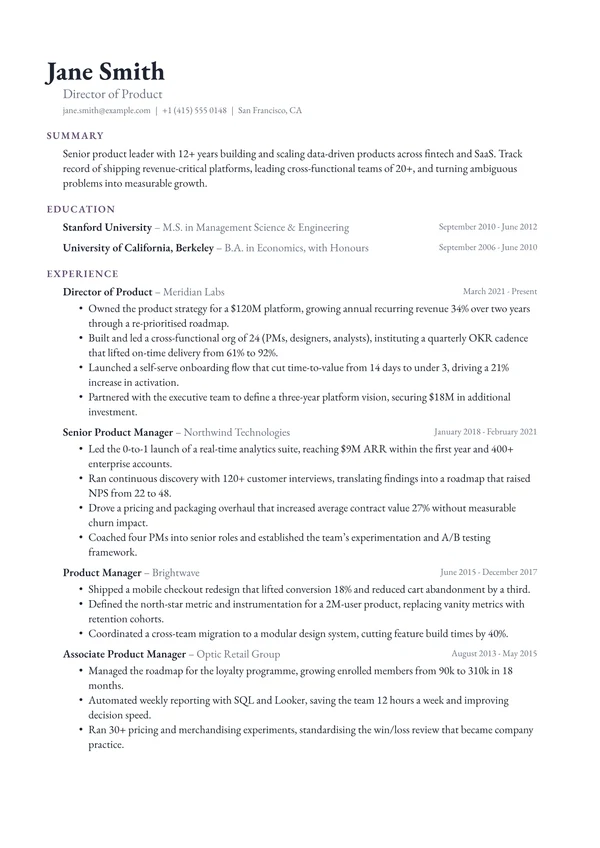
Terrace
Three stepped left edges instead of any rules
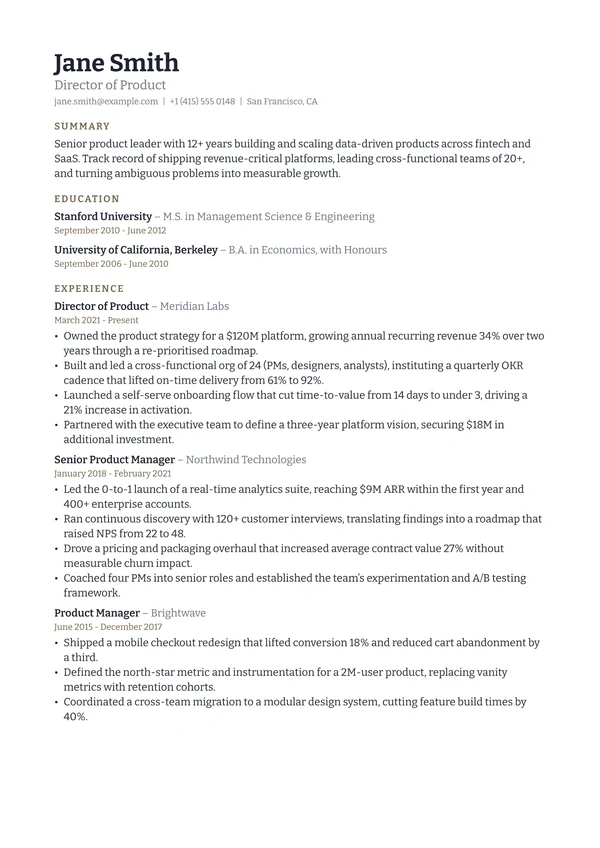
Vellum
No rules, nothing flush right, one left edge throughout
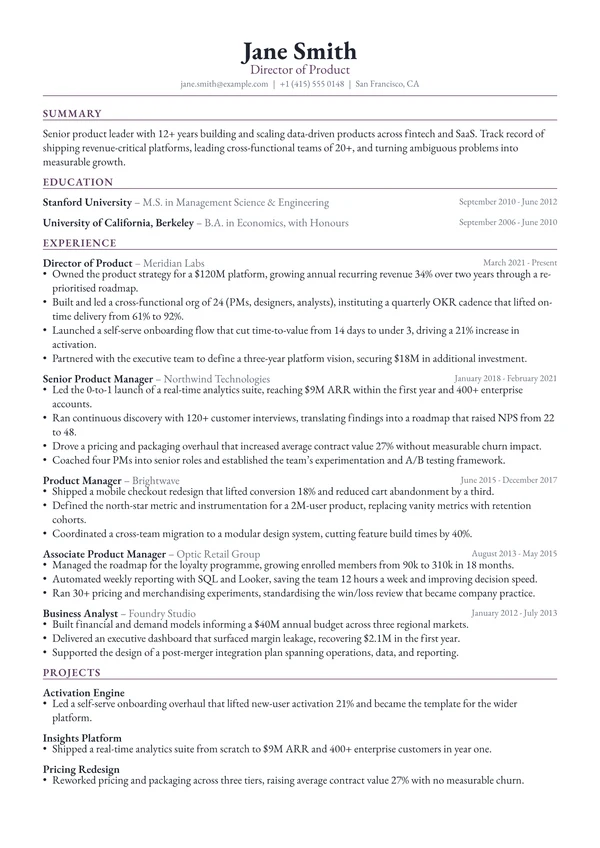
Vertex
A centred serif masthead with short sections set two-up
What makes a resume template look professional?
A professional resume template is not the same as a decorated one. What makes a design read as professional is consistency: one typeface used at a handful of sizes, one accent colour applied to the same elements every time, and enough space that the reader's eye is never fighting the page. Every design here holds to that, so the impression is competence rather than effort.
Other styles
- ATS-friendly resume templatesLayouts built to survive applicant tracking software: no colour fills behind text, a clean reading order, and standard section headings.
- Simple resume templatesUncluttered designs that put the writing first, for when a plain, easy-to-read CV is exactly what the job asks for.
- Modern resume templatesContemporary layouts that look current without looking like a novelty, using colour and space rather than ornament.
- Minimalist resume templatesWide margins, hairline rules and a lot of air. Designs where the space is doing as much work as the type.
- Basic resume templatesPlain, no-nonsense designs with no colour blocks, no sidebars and no surprises. The safest thing to send.
- Student resume templatesLayouts that work when education is the strongest section and work experience is still short.
- Graduate resume templatesDesigns for the first proper job: enough structure to look serious, enough space that a short history does not look thin.
- Academic resume templatesFormats built for publications, teaching, funding and the longer record an academic application needs.
- One page resume templatesDenser designs that fit a full career onto a single page without dropping to an unreadable type size.
- Two column resume templatesSide-by-side layouts that keep contact details, skills and languages visible while experience runs full length.
- Executive resume templatesFormats for senior appointments, where the record is long and the tone needs to carry authority.
- Classic resume templatesTraditional structures done properly: serif type, small-caps headings and fine rules, without looking dated.
- Creative resume templatesDistinctive designs for when a person is definitely reading first and visual judgement is part of the job.
Frequently asked questions
What makes a resume template look professional?
Restraint and consistency. A professional CV uses one typeface at a small number of sizes, one accent colour applied to the same kinds of element throughout, clear space between sections, and no ornament that is not doing structural work. Recruiters read hundreds of CVs, and the ones that read as professional are the ones that make the content easy to extract quickly.
Are these resume templates free?
Yes. Preview any template with your own CV, and start your CV here to download that design free. The other designs need Pro.
Can I edit a resume template after I download it?
Yes. Your CV stays in your account, so you can rewrite the content, change the font size and spacing, and download a fresh PDF whenever you need one.
Will these templates pass an ATS?
The designs marked ATS-friendly are built for it: no colour fills behind text, a clean reading order and standard section headings. Any CV you build can also be checked against a real parser with our free ATS resume checker, which shows you exactly what a screening system extracts.
What file format do I get?
A print-quality PDF, which is what nearly every employer and application portal asks for. The PDF keeps a real text layer rather than being an image, so screening software can read it and so can a screen reader. Pro adds a Word .docx export for the applications that ask for one.
Can I write my resume in a language other than English?
Yes. The AI writes in 36 languages. Japanese, Korean and Chinese are typeset with the right fonts, and the regional formats are built in: Europass, the Japanese rirekisho and shokumu keirekisho, and the Korean iryeokseo.
Should I put a photo on my resume?
In the UK, Ireland, the US, Canada and Australia, no. Employers there usually prefer no photo, and some screening processes strip them to reduce bias. In much of continental Europe and parts of Asia a photo is still conventional. Check the norm where you are applying, and leave it off if you are unsure.
Are these resume templates open source?
The Typst source behind every design is public. Each one is a single .typ file you can download from its own page or read in the template repo on GitHub, and it compiles standalone with Typst 0.12 or newer. Most are MIT-0, and the few that are ports of existing Typst packages stay under their original licence, which the file itself states. Some are also being published as packages to Typst Universe.
How long should my resume be?
One page if you have under roughly ten years of relevant experience, and always for students and graduates. Two pages are normal for senior, academic or highly technical roles. An academic CV is the exception and runs as long as your publication and funding record requires.