PDF or DOCX · up to 2MB
Learn exactly how to email a resume that gets opened and read. 15+ subject line examples, 5 complete body templates, file naming conventions, and common mistakes to avoid.
Write a prompt engineer resume that gets interviews. Full resume example, summary templates, 10+ experience bullets, technical skills breakdown, and tips for career changers from software engineering, copywriting, data science, and UX research.
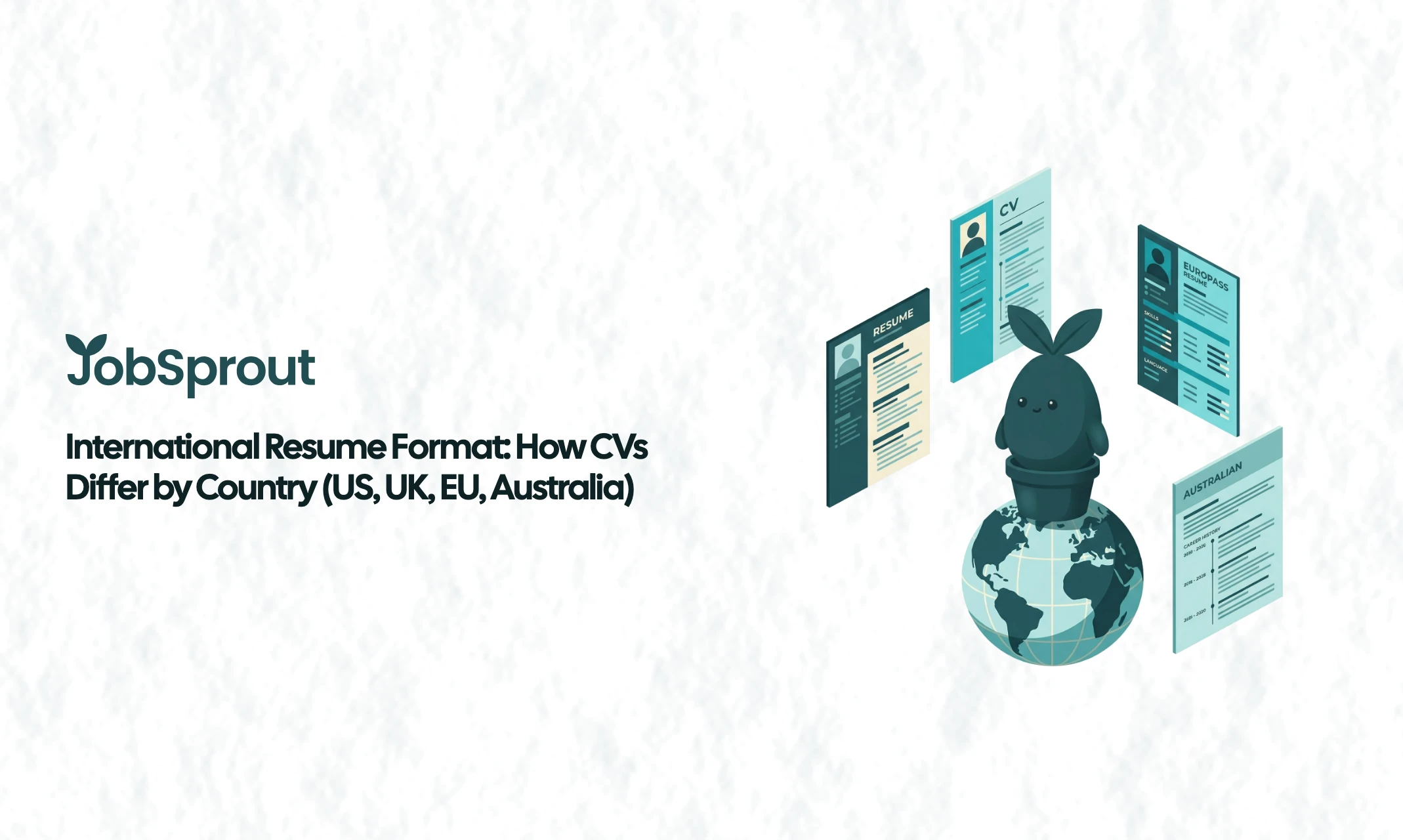
Learn how resume and CV formats differ across countries. Covers the US, UK, Germany, France, Australia, Japan, and the Middle East with comparison tables and practical tips.
Learn how to write a resume for an internal transfer. Includes a full example, summary templates for lateral moves, promotions and department changes, weak vs strong comparisons, and advice on navigating the politics.
Your resume could be flawless. Perfectly formatted, beautifully tailored, packed with quantified achievements. But none of that matters if the email delivering it is sloppy, vague, or missing the attachment entirely.
Despite the rise of online application portals and LinkedIn Easy Apply, a surprising number of applications are still sent by email. Referrals, networking follow-ups, recruiter responses, internal transfers, and applications to smaller companies all typically go through email. Many job postings still end with "send your CV to hiring@company.com."
The email that carries your resume is the first thing a hiring manager reads. It sets the tone before they ever open your attachment. A strong subject line gets the email opened. A clear, professional body gets the resume read. A careless email gets the whole thing deleted.
This guide covers everything you need: subject lines for every situation, complete body templates you can adapt, file format and naming conventions, and the mistakes that quietly kill applications.
When a hiring manager receives 50 to 200 applications for a single role, they make fast decisions about which emails to open. Your subject line is the first filter. If it says "Resume" or "Job Application," it tells the reader nothing and gives them no reason to prioritise your email over the next one.
The email body is your second filter. Hiring managers are busy. A rambling, four-paragraph email that restates your entire resume is not going to help. Neither is a one-line message that says "Please find attached my resume." Both miss the mark.
The goal of the email is simple: identify who you are, explain why you are writing, and make it easy for the reader to take the next step (opening your resume). That is it. Three to five sentences. Professional tone. Clear subject line. Correct attachment.
Your subject line should be specific, concise, and easy to search for later. Include the job title, a reference number if one exists, and your name. Avoid generic phrases like "Application" or "Resume Attached."
Here are subject line examples organised by situation.
| Situation | Subject Line Example |
|---|---|
| Standard application | Application for Marketing Manager - Sarah Chen |
| With reference number | Application: Senior Developer (Ref: JB-2026-0412) - James Park |
| Specifying source | Application for UX Designer (LinkedIn Posting) - Priya Sharma |
| Matching exact posting language | Re: Open Position, Financial Analyst - Manchester Office - Tom Wright |
| With department | Application for Sales Executive, EMEA Team - Lisa Müller |
| Situation | Subject Line Example |
|---|---|
| Referred by current employee | Referral from Alex Torres - Application for Product Manager |
| Referred by mutual contact | Introduction via Dr. Rachel Green - Research Associate Position |
| Referred by recruiter | Referred by Sam at Hays - Senior QA Engineer Application |
| Following a recommendation | Application for Account Director (Recommended by Maria Lopez) |
| Situation | Subject Line Example |
|---|---|
| Speculative application | Experienced Data Analyst Interested in Opportunities at Acme Corp |
| Targeting a specific team | Interest in Joining the Product Design Team - Portfolio Attached |
| After researching the company | Application: Content Strategist with B2B SaaS Background |
| Following company news | Inspired by Your Series B - Senior Engineer Open to Opportunities |
| Situation | Subject Line Example |
|---|---|
| After a conference | Great Meeting You at WebSummit - Resume as Discussed |
| After a career fair | Following Up from Manchester Career Fair - Graduate Developer |
| After an industry meetup | From Last Thursday's FinTech Meetup - Analyst Resume Attached |
Below are five complete templates for different situations. Each one follows the same structure: greeting, reason for writing, one or two sentences of relevant context, a closing line, and your signature. Keep the email body short. The resume and cover letter do the heavy lifting.
Dear [Hiring Manager's Name],
I am writing to apply for the [Job Title] position at [Company Name], as advertised on [Source]. Please find my resume attached for your consideration.
I have [X years] of experience in [relevant field], most recently at [Current/Recent Company] where I [one specific, relevant achievement]. I believe my background in [key skill or area] aligns well with the requirements outlined in the posting.
I have also attached a cover letter with additional detail. I would welcome the opportunity to discuss how I could contribute to your team.
Thank you for your time and consideration.
Best regards, [Your Full Name] [Phone Number] [LinkedIn Profile URL]
When to use: This is your default template for any standard job application sent by email. It works for postings that say "email your CV to..." and for applications through company career pages that use email submission.
Dear [Hiring Manager's Name],
[Referrer's Full Name] from your [Department/Team] suggested I reach out regarding the [Job Title] position. I have attached my resume for your review.
[Referrer] and I worked together at [Context], and they felt my experience in [relevant area] would be a strong fit for the role. In my current position at [Company], I [brief relevant achievement].
I would love the opportunity to discuss this further. Please let me know if there is a convenient time to connect.
Thank you, [Your Full Name] [Phone Number] [LinkedIn Profile URL]
When to use: When someone inside the company has told you about the role or offered to refer you. Always mention the referrer by name in the first sentence. This immediately separates your email from the pile of cold applications.
Dear [Contact's Name],
It was great speaking with you at [Event/Context] on [Day]. I really enjoyed our conversation about [specific topic discussed].
As we discussed, I am currently exploring opportunities in [field/area], and I have attached my resume in case any suitable roles come up within your team or network. I was particularly interested in what you mentioned about [something specific they said].
I would be happy to chat further over coffee or a quick call. Thank you for your time.
Warm regards, [Your Full Name] [Phone Number] [LinkedIn Profile URL]
When to use: After meeting someone at a conference, career fair, industry event, or any professional setting where they invited you to follow up. Reference specific details from your conversation to show you were paying attention, not just collecting business cards.
Dear [Recruiter's Name],
Thank you for reaching out about the [Job Title] role at [Company Name]. The position sounds like an excellent fit, and I would be keen to explore it further.
I have attached my updated resume for your review. A few highlights that may be relevant: [two or three brief bullet points or a short sentence about your most relevant qualifications].
I am available for a call at your convenience. My schedule is flexible on [suggest two or three time windows], but I am happy to work around yours.
Best regards, [Your Full Name] [Phone Number] [LinkedIn Profile URL]
When to use: When a recruiter has contacted you first, whether through LinkedIn, email, or a job board. The tone can be slightly less formal since they initiated the conversation, but keep it professional. Always attach an updated resume even if they already have an older version.
Dear [Manager's/HR Contact's Name],
I am writing to express my interest in the [Job Title] position within the [Department] team (Internal Posting Ref: [Number, if applicable]).
I have been with [Company Name] for [duration] in my current role as [Current Title] on the [Current Team]. During this time, I have [one or two relevant accomplishments], and I believe these experiences have prepared me well for the responsibilities outlined in the posting.
I have attached my updated resume and would welcome the chance to discuss this opportunity further. I have also spoken with [Current Manager's Name] about my interest in this move.
Thank you for your consideration.
Best regards, [Your Full Name] [Extension/Internal Contact]
When to use: When applying for a role within your current company. Mention that you have discussed the move with your current manager (and make sure you actually have). Internal applications still require professionalism, and the hiring team for the new role may not know your work.
The file format you choose matters more than most people realise. The wrong format can break your layout, trigger compatibility issues, or even get filtered by email security systems.
PDF preserves your formatting exactly as you designed it. Fonts, spacing, columns, and alignment all remain intact regardless of what operating system or software the recipient uses. A resume that looks perfect in Word on your Mac can look completely different in Word on a Windows machine with different fonts installed.
Use PDF unless the job posting specifically requests a Word document.
Some employers explicitly ask for Word format, usually because their applicant tracking system (ATS) parses Word documents more reliably, or because the hiring manager wants to add internal notes to the file. If the posting says "please submit in Word format," follow the instruction exactly.
Your file name is visible to the recipient before they even open it. A good file name is professional and makes the document easy to find later.
Good file names:
| Format | Example |
|---|---|
| FirstName-LastName-Resume.pdf | Sarah-Chen-Resume.pdf |
| FirstName-LastName-JobTitle-Resume.pdf | James-Park-Senior-Developer-Resume.pdf |
| FirstName-LastName-CompanyName-Resume.pdf | Priya-Sharma-Acme-Corp-Resume.pdf |
| With cover letter | Sarah-Chen-Cover-Letter.pdf |
Bad file names:
| File Name | Why It Is Bad |
|---|---|
| Resume.pdf | Impossible to find among dozens of files named "Resume.pdf" |
| CV final v3 (2).docx | Looks disorganised and unprofessional |
| Document1.pdf | Tells the recipient nothing |
| my resume!!!.pdf | Exclamation marks and lowercase look careless |
| resume_UPDATED_FINAL_REAL.docx | Suggests you do not have a system |
Use hyphens or underscores to separate words. Avoid spaces in file names, as some email systems and ATS platforms handle them inconsistently.
If you are using JobSprout to build your resume, the exported PDF is already cleanly formatted and ready to attach. Just rename it to follow the convention above before sending.
This is one of the most common points of confusion. The email body and the cover letter are not the same thing, even though they sometimes cover similar ground.
Think of the email body as the envelope. Its job is to:
The email body should be three to five sentences. It is not the place to tell your career story, explain why you left your last job, or list every skill you have. That is what the resume and cover letter are for.
The cover letter is a separate document (either attached as a second PDF or included in the same file as your resume). Its job is to:
For guidance on writing a strong cover letter, see our guide on how to write a cover letter. If you are short on time, our short cover letter examples can help you put something together quickly without sacrificing quality.
If the posting does not mention a cover letter, you have two options:
The one thing you should never do is paste a full cover letter into the email body. It makes the email too long, removes formatting, and looks unprofessional. If you want to include a cover letter, attach it as a separate document.
| Content | Email Body | Cover Letter | Resume |
|---|---|---|---|
| Your name and contact details | Yes (signature) | Yes (header) | Yes (header) |
| Which role you are applying for | Yes | Yes | No |
| How you found the role | Yes | Optional | No |
| Referral or connection mention | Yes | Optional | No |
| Why this company specifically | Brief mention only | Yes, in detail | No |
| Relevant experience highlights | One sentence | Two to three paragraphs | Full detail |
| Career story or motivation | No | Yes | No |
| Technical skills list | No | Selectively | Yes |
| Salary expectations | Only if asked | Only if asked | No |
Most email mistakes are not dramatic. They are small, quiet things that make a hiring manager move on to the next email without a second thought. Here are the ones that come up most often.
This is the most common mistake, and it happens to everyone at least once. You write a polished email, hit send, and then realise the resume is still sitting on your desktop.
How to avoid it: Attach the file first, before you write the email body. Many email clients also have plugins or built-in features that detect phrases like "please find attached" and warn you if no file is attached. Turn those on.
If you do forget, send a brief follow-up immediately:
Apologies for the oversight. Please find my resume attached to this follow-up email.
Do not over-explain or make a joke about it. One sentence, resend, move on.
Sending the wrong version of your resume (one tailored for a different company, or worse, a completely unrelated document) is more common than you would expect. If you are applying to multiple roles simultaneously, it is easy to mix up files.
How to avoid it: Use clear, company-specific file names (e.g., "Sarah-Chen-Acme-Corp-Resume.pdf") and double-check the attachment before sending. Open the attached file from the email draft to verify it is the correct document.
For more on mistakes like these, see our full guide to resume mistakes that cost people interviews.
Your email address is one of the first things a hiring manager sees. An address like "partyanimal99@hotmail.com" or "sk8rboi_dave@yahoo.co.uk" creates an immediate negative impression, regardless of how strong your resume is.
The fix is simple: Use a professional email address based on your name. Firstname.Lastname@gmail.com is the standard. If that is taken, try variations like FirstnameMiddleInitialLastname or Firstname.Lastname.City.
If you already have a professional domain (yourname.com), even better. But a clean Gmail address is perfectly fine for job applications.
Accidentally hitting "Reply All" on a chain that includes the entire hiring committee, or sending your application to the wrong person at the company, can range from mildly embarrassing to seriously damaging.
How to avoid it:
The email body is not a cover letter. It is not a personal statement. It is not the place to explain your five-year career plan or the reason you left every previous job. Hiring managers scan emails in seconds. If they see a wall of text, many will not read it at all.
Keep it to three to five sentences. Identify yourself, state the role, mention any connection, point to the attachments, and close. Everything else belongs in the cover letter or resume.
An email sent at 3:14am does not necessarily disqualify you, but it can raise eyebrows. It suggests either poor time management, an all-night scramble, or a very different time zone (which may or may not be relevant to the role).
Best practice: Send between 8am and 10am in the recipient's time zone, on a Tuesday, Wednesday, or Thursday. Emails sent early in the business day tend to land near the top of the inbox. If you finish your email late at night, use the "schedule send" feature that most email clients now offer.
If the posting says "include the reference number JB-2026-0412 in the subject line," include it. If it says "send your application to careers@company.com, not to individual managers," follow that instruction. If it says "please submit in Word format," send a Word document.
Not following instructions is one of the fastest ways to get filtered out. Some companies use these requirements as a deliberate screening tool. If you cannot follow simple directions in an application email, what does that say about your attention to detail on the job?
The tone of your email should be professional but not stiff. Avoid overly casual language ("Hey! Here's my resume, would love to chat!") and overly formal language ("I humbly beseech you to consider my candidature for the esteemed position").
Aim for the middle ground: polite, clear, and direct. "Dear [Name]" or "Hello [Name]" for the greeting. "Best regards" or "Thank you" for the close. Write as you would speak in a professional meeting.
Run through this list before every application email:
Emailing a resume is not complicated, but it is easy to get wrong. The subject line determines whether your email gets opened. The body determines whether your resume gets read. The attachment format and file name determine whether the hiring manager can actually access your application.
None of these things require talent or creativity. They require attention to detail and a few minutes of care. The templates and examples in this guide give you a starting point. Adapt them to your situation, double-check everything, and hit send with confidence.
If you are still building or refining your resume, JobSprout can help you create a professionally formatted, ATS-friendly document that is ready to attach. But even the best resume needs a good email to carry it. Now you have both.