Software Engineering Student Resume Example
 Example by JobSprout
Free to use. No download fee.
How useful was this template?
Software Engineering Student resume samples
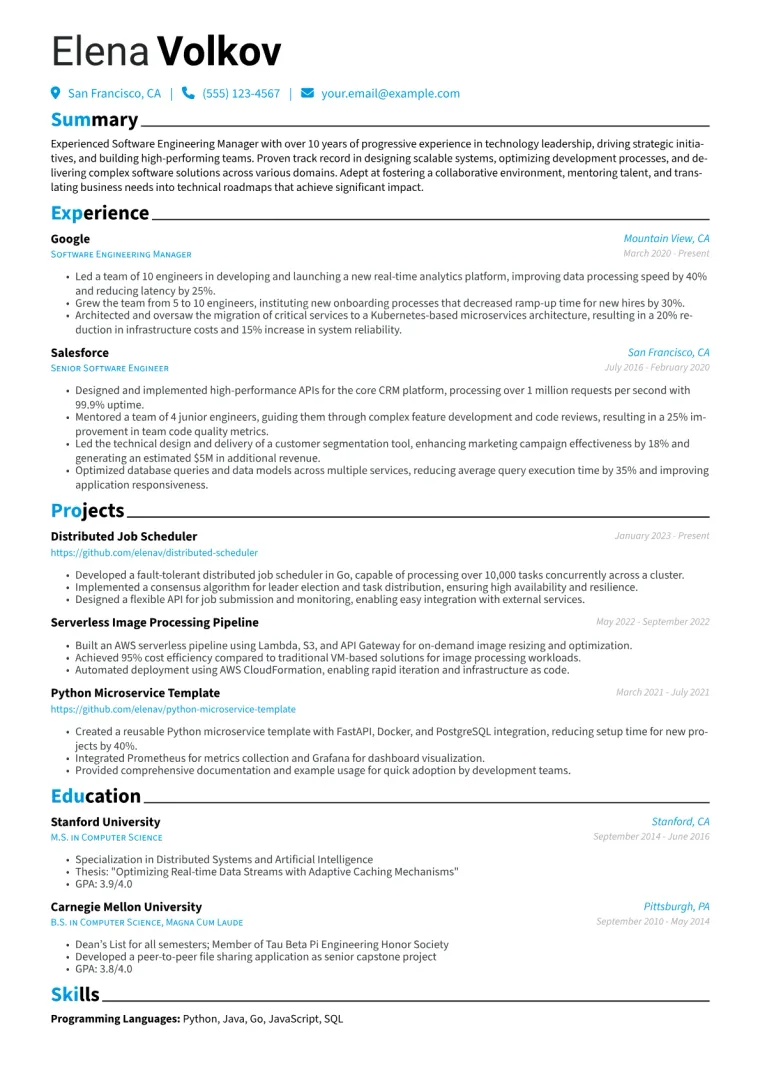
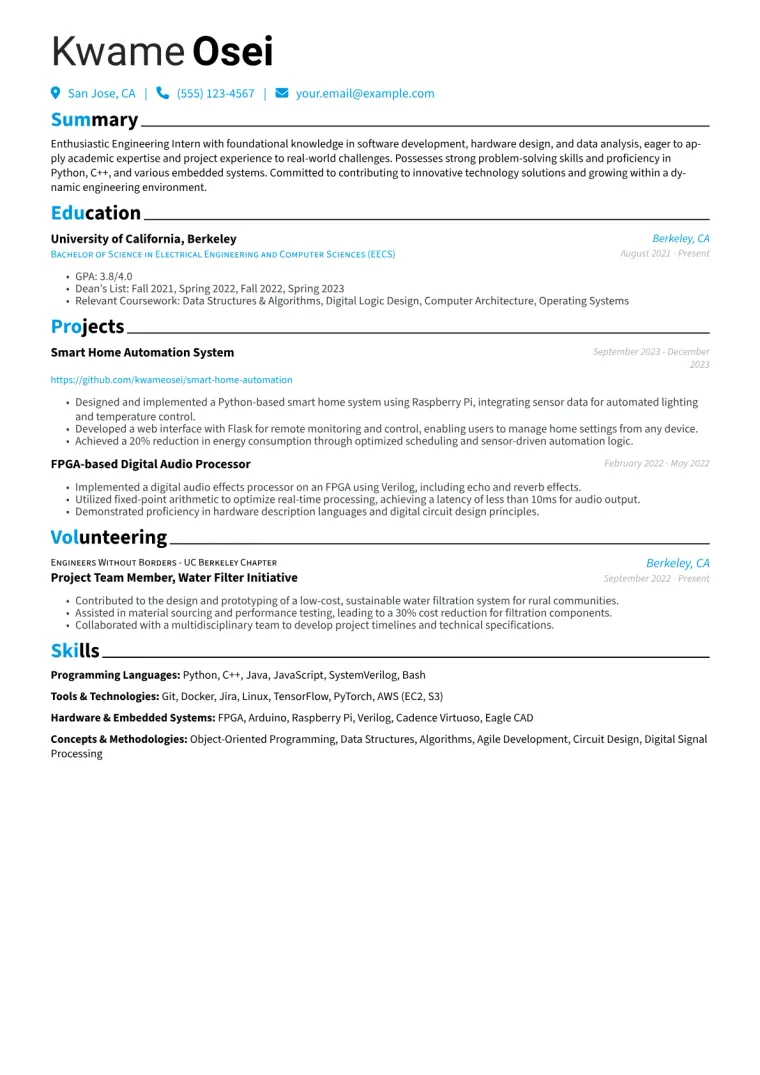
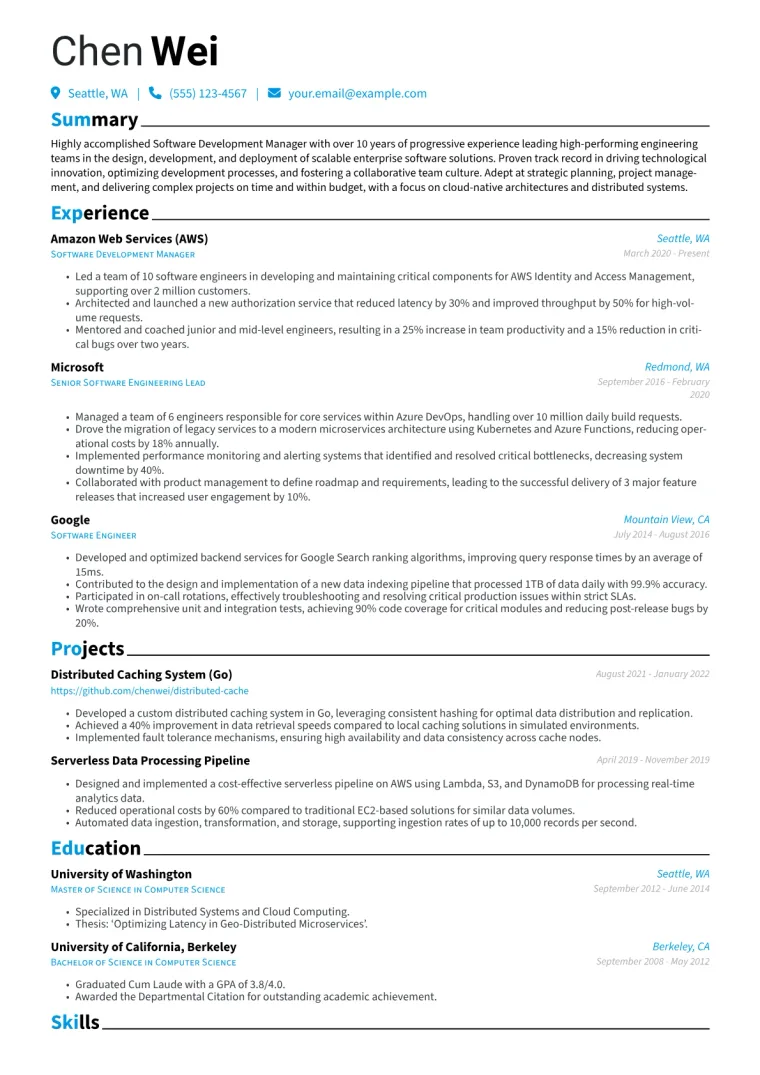
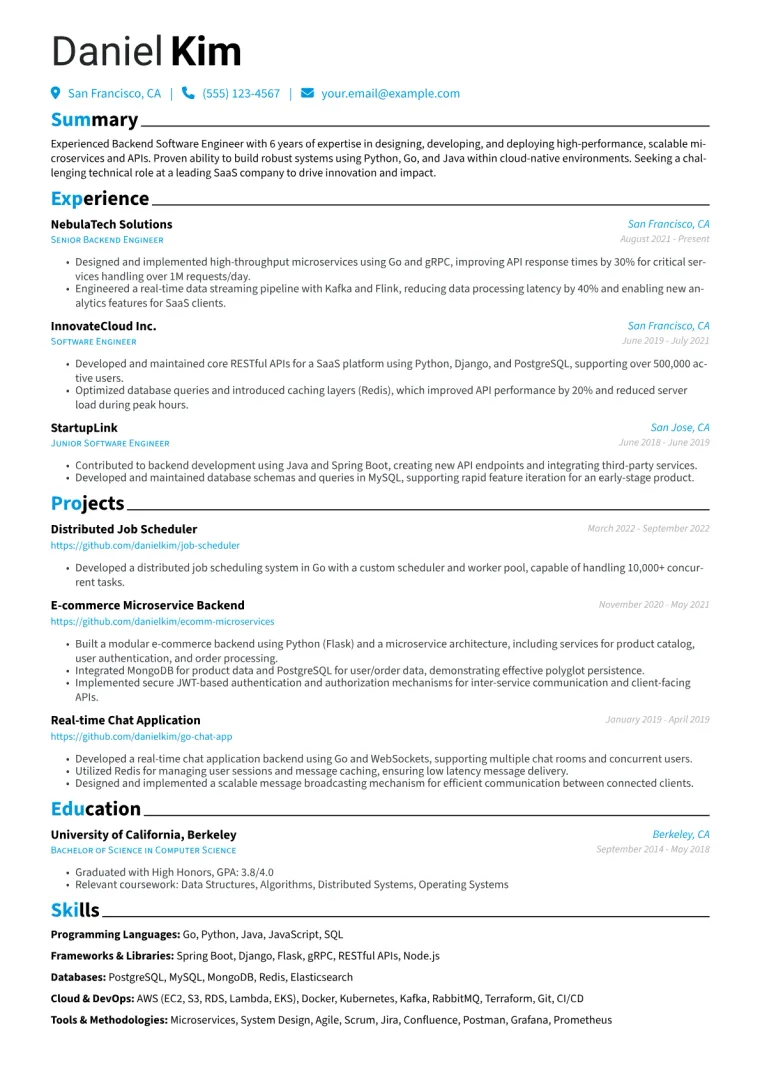
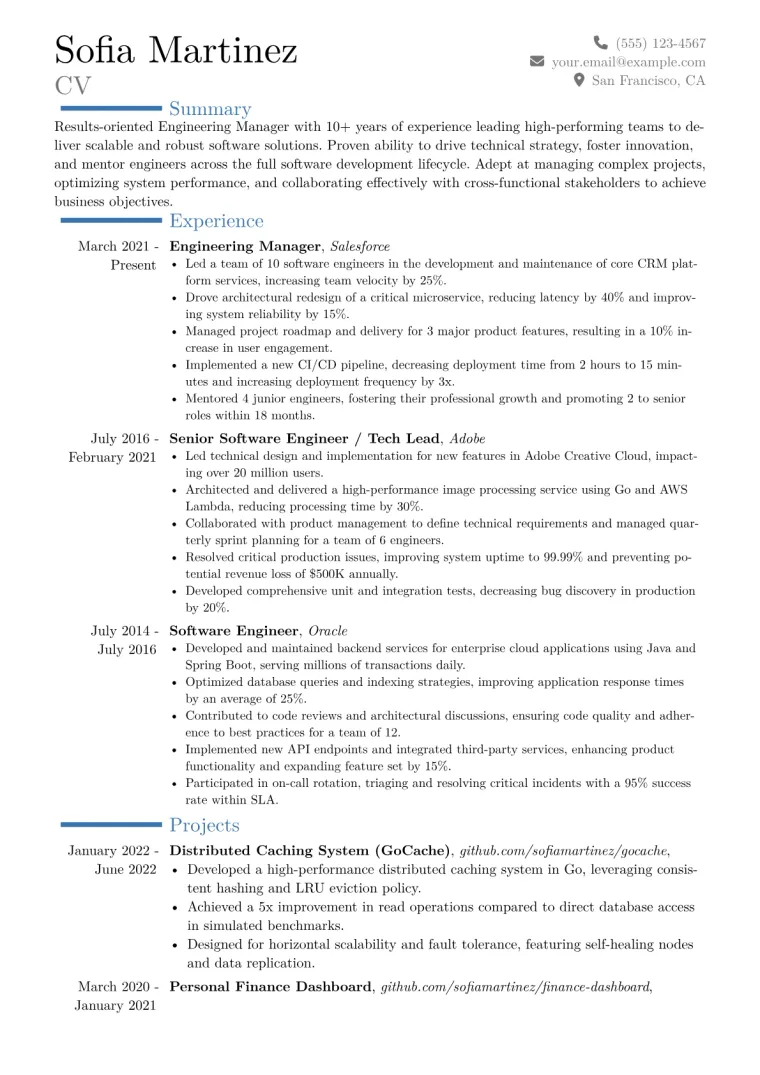
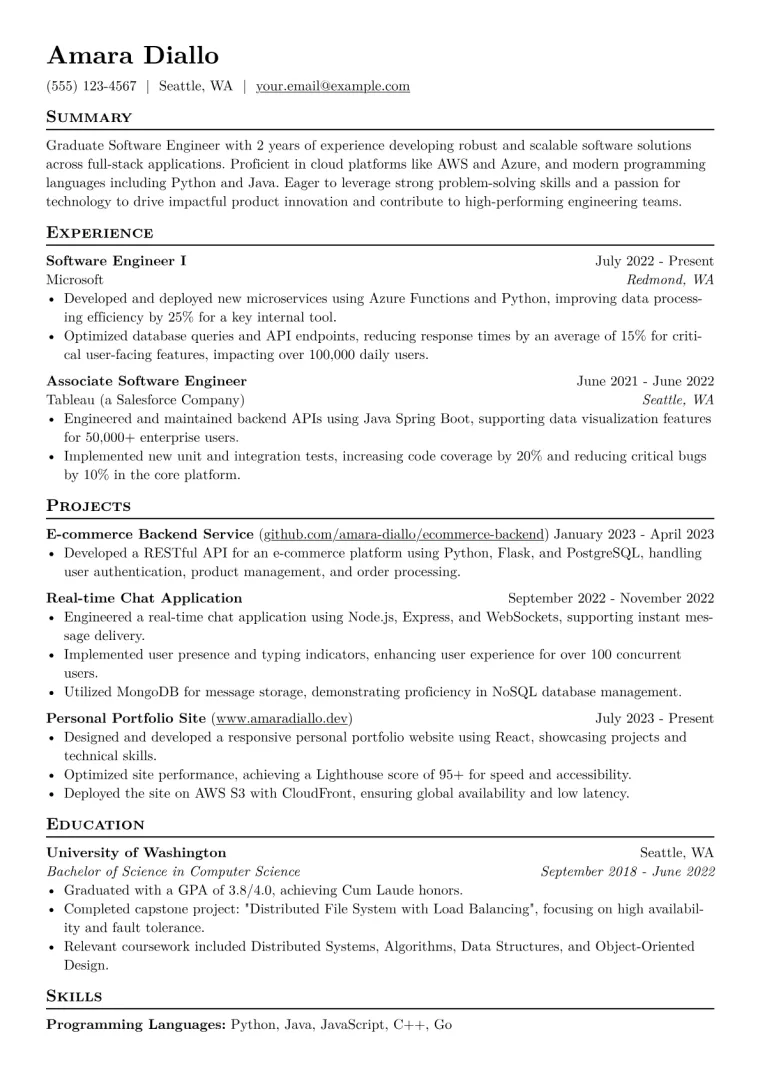
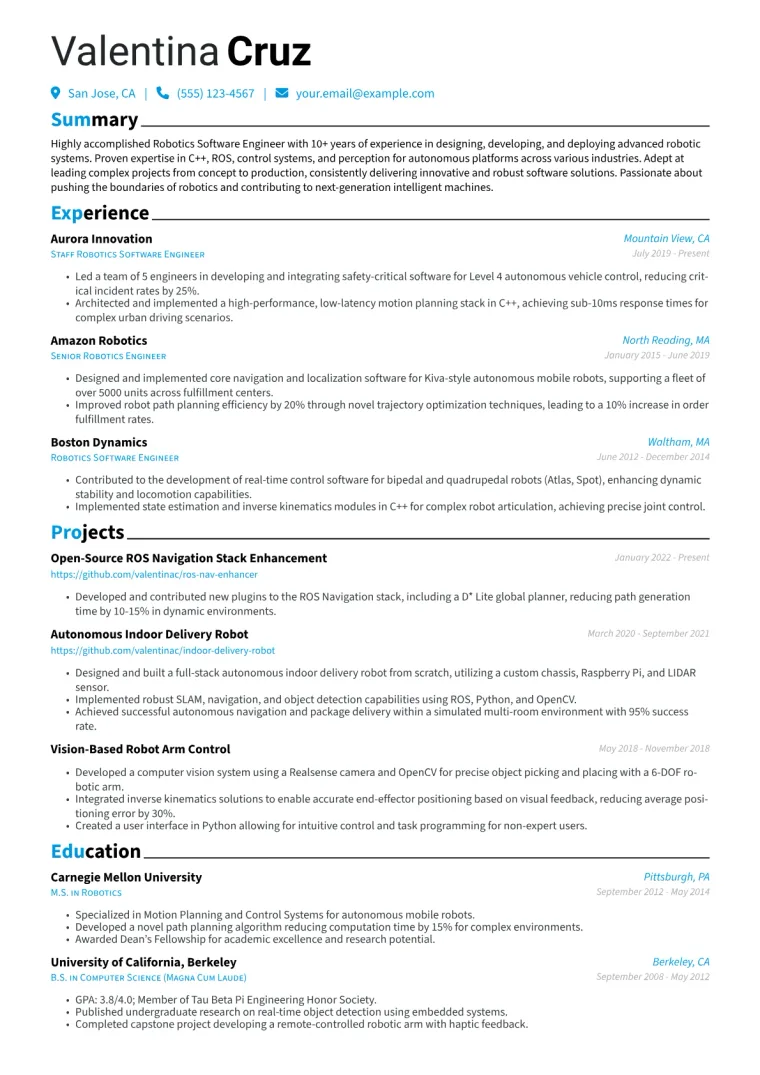
Three complete resumes, each in a different design.
Free to use. No download fee.
What makes a strong Software Engineering Student resume?
For a Software Engineering student, a strong resume highlights technical proficiency, practical application of skills, and collaborative potential. Hiring managers in technology prioritize specific achievements that demonstrate impact, such as improving user engagement or system performance. They look for relevant programming languages, web technologies, and database experience, alongside understanding of software development methodologies like Agile. Terminology like “RESTful APIs,” “unit testing,” “data structures,” and “algorithms” are crucial, signaling a solid foundation and readiness for industry challenges.
Why this example works
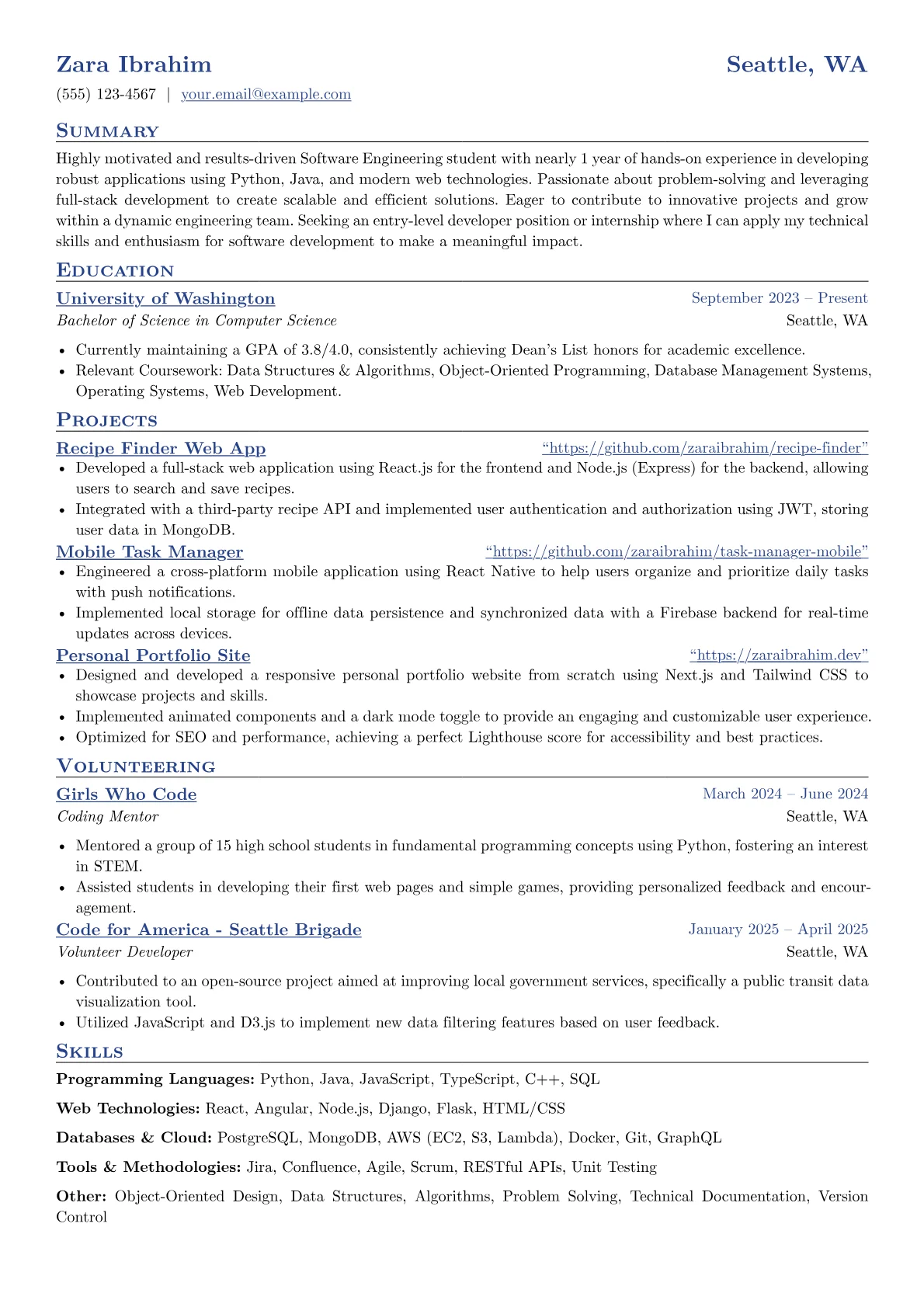
This example resume for Zara Ibrahim effectively showcases these qualities, making it a compelling application for an internship or entry-level role. The “Job” section, detailing her Software Engineer Intern experience, uses strong action verbs and metrics, such as “Developed and optimized new features... improving user engagement by 15%” and “Wrote comprehensive unit and integration tests, increasing code coverage by 20%.” It clearly lists specific technologies used like Python (Django) and React, and emphasizes teamwork through “Collaborated with a cross-functional team of 5 engineers.” Her “Skills” section is comprehensive, including “Programming Languages” like Python and Java, “Web Technologies” such as React and Node.js, and “Databases & Cloud” including PostgreSQL and AWS, indicating a broad and relevant technical toolkit.
Software Engineering Student resume example (text version)
Zara Ibrahim · Software Engineering Student
Summary
Highly motivated and results-driven Software Engineering student with nearly 1 year of hands-on experience in developing robust applications using Python, Java, and modern web technologies. Passionate about problem-solving and leveraging full-stack development to create scalable and efficient solutions. Eager to contribute to innovative projects and grow within a dynamic engineering team. Seeking an entry-level developer position or internship where I can apply my technical skills and enthusiasm for software development to make a meaningful impact.
Experience
Software Engineer Intern · Tech Solutions Inc.
Redmond, WA · 2025 - 2025
- Developed and optimized new features for a customer-facing web application using Python (Django) and React, improving user engagement by 15%.
- Implemented RESTful APIs and integrated with a PostgreSQL database, ensuring data integrity and efficient query performance.
- Collaborated with a cross-functional team of 5 engineers, participating in code reviews, daily stand-ups, and agile sprint planning.
- Wrote comprehensive unit and integration tests, increasing code coverage by 20% and reducing post-deployment bugs.
Education
Bachelor of Science in Computer Science · University of Washington
Seattle, WA · 2023 - Present
- Currently maintaining a GPA of 3.8/4.0, consistently achieving Dean's List honors for academic excellence.
- Relevant Coursework: Data Structures & Algorithms, Object-Oriented Programming, Database Management Systems, Operating Systems, Web Development.
- Completed a semester-long capstone project focused on secure distributed systems, involving microservices architecture and cloud deployment.
Skills
Software Engineering Student resume example: Software Engineering
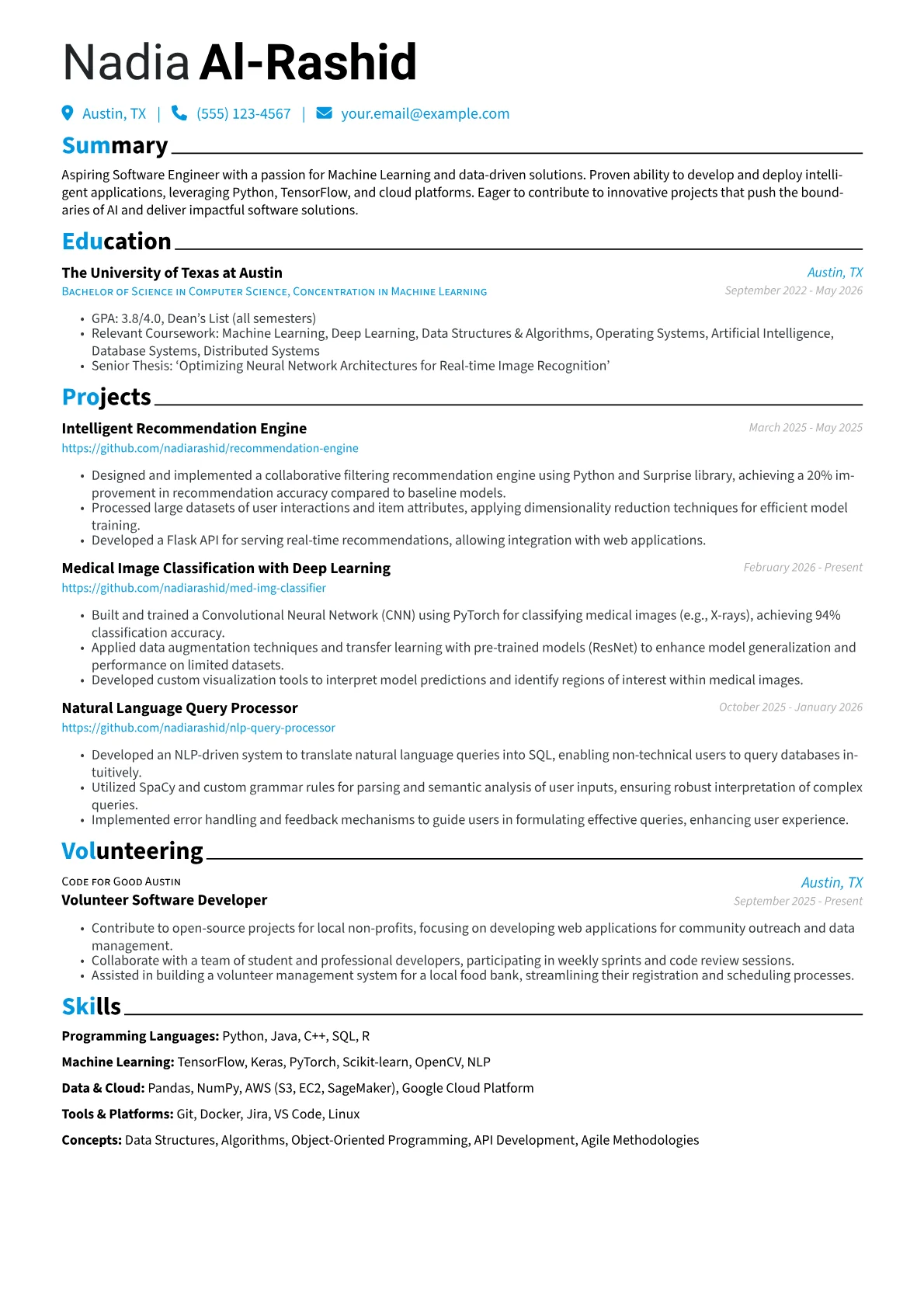
Nadia Al-Rashid · Software Engineering Student
Summary
Aspiring Software Engineer with a passion for Machine Learning and data-driven solutions. Proven ability to develop and deploy intelligent applications, leveraging Python, TensorFlow, and cloud platforms. Eager to contribute to innovative projects that push the boundaries of AI and deliver impactful software solutions.
Experience
Machine Learning Engineering Intern · QuantMinds AI Labs
Austin, TX · 2025 - Present
- Developed and deployed a sentiment analysis model using TensorFlow and Keras, achieving 92% accuracy on custom datasets, improving real-time feedback processing for client applications.
- Implemented data preprocessing pipelines for large-scale datasets using Pandas and NumPy, reducing model training time by 15%.
- Collaborated with senior engineers to integrate machine learning models into existing software architecture, contributing to a scalable and robust system.
- Participated in code reviews and agile development sprints, ensuring high-quality code and timely feature delivery.
Education
Bachelor of Science in Computer Science, Concentration in Machine Learning · The University of Texas at Austin
Austin, TX · 2022 - 2026
- GPA: 3.8/4.0, Dean's List (all semesters)
- Relevant Coursework: Machine Learning, Deep Learning, Data Structures & Algorithms, Operating Systems, Artificial Intelligence, Database Systems, Distributed Systems
- Senior Thesis: 'Optimizing Neural Network Architectures for Real-time Image Recognition'
Skills
Software Engineering Student resume example: Career Changer
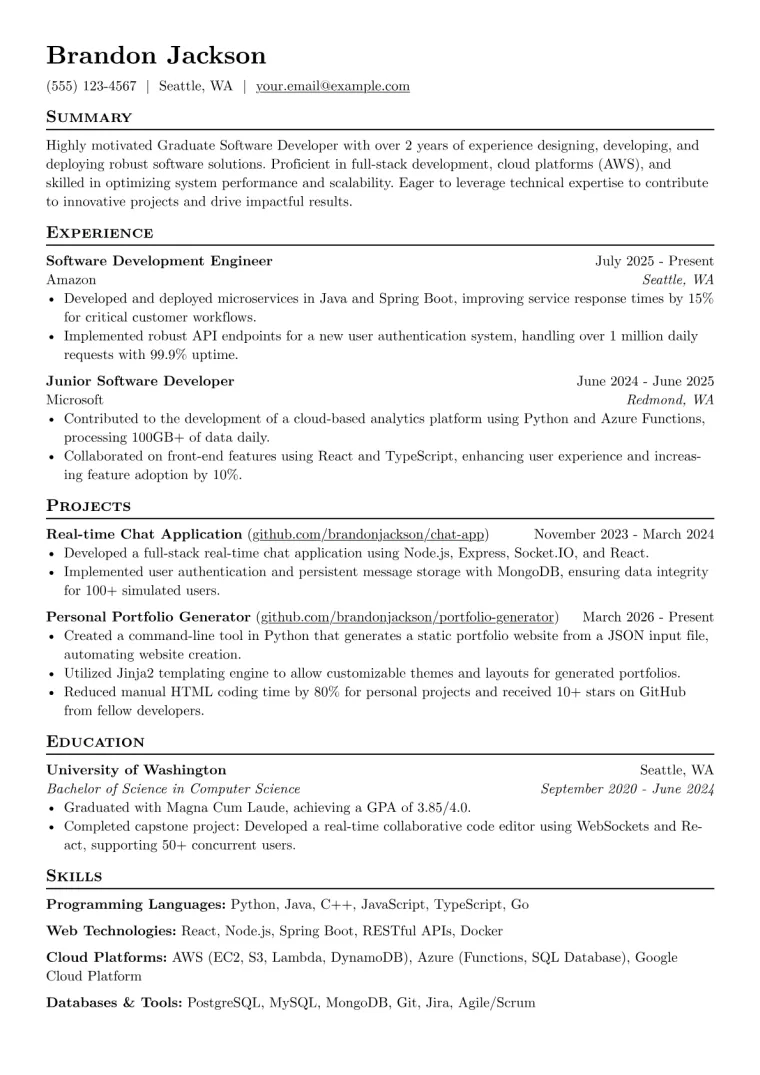
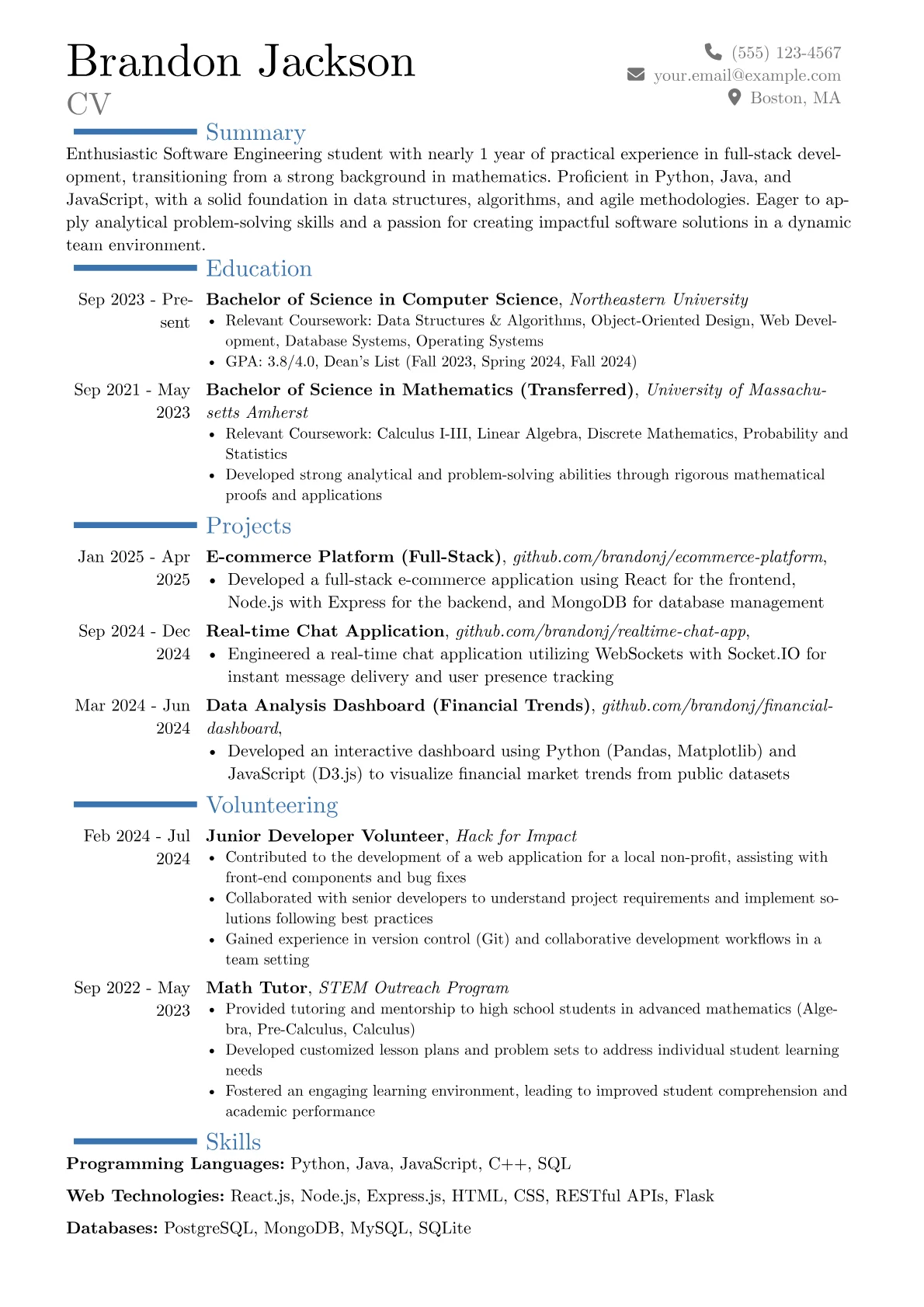
Brandon Jackson · Software Engineering Student
Summary
Enthusiastic Software Engineering student with nearly 1 year of practical experience in full-stack development, transitioning from a strong background in mathematics. Proficient in Python, Java, and JavaScript, with a solid foundation in data structures, algorithms, and agile methodologies. Eager to apply analytical problem-solving skills and a passion for creating impactful software solutions in a dynamic team environment.
Experience
Software Development Intern · Innovate Solutions Group
Cambridge, MA · 2025 - Present
- Contributed to the development of a cloud-based data analytics platform using Python, Flask, and PostgreSQL, improving data processing efficiency by 15%
- Implemented new features for the user interface with React.js and Redux, enhancing user experience and responsiveness
- Wrote and maintained unit and integration tests using Pytest and Jest, ensuring code quality and reducing bugs by 20%
- Participated in agile development cycles, including daily stand-ups, sprint planning, and code reviews, collaborating with a team of 5 engineers
Education
Bachelor of Science in Computer Science · Northeastern University
Boston, MA · 2023 - Present
- Relevant Coursework: Data Structures & Algorithms, Object-Oriented Design, Web Development, Database Systems, Operating Systems
- GPA: 3.8/4.0, Dean's List (Fall 2023, Spring 2024, Fall 2024)
- Participated in university hackathons, developing prototypes for accessibility tools
Bachelor of Science in Mathematics (Transferred) · University of Massachusetts Amherst
Amherst, MA · 2021 - 2023
- Relevant Coursework: Calculus I-III, Linear Algebra, Discrete Mathematics, Probability and Statistics
- Developed strong analytical and problem-solving abilities through rigorous mathematical proofs and applications
- GPA: 3.7/4.0
Skills
How useful was this template?
Example by JobSproutSoftware Engineering Student resume summary example
Highly motivated and results-driven Software Engineering student with nearly 1 year of hands-on experience in developing robust applications using Python, Java, and modern web technologies. Passionate about problem-solving and leveraging full-stack development to create scalable and efficient solutions. Eager to contribute to innovative projects and grow within a dynamic engineering team. Seeking an entry-level developer position or internship where I can apply my technical skills and enthusiasm for software development to make a meaningful impact.
Software Engineering Student resume skills and keywords
Recruiters and applicant tracking systems scan Software Engineering Student resumes for these skills and keywords. Include the ones that match your experience and mirror the wording in the job description. Check your resume against them with the free ATS checker.
Hard skills
Tools & software
Certifications
Soft skills
Frequently Asked Questions
What's the best resume layout for a software engineering student applying for internships or entry-level roles?
Which programming languages and technical skills should I emphasize most as a software engineering student?
How do I write impactful bullet points for my projects and coursework when I don't have much work experience?
Should I include a portfolio or personal projects section on my student software engineering resume?
How can JobSprout's AI help me adapt my software engineering student resume for a specific internship posting?
The blank page is the hard part. Skip it.
Free to use. No download fee.
Related Articles
![How to Write a CV for Tech Applications [2026 Guide]](/thumbnails/cv-for-tech-applications.webp)
How to Write a CV for Tech Applications [2026 Guide]
Learn how to write a software engineering CV that gets interviews. Real template analysis, what hiring managers look for, and common mistakes to avoid.
![How to Write a CV That Shows Startup Experience [2026 Guide]](/thumbnails/cv-for-startup-engineers.webp)
How to Write a CV That Shows Startup Experience [2026 Guide]
Learn how to write a CV that showcases founding engineer and startup experience. Real example from JobSprout's creator, what hiring managers look for, and how to position breadth as a strength.